KLIPY: GIFs and Stickers is a Premiere Pro extension for searching KLIPY’s GIF and sticker library from the editing workspace. Choose an animated reaction or visual accent from the panel and add it to the sequence. This can help when a social edit, fan edit, or personal video needs a quick visual beat.
Search and insert from the Premiere Pro workspace
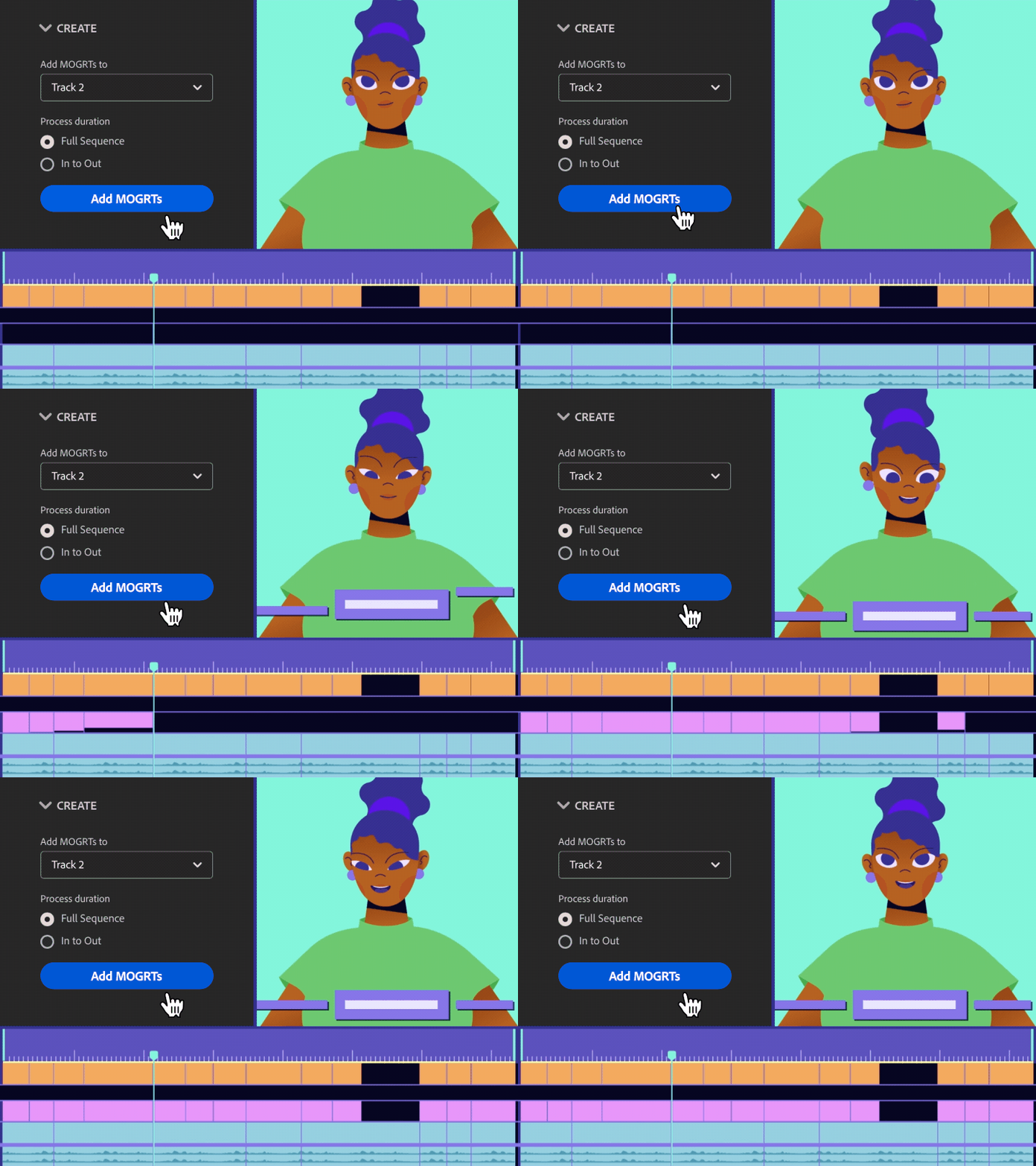
Search for a phrase or mood, choose an item, and place it in the timeline. KLIPY’s plugin guide describes dragging selected GIFs and stickers onto the active timeline. A third-party product listing describes a click-to-insert workflow that converts a selected asset to an optimized MP4 before adding it to the sequence. Review its timing and placement against the surrounding footage.
The extension handles finding and inserting media; the editor decides where an asset belongs and whether it fits the scene, audience, and visual style. It is useful for reaction cuts or animated accents when you want to keep asset search within Premiere Pro.
Compatibility and setup
KLIPY is distributed through Adobe Exchange as a Premiere Pro extension. After installation, KLIPY’s setup guide says to open the panel from Window > Extensions > KLIPY. Check the current Adobe Exchange entry for the Premiere Pro version requirement before installing.
Check usage rights before publishing
Access through the panel does not automatically clear an asset for every use. KLIPY’s Terms of Service grant a personal, non-commercial license to use the services and view their content; public-domain material or content authorized by its owner is excepted from restrictions on copying and commercial use. KLIPY’s apps and integrations page says commercial use, including advertising or merchandise, requires a license or direct consent from the rights holder. Check the rights for the specific GIF or sticker before publishing commercial work.