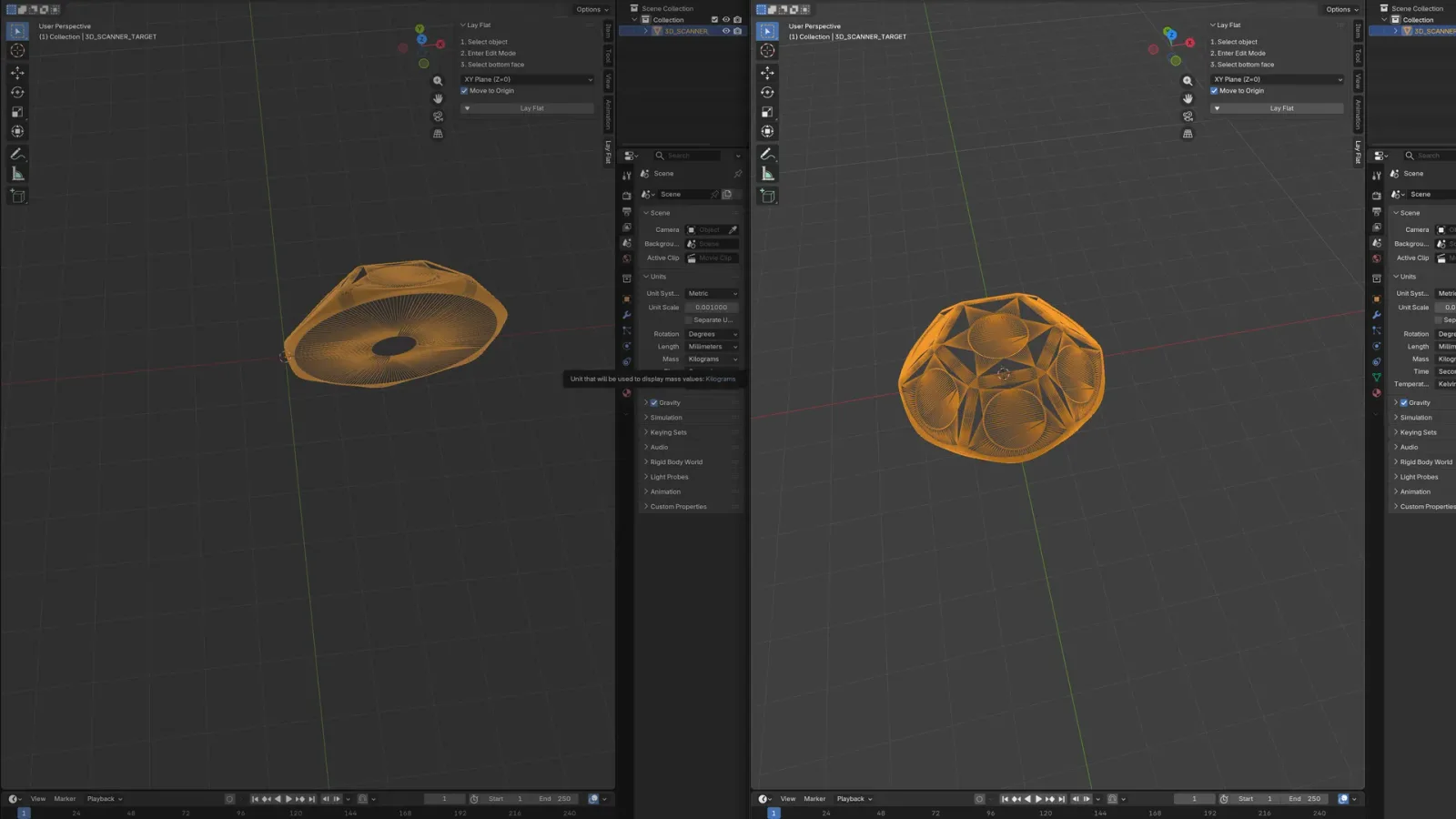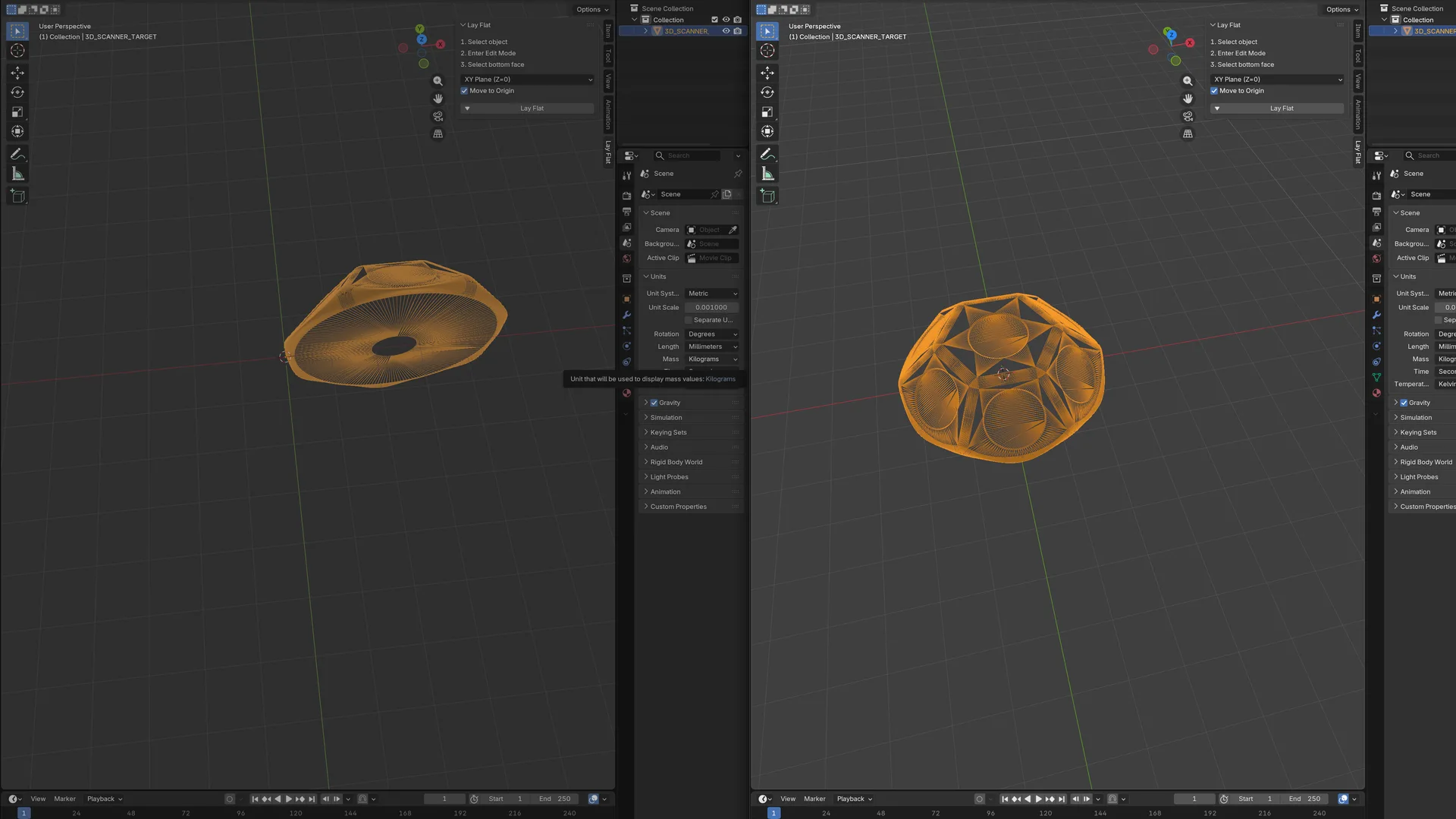
Lay Flat is a Blender add-on that places a mesh object on the XY plane using a face you choose. It rotates the object so that face points downward, then brings it to Z=0. An optional Move to Origin option centers the selected face at the world origin (0, 0, 0). This can help when preparing a model for 3D printing or placing geometry flush against a surface.
Choose the face that should rest on the ground
Select the mesh, press Tab to enter Edit Mode, and choose the face you want at the bottom. In the 3D Viewport, press N to open the Sidebar, select the Lay Flat tab, and click the Lay Flat button. You can also press F3 and search for Lay Flat.
Compatibility and installation
The Blender Extensions listing lists Lay Flat as version 1.0.0 and requires Blender 4.2.0 or newer. To install from a downloaded ZIP, open Edit > Preferences, choose Get Extensions, click the arrow at the top right, and select Install from Disk. Choose the ZIP file; Blender installs and enables the extension automatically. The developer's repository includes the usage instructions and source code.