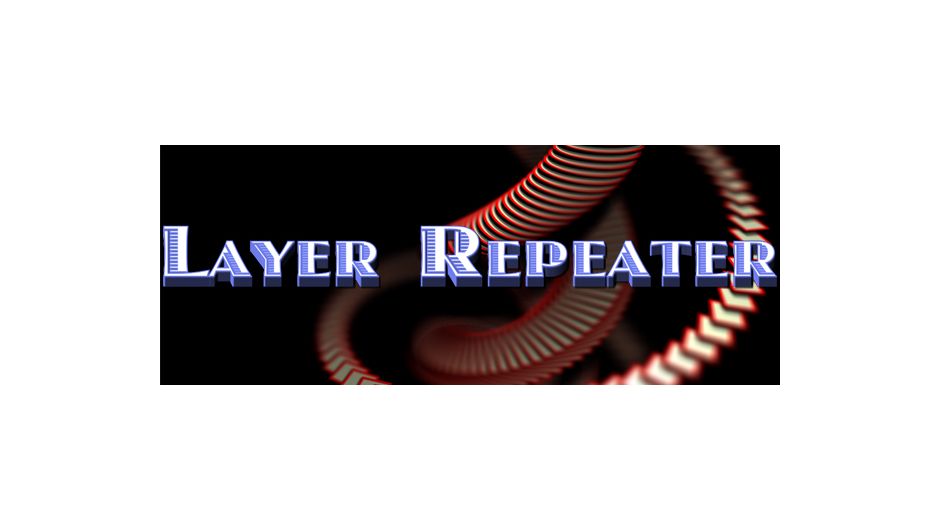
Layer Repeater creates multiple copies of a selected After Effects layer inside a generated composition. A null in the parent composition controls the repeated layers, so you can animate their offsets and random values from one place.
Set up a repeated layer
- Select the layer to repeat and choose how many copies to create.
- Choose whether the repeated layers should have 3D properties.
- Run Layer Repeater. It replaces the selected layer in the composition with the generated composition and adds a control null.
Animate properties and timing
The controls support offsets and random values for anchor point, position, rotation, scale, and opacity. Version 2.6 adds time offsets measured in frames. The product page also describes shifting, randomizing, and looping layers in time, which can help build staggered repeats.
Installation and compatibility
The download includes Layer Repeater v2-6.jsxbin and a layer_repeater_effects folder. Copy both to After Effects' ScriptUI Panels directory, either the application or user location, restart After Effects, then run the script from the Window menu.
The compatibility list spans After Effects CS3 through 2026. Release notes describe partial compatibility back to CS6 for versions older than CC 2019, and state that these older versions do not have the time-remapping features added in version 2.6. The compatibility list includes releases older than CS6, while the release notes describe partial compatibility only back to CS6, so support below CS6 is unclear.
Pricing and license terms
The product page displays a suggested price of $19.99. Individual users may choose another amount under the Name Your Own Price terms. Businesses and teams must pay the suggested amount for a valid license. The EULA grants one copy for use on one computer at a time; shared or multi-user use requires an appropriate license for each user and copy.