Build and revise collages in After Effects
Collage Pro creates horizontal or vertical collage layouts from items in an After Effects project. Start with project panel items or selected layers. Supported items include footage, still images, videos, precomps, and most other After Effects items. It suits motion designers making slideshows, social videos, portfolio galleries, or moodboards, especially when the collage may need changes during editing.
Choose a quick or adjustable workflow
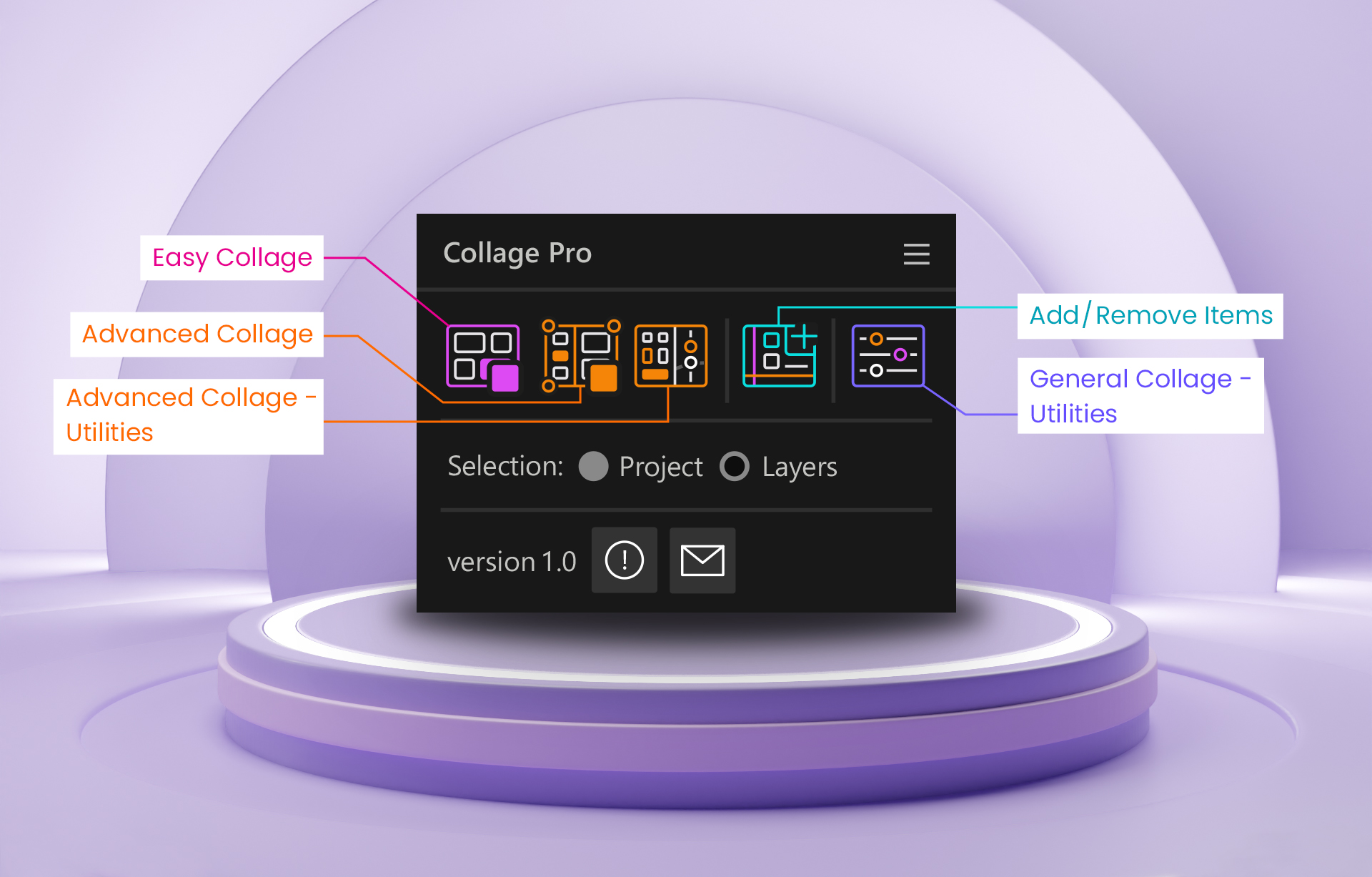
Easy Collage creates layouts with fewer controls and a quicker setup. Advanced Collage gives you controller-based adjustments for designs that need more revision. In Advanced Collage, change an item's Length Adjustment preset and other items in that line adapt automatically. Use the controller layer's Divider control to resize a line. You can also change the layout between horizontal and vertical and work with variable line and item sizes.
Rearrange items and lines
Use Add to Collage to insert selected items into an existing layout; Ctrl/Cmd-click removes selected items. Advanced Collage Utilities can move selected items with arrow controls or move whole lines in Lines mode. The utilities also let you add a line at a chosen position or remove selected, empty, or hidden lines. These controls help when the contents or order of a collage changes during a project.
Animate or edit the collage manually
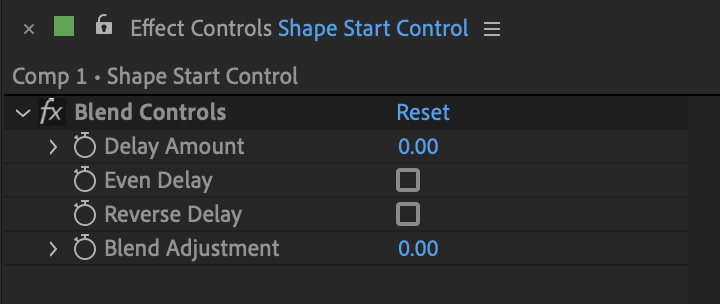
Animate transform properties from the controller layer and use Delay Amount (Frames) to stagger motion. If the layout no longer needs controller-based adjustments, Convert to Static Collage removes the controls so you can edit it manually.
Compatibility and licensing
The listing specifies After Effects 2020 through 2026. The product's EULA grants one copy and requires appropriate licensing for additional copies or users. The seller's license guide says that a Single User License can be installed on up to two computers if they are not used at the same time, unless otherwise noted. Floating and Render Only licenses require the seller's command-line Floating License Server; Single User licenses do not. The Collage Pro page also displays a Floating License Server requirement notice, so confirm whether the selected license type requires the server before purchase, particularly for shared or render-node workflows.