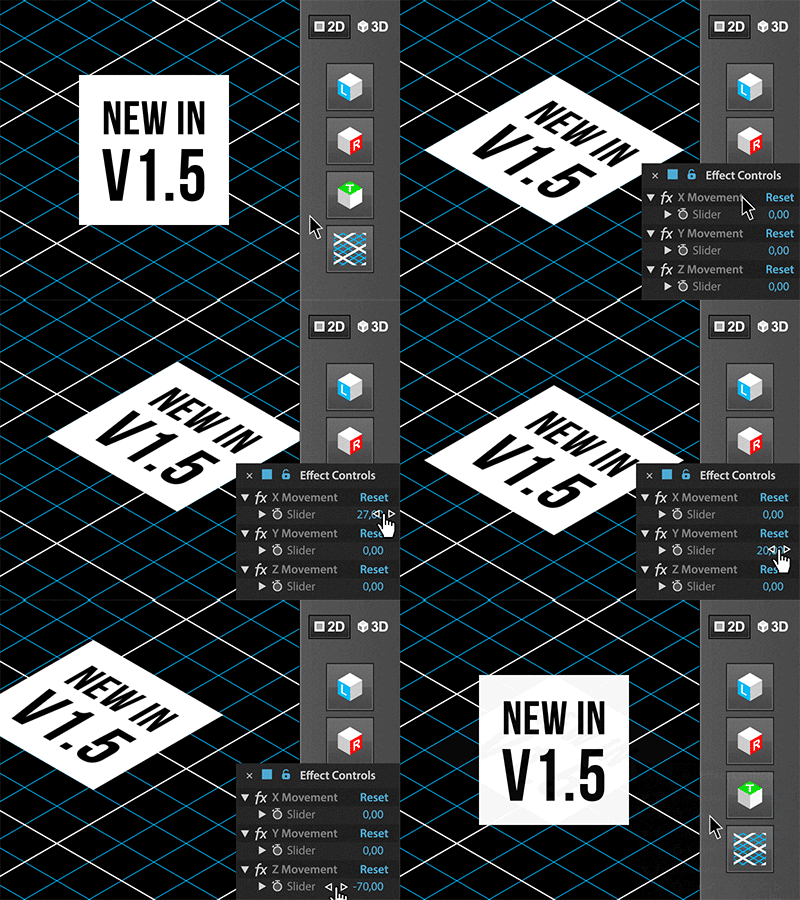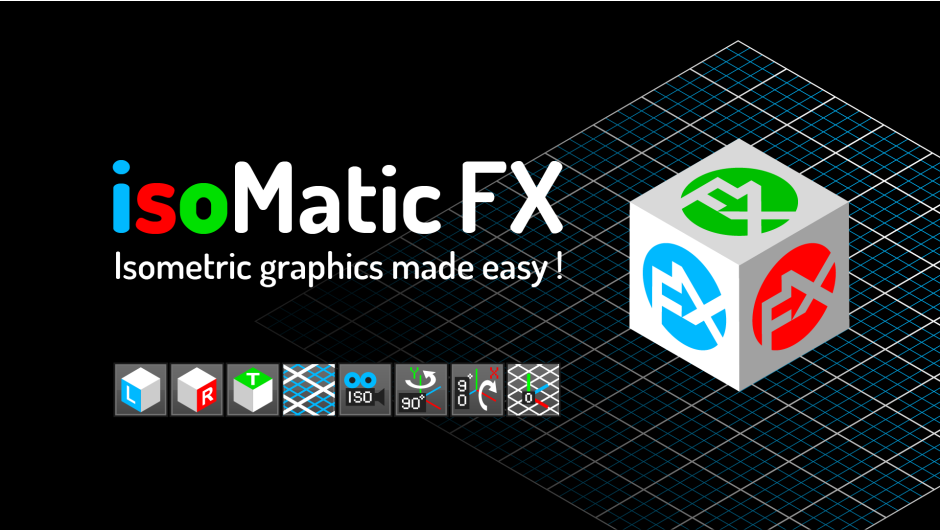
Isomatic FX adds a panel to After Effects for creating and animating isometric compositions. The 2D tools apply a left, right, or top isometric appearance to flat layers, while the 3D tools work with actual After Effects 3D layers and create an isometric-style camera.
Apply isometry to 2D layers
The 2D controls work with solids, precompositions, footage, text layers, and shape layers. Choose a left, right, or top orientation for selected layers. Alt-click the top orientation button to change its direction; the selected layers' effects also gain a Flip direction checkbox for changing it. Clicking the same orientation button again removes its isometric appearance.
Applying a 2D orientation also adds expressions to the layer's Position and creates X Movement, Y Movement, and Z Movement sliders in the Effects panel. Animate through those sliders to constrain layer movement along isometric axes. If a layer already has an isometric appearance, you can remove the appearance while keeping its movement controls and expression.
Use grid guides
The 2D isometric grid creates a guide layer. Adjust its color and thickness in the After Effects layout, and change its size and subdivisions in the Effects panel. The 3D ground grid creates a square solid with the Grid effect to mark a scene's floor plane. Each grid tool is limited to one grid layer per composition.
Build a scene with 3D layers
In 3D mode, Isomatic FX creates an isometric camera. Its lateral control rotates selected 3D layers by 90-degree increments around Y, and its vertical control rotates them around X. Alt-click rotates in the opposite direction; Shift-click the vertical rotation control to rotate around Z. The camera is an approximation: the developer notes that After Effects cannot create a fully exact isometric camera. The tool also limits you to one isometric camera per composition.
Element 3D and camera limitations
If the composition already contains Element 3D scenes, creating the isometric camera adjusts the Camera Cut Off options for the Element 3D effect instances. The recommended sequence is to build and animate the Element 3D scenes with a standard camera first, then create the isometric camera. Trapcode Particular, Trapcode Form, and Plexus are documented as not working correctly with this camera because of their camera cut-off limitations.
Setup, compatibility, and licensing
Isomatic FX is a .jsx script for After Effects, not a standalone application. Installation is by copying the file into After Effects' Scripts > ScriptsUI Panels folder. The listing says it works on PC and Mac and names After Effects 2026 through CS6 as compatible versions.
The product's EULA permits one installed and used copy, plus one archival copy stored on a medium other than a hard drive. Multiple users or computers require an appropriate license for each user and copy. This makes Isomatic FX a fit for After Effects artists who need reusable 2D isometric layouts, axis-constrained movement, or an isometric view of native 3D layers.