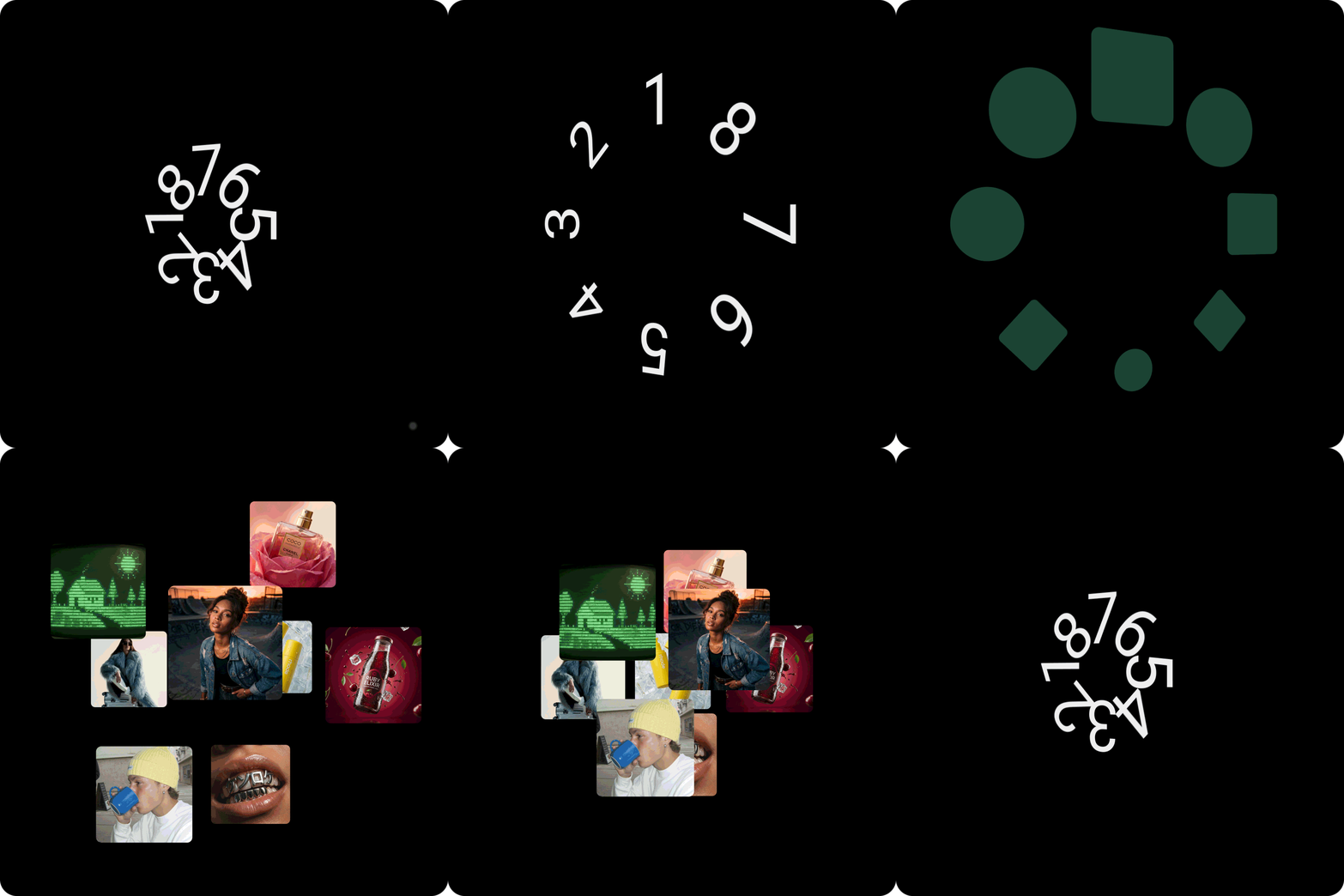
Grid Builder is an After Effects extension for arranging and animating layers inside a composition. It fits motion work where repeated items need a structured layout that can change shape or respond to nearby effectors, while the source layers stay editable. Supported assets include text, shapes, vectors, footage, and precompositions, so a grid can combine different kinds of content.
For example, text layers can start in a radial arrangement and then morph to a rectangular layout while retaining their individual animation controls. The same workflow applies to shape or vector elements that need to move as a group while remaining available for separate edits.
Choose a layout and order
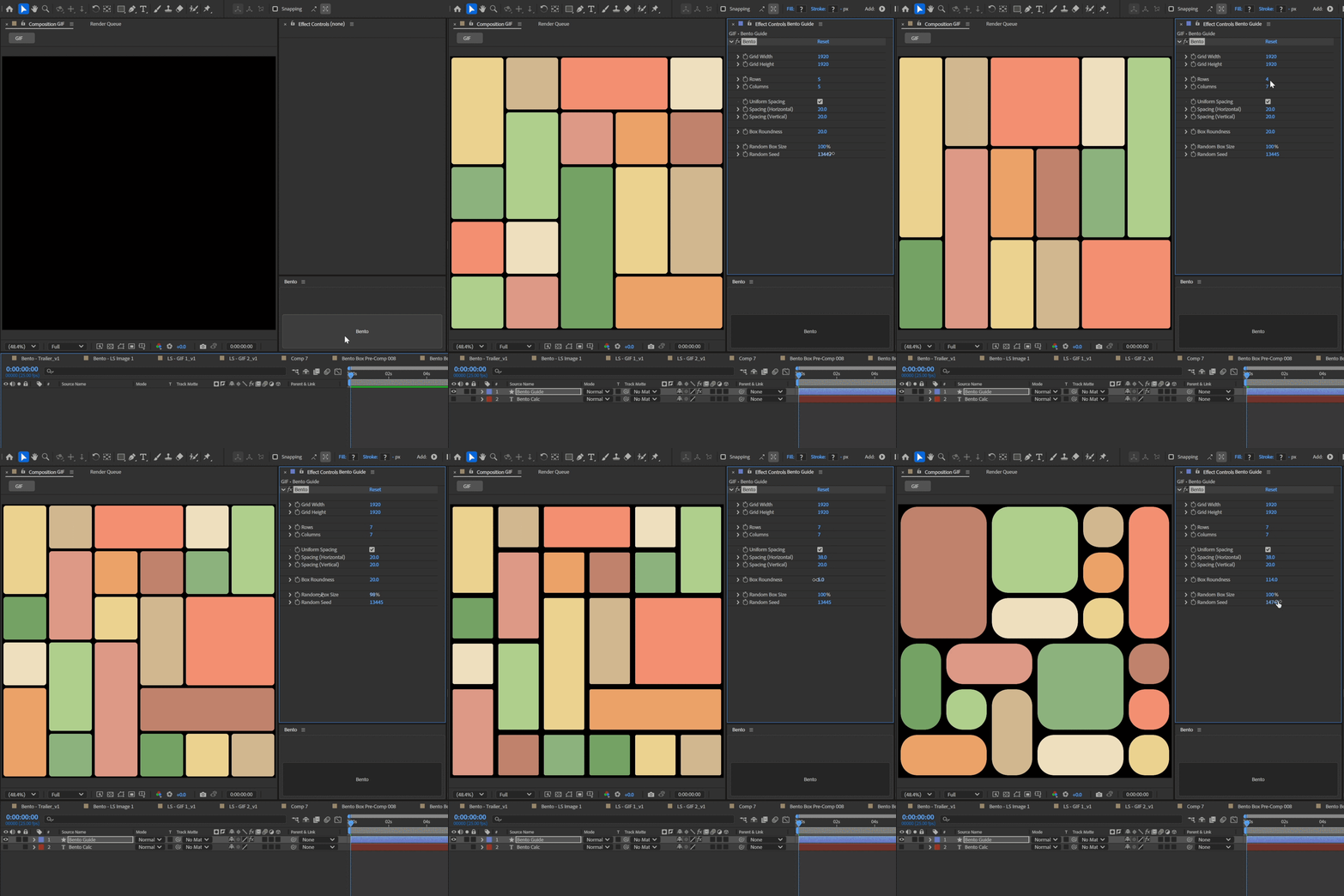
The rectangular grid arranges layers by columns; the radial grid places them around a circle. Path mode uses a supplied template or a path you draw, while spherical mode distributes layers across a sphere. Create and manage grids in the extension panel, where you can drag and drop to reorder their contents without changing the composition's layer stack. This is useful when the desired grid order differs from the existing order of layers in the timeline.
Control and animate each grid
Each grid creates a control Null with a Pseudo Effect for its layout settings and animation. The Null gathers the grid controls in one place, while individual layers remain available for their own keyframes, effects, and adjustments.
Four orientation modes suit different compositions. Forward follows the control Null's rotation; Orient to center points layers toward the grid center; Face Screen keeps them facing the camera; and Orient to path aligns them with the path direction in Path mode. A slider morphs between layouts while keeping their individual controls available. Smart Target Focusing is for spherical grids: the grid calculates a direct route between targets and can skip intermediate layers.
Make layers respond to effectors
Proximity groups let effectors influence position, rotation, scale, and opacity, or apply attraction, repulsion, and Look At behavior. You can also assign a custom effect and property. A group can contain multiple effectors, all acting on the properties configured for that group; separate groups can control different properties. Grid changes can also be made while proximity is in use, combining layout transitions with effector-driven motion.
Compatibility and licensing
The product listing names After Effects 2022 through 2026. aescripts' general Single User License guidance allows installation on up to two computers when they are not used at the same time. The Grid Builder listing's displayed EULA, updated Oct 21, 2025, says the license permits one copy, requires an appropriate agreement for each user and copy for multiple-copy use, and prohibits installation on more than one computer at a time. Check the selected license terms before planning extra users or shared use. The license types FAQ explains the vendor's Single User, floating, and render-only license models. The Grid Builder documentation includes walkthroughs on creating grids and setting up proximity behavior.