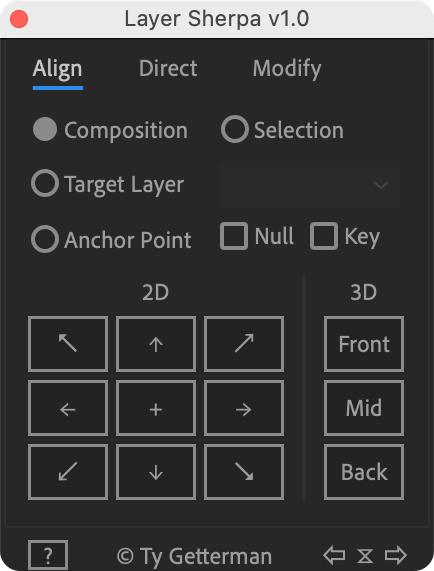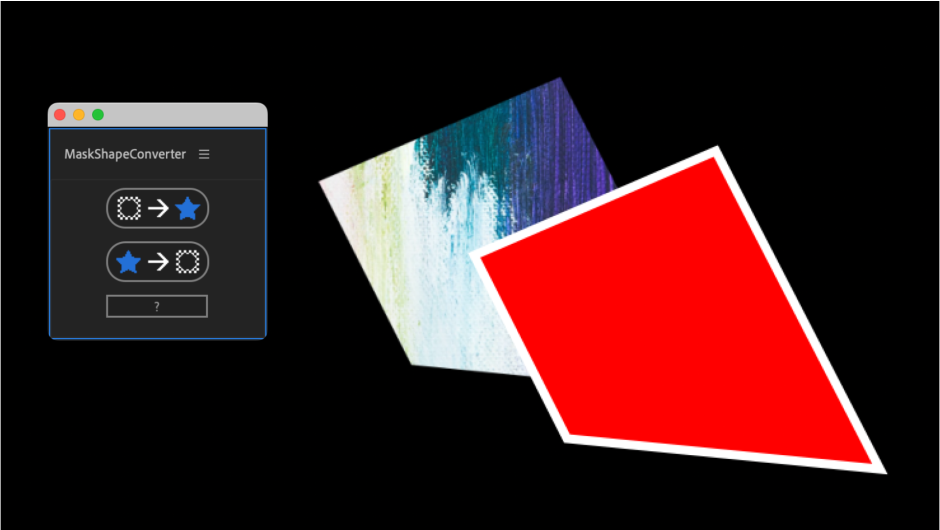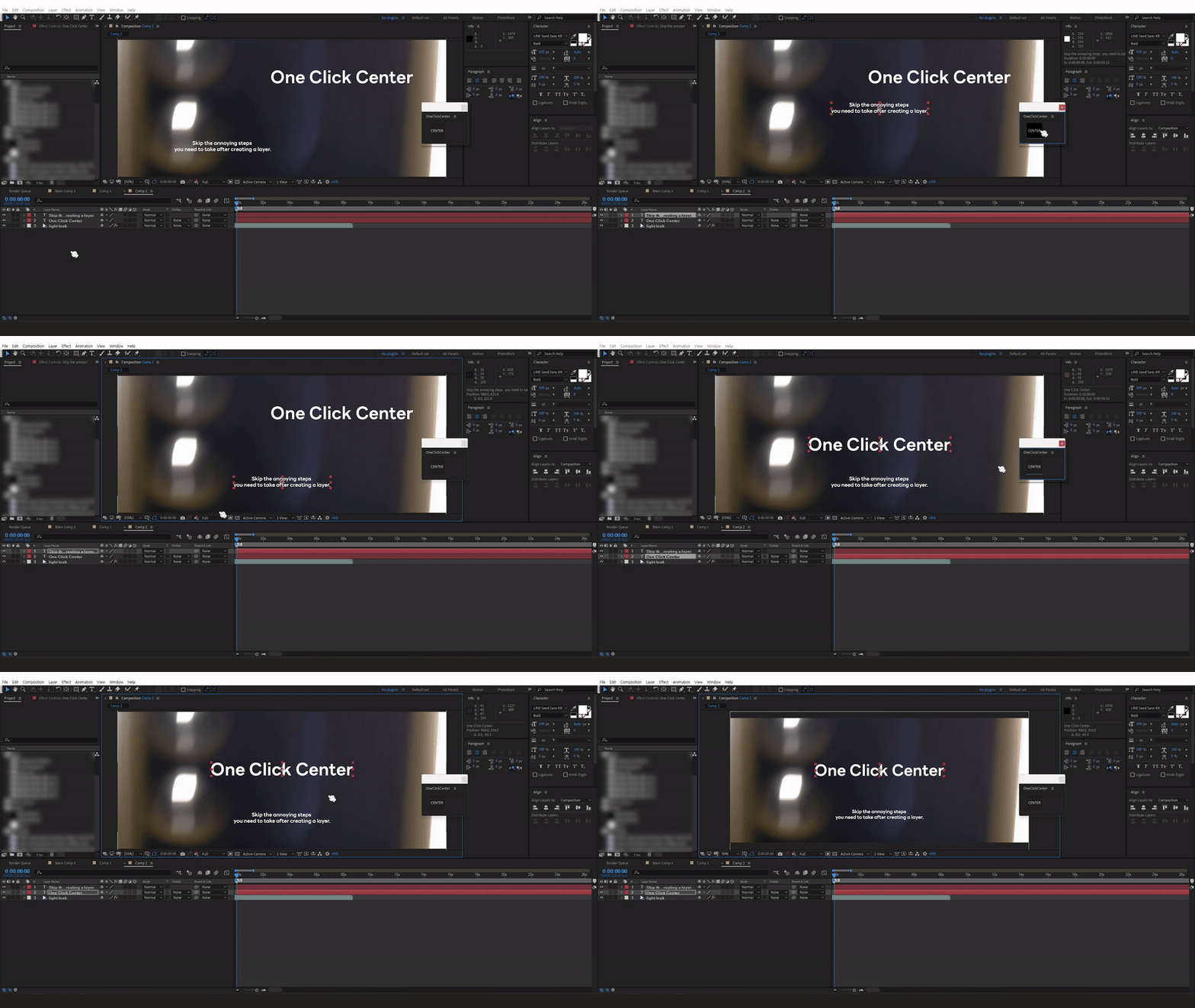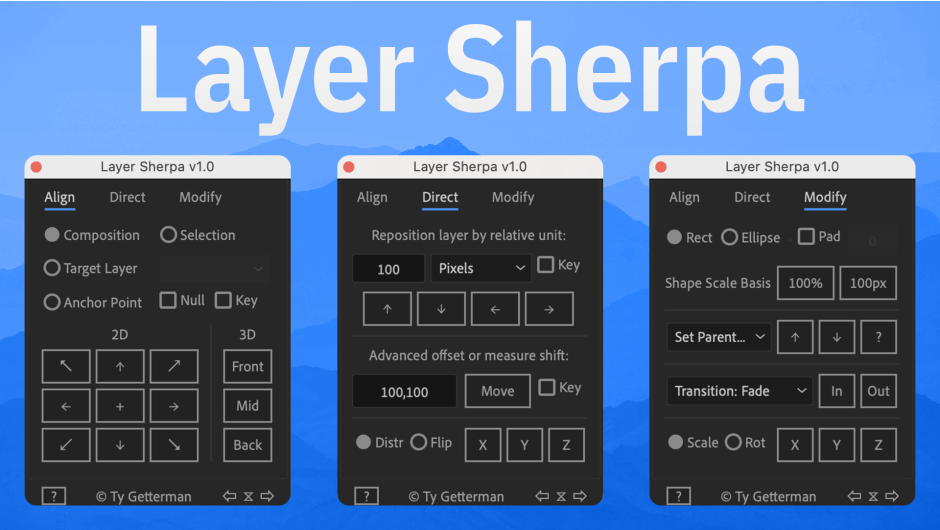
Layer Sherpa is an After Effects script for motion designers who regularly place, organize, and time layers. Its tabbed panel groups alignment, timeline, parenting, shape and matte, and transform controls, with hotkeys for common actions.
Align layers and plan layouts
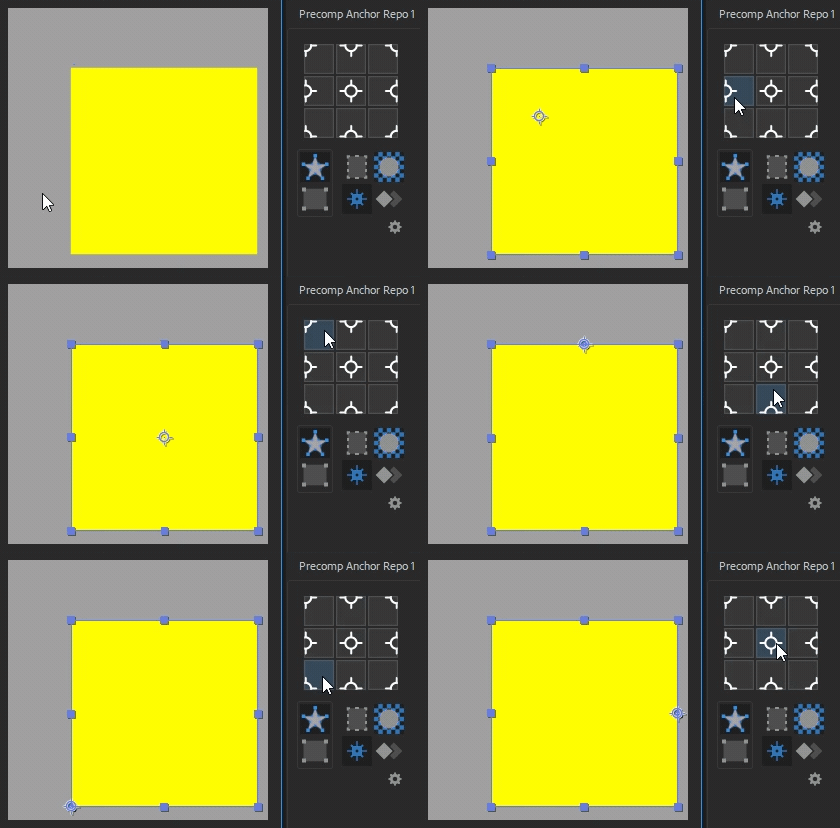
Align layers to the composition, the current selection, or a target layer. Depending on the target, options include inside or outside alignment, constrained axes, group alignment, and 3D alignment. You can also create centered, divided, or offset guides relative to the composition, selection, or target layer. Anchor-point controls place an anchor relative to a layer or selection. A separate command distributes layers along the X, Y, or Z axis.
For precise repositioning, enter a pixel offset or a percentage of the layer or composition. Hotkey offsets are available in 1, 10, or 100 pixel and percentage increments. Advanced offsets work on the X, Y, and Z axes and accept arithmetic plus variables for layer, selection, and composition width and height. Mirror commands reflect layer positions across the X or Y axis without flipping the layer content. A separate command measures a position shift between two keyframes, including separated position dimensions.
Control timing and layer order
Move the current time by one frame, ten frames, or one second, or jump to the start or end of the timeline or a layer's in point. Save the current time and restore it exactly later.
Set a layer's in point, out point, or both to match another layer; set its duration; set in or out points from the time indicator; or shift layers in time. Stagger selected layers in ascending or descending order, by frame, end-to-end, or from the time indicator; you can also invert their order. One-click fade and scale transitions can be applied relative to a layer or the time indicator.
Parent layers, create shapes and mattes, and adjust transforms
Create parent nulls at a chosen location relative to the composition or selection. The parenting controls can assign a parent above or below the selection, use a chosen parent, or remove a parent.
For graphics and mattes, create rectangles or ellipses, including rounded rectangles, as shape layers or track mattes. Options cover placement above or below a layer, layer or selection sizing, padding, and constrained square or circular shapes. Padding accepts math and variables. Match Dimensions provides Fit, Fill, and Equal To modes. Scale and rotation controls support increments, resets, and proportional or individual-axis adjustments.
Compatibility and licensing
The product listing names After Effects 2024, 2023, 2022, and 2021 as compatible versions. It also lists a free trial. If your After Effects version is newer, verify compatibility before purchase because the listing does not confirm it.
The EULA permits one copy on one computer at a time and one archival copy on a storage medium other than a hard drive. It does not permit use on a system that allows shared use of applications, a multi-user network, or another configuration that allows multiple users. Additional users or copies require an appropriate license for each user and copy, and transferring the license requires the author's written consent.