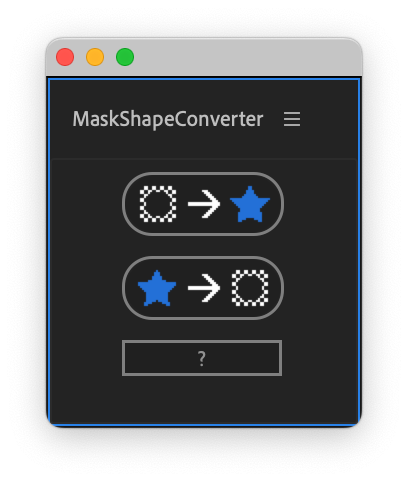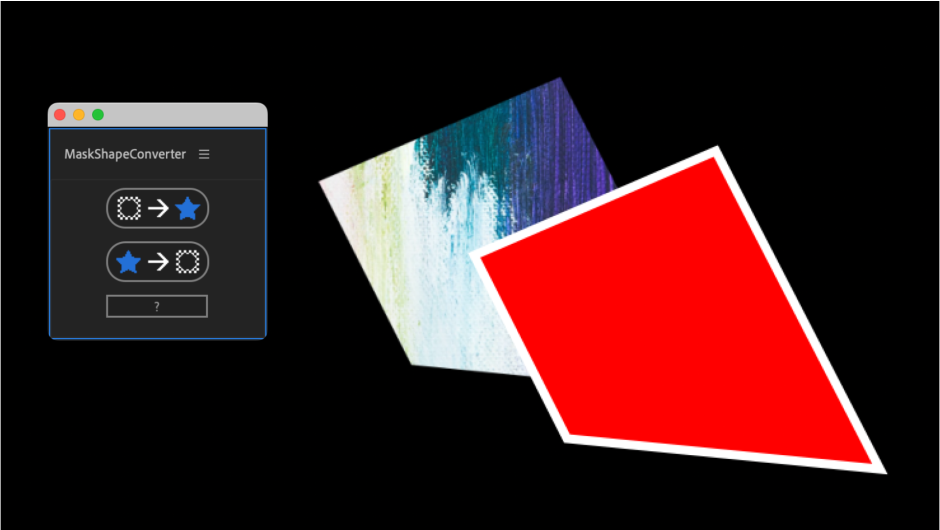
MaskShapeConverter converts masks to shape layers and shape-layer paths to masks in After Effects. It suits editors who need to move paths between these layer types as part of a composition workflow.
Convert a mask into a shape layer
- Select the layer that has the mask.
- Run Mask to Shape.
The conversion options let you place the new shape layer above or below the selected layer and turn fill or stroke on or off. The created layer has its anchor point centered, and the converted shape layers remain selected when the operation finishes. When Merge Shapes is enabled, the product listing says it reduces nested shape structure and preserves the appearance of mixed additive and subtractive masks.
Convert a shape path into a mask
- Select the shape layer.
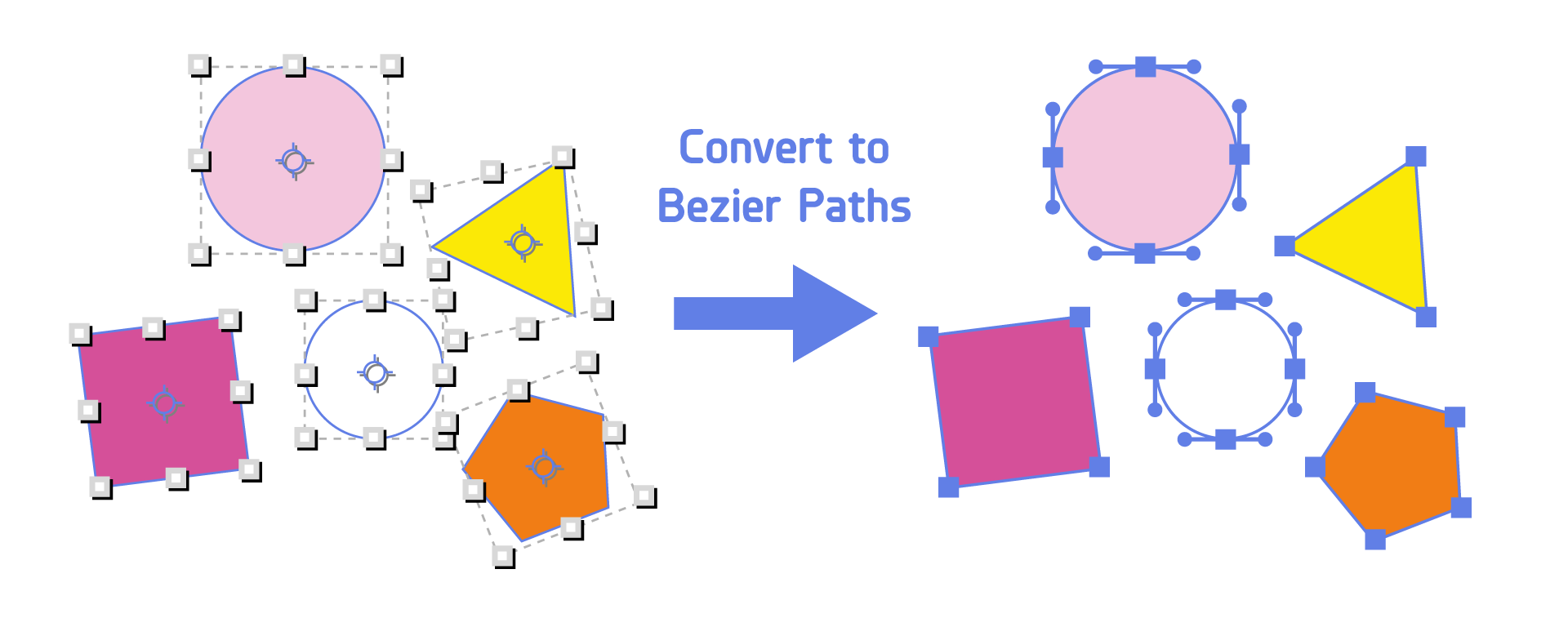
- Run Convert to Bezier Path.
- With the shape layer still selected, select the layer that should receive the mask last.
- Run Shape to Mask.
MaskShapeConverter supports paths other than Bezier paths and rounded corners in polygonal paths.
Other workflows and compatibility
MaskShapeConverter supports keyframes. When the selected layer is 3D, the added shape layer is 3D as well. Alt/Option-click sets the shape layer as a track matte.
MaskShapeConverter is listed as compatible with After Effects 2023, 2024, 2025, and 2026. The roadmap lists a fix for misalignment when changing properties such as rotation and scale. If your work depends on those transforms, try that case with the listed trial before relying on the conversion.
License details to verify
The product listing displays a notice that a Floating License Server is required for MaskShapeConverter. aescripts' general license FAQ says Single User Licenses do not require that server, while Floating Licenses do. The FAQ describes a Single User License as installable on up to two computers without simultaneous use. Floating licenses can be used on computers on the same network, with one user per license at a time; remote users need VPN access to that network. The product page's EULA separately states a one-copy, one-computer-at-a-time limit unless additional licensing is obtained. Check the license type and terms shown for MaskShapeConverter at checkout.