PathPrep is a dockable After Effects ScriptUI panel for preparing shape layers for path-based work. It converts parametric shapes to editable Bezier paths, bakes supported transforms into paths, selects path properties across a layer, and copies vector data to the clipboard. It processes one shape layer at a time.
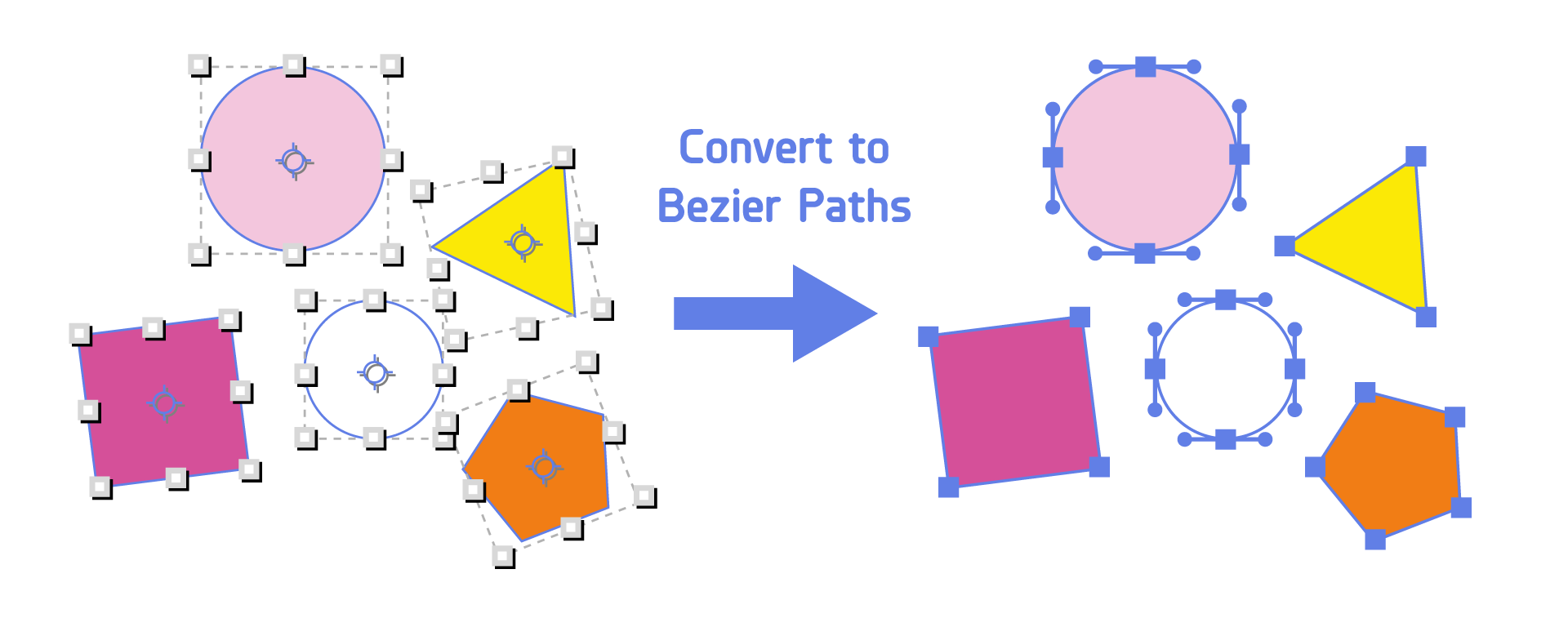
Convert parametric shapes to Bezier paths
PathPrep can convert rectangles, ellipses, and polystars, including stars and polygons. Choose which shape types to convert, then process all matching shapes on the layer or only the shapes selected directly. This handles multiple parametric shapes in one operation, while After Effects’ native conversion command works on one shape at a time.
Conversion removes each original parametric shape and inserts its Bezier replacement at the same position in the group. The replacement has editable path points, but no longer has parametric controls such as size sliders.
Bake transforms into paths
After converting parametric shapes, PathPrep can bake anchor, position, scale, and rotation values into Bezier paths. You can apply transforms to every path on the layer, including paths in nested groups, or select the Path property itself, not its Path Group or Transform Group. In selected mode, PathPrep applies only transforms directly associated with the selected paths. For more intuitive editing, set each anchor to the center of its shape’s bounding box; the other option places anchors at the composition origin.
Some properties are skipped to protect the result. Path or transform properties with keyframes are not baked, and skew transforms are skipped. Animated gradient points and certain animated stroke, dash, taper, and wave settings can also prevent a path or group from being processed. Expressions are unsupported, so the developer recommends avoiding PathPrep on expression-driven shape layers.
Select and copy path data
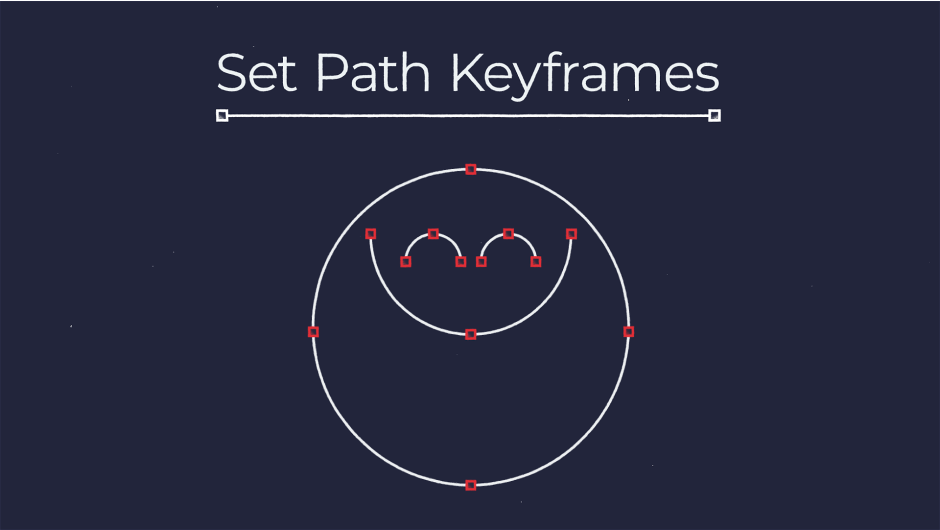
The recursive selection command highlights the path properties in a shape layer, rather than their enclosing groups. You can then add keyframes to the selected paths or use After Effects commands that work with path points. For clipboard export, PathPrep copies raw vector path data without keyframes. When pasting into Illustrator, add fills and strokes separately; the developer also recommends reversing the pasted path order in Illustrator’s Layers panel.
A practical workflow and precautions
- Select one shape layer and convert the parametric shapes you need.
- Apply transforms to the resulting Bezier paths, choosing all paths or directly selected paths.
- Then add keyframes or copy the prepared paths, depending on the next step in your workflow.
PathPrep can significantly change a layer’s underlying properties even when its appearance stays the same. Duplicate the layer or composition first if you need to keep the original setup. Open the panel from Window > PathPrep.jsxbin; it can be resized and docked. The aescripts PathPrep listing shows compatibility with After Effects 2021 through 2027 and has the current price and version details.