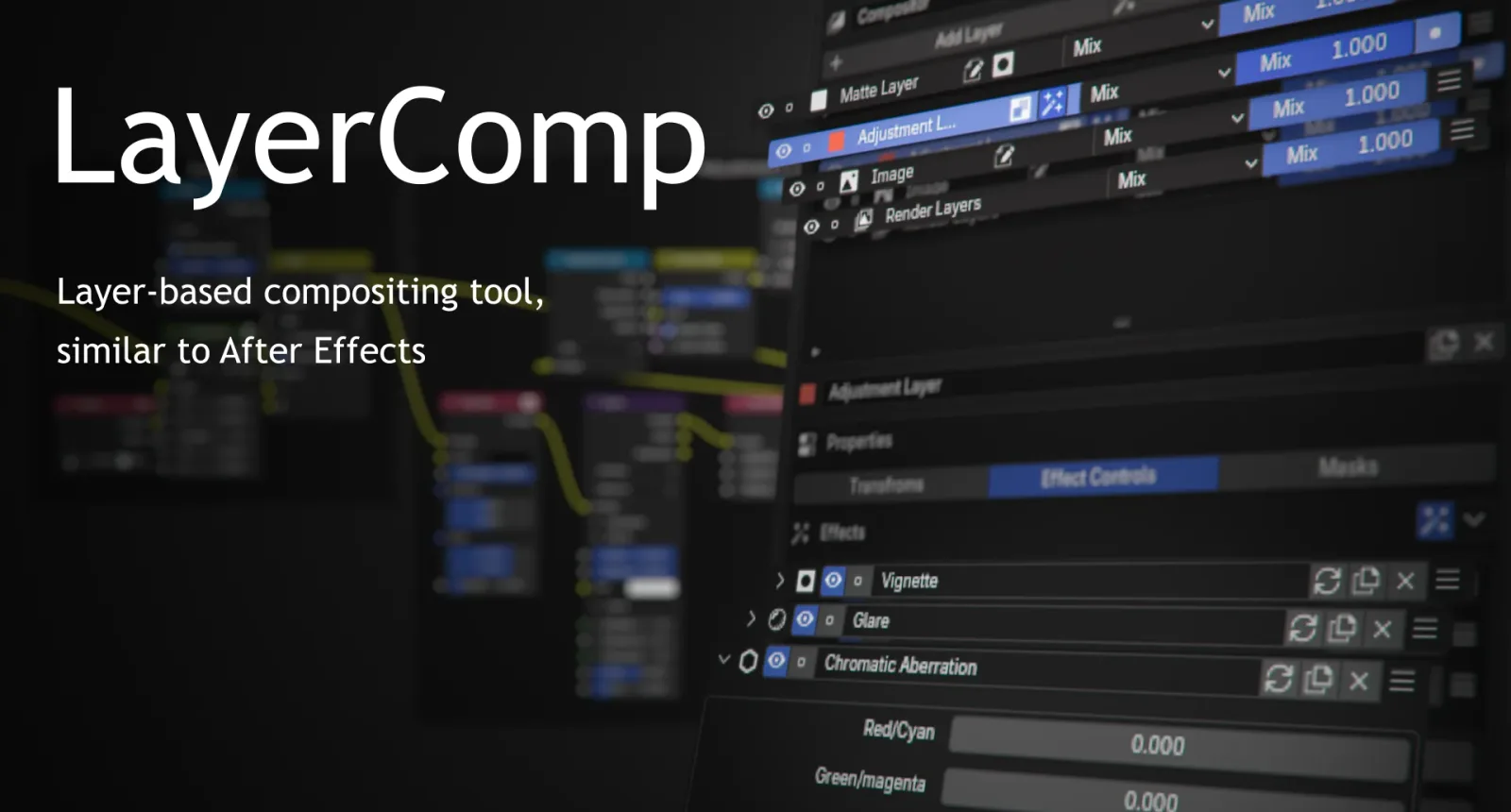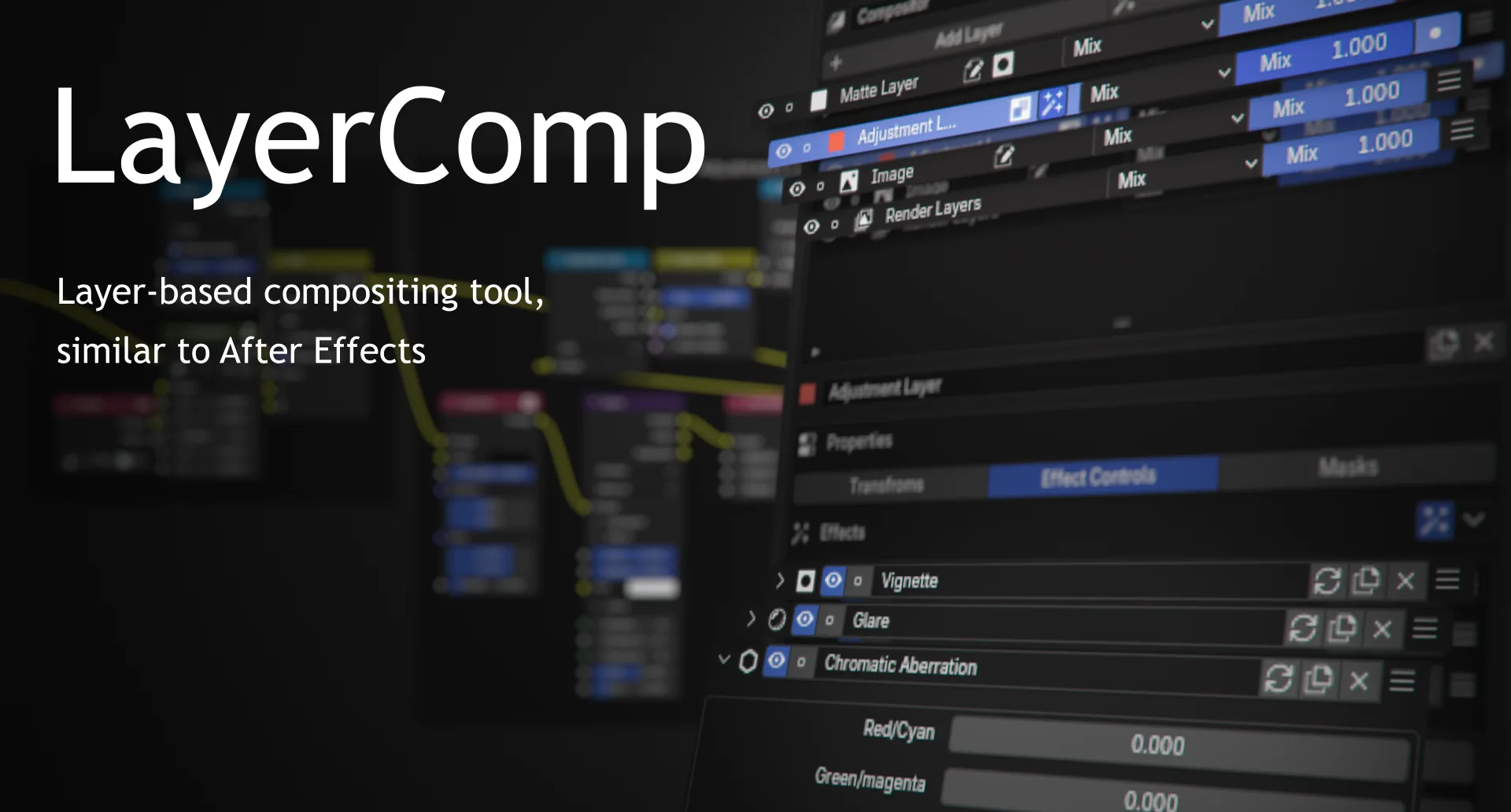
LayerComp is a Blender add-on for layer-based compositing, with a workflow the Blender Extensions catalog compares to After Effects. It arranges AOVs, View Layers and media as compositor layers, so artists can keep parts of an effect stack separate and adjustable. The official extension record lists KENKEN as the maintainer, version 1.1.9, and Blender 5.0.0 as the minimum version. See LayerComp’s official Blender Extensions listing.
Layers, masks and reusable effects
LayerComp includes adjustment and matte layers, with multiple mask controls for each layer. Effect values can be controlled from a layer, and LayerComp includes more than ten feature nodes. You can copy and paste layers or effects between compositors, then save, share, load or export custom effects and compositors as .blend files; saving and sharing compositors requires Blender 5.0 or newer. A custom effect is a node group with one Image input and at least one output.
This setup can help when you want to revisit individual compositing passes or reuse a compositor in another project.
Where to find the panel
The Layer Comp panel is available from the sidebar in the 3D View, Compositor and Image Editor. The interface supports dragging layers and effects, custom layer labels and a dynamic search box, letting you work from the editor that suits the current task.
What to expect from its effect tools
LayerComp centers on a layer-based system for building and saving your own effects. Its developer describes future additions of feature nodes as limited, so users who want a large, regularly expanding library of premade effects should check the version history and current screenshots before choosing it.
Compatibility and installation
The Blender Extensions record lists Blender 5.0.0 as the minimum version and GPL-3.0-or-later as the license. It also lists permission to import and export .blend files from disk. The project README advises deleting the existing composition and creating a new one when using the latest version in an older project. Check the current Blender Extensions listing for compatibility, license and file permissions before installing. For a downloaded extension package, follow Blender’s Install from Disk instructions.