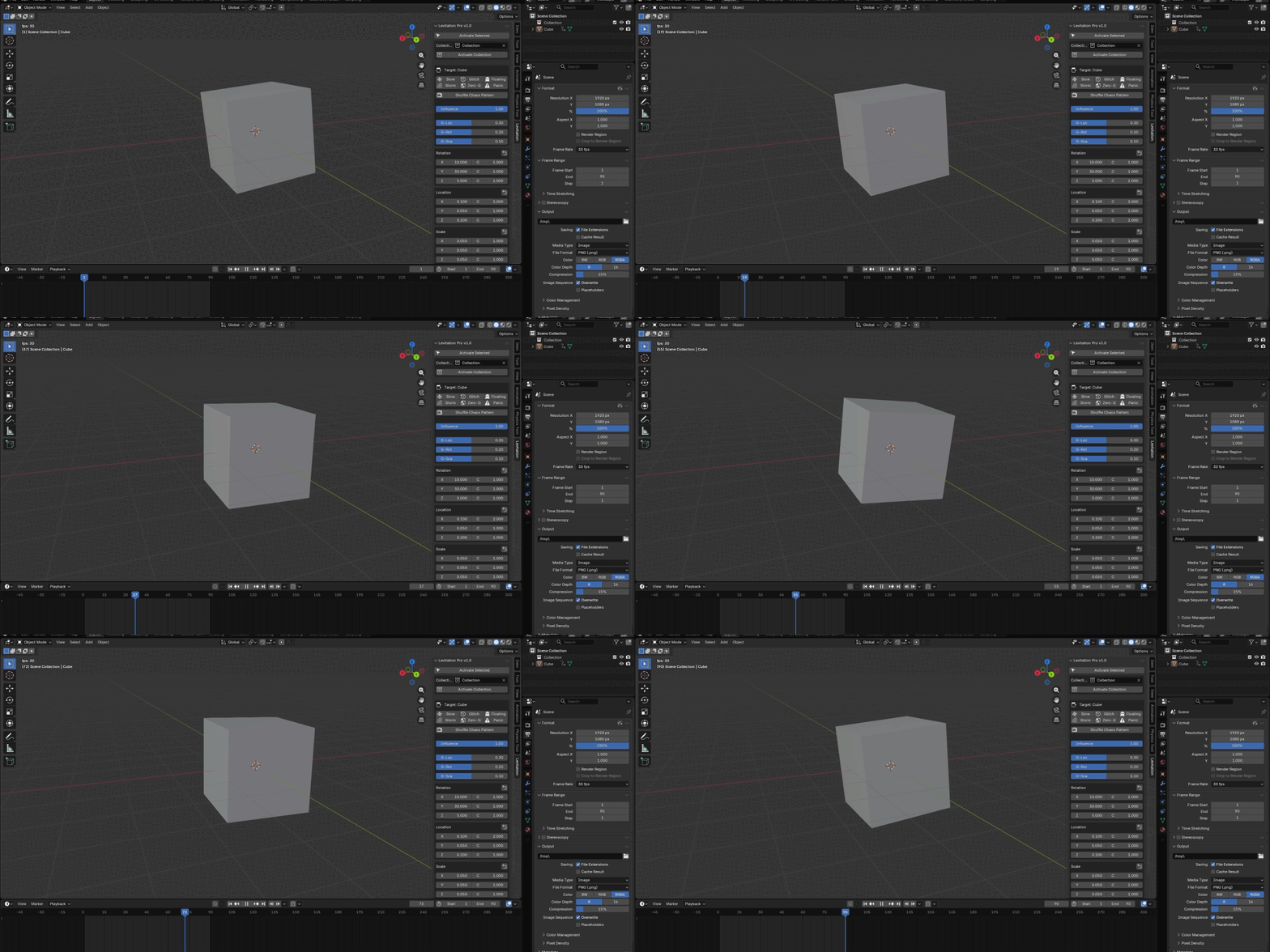
Levitation Pro is a Blender add-on by Har 3D for making procedural motion loops. Its Sine-Wave Engine ties motion to the project timeline. Set the integer Cycles value to choose how many full oscillations occur across the scene length, so the motion returns to its starting point at the loop boundary. This automates cycle timing that would otherwise require manual keyframing.
Adjust motion with presets and multipliers
The add-on includes six presets: Slow, Floating, Glitch, Storm, Zero-G, and Panic. Global Multipliers let you adjust location, rotation, and scale intensity through the G-Loc, G-Rot, and G-Sca controls. The Static Anchor System keeps objects centered on their original positions when you change presets or intensity.
Animate objects or collections
Use Activate Selected to apply motion to chosen objects, or Activate Collection in the 3D Viewport Sidebar to work with a group. Shuffle Chaos changes each object's Seed to offset its motion phase. The objects can move at different points in the cycle while retaining their individual loops.
Bake procedural motion to keyframes
Levitation Pro uses procedural drivers while you set up the animation. When you need keyframe data for a later stage, its Professional Bake tool converts the drivers to keyframes while preserving the loop. The product listing names Unreal Engine, Unity, and Omniverse as intended destinations for baked animation.
Installation and listed Blender versions
The Superhive product listing identifies Levitation Pro as version 1.0, an add-on under the GPL license, and lists Blender versions 4.5 through 5.1 in its version details; its Quick Start section says Blender 4.5+. Install the levitation_pro_v.1.0.zip file through Edit > Preferences > Add-ons. After enabling it, open the Levitation tab in the 3D Viewport Sidebar to access the controls.
Levitation Pro suits Blender workflows that need repeated floating or oscillating motion, varied timing across a collection, or a baked loop for another application.