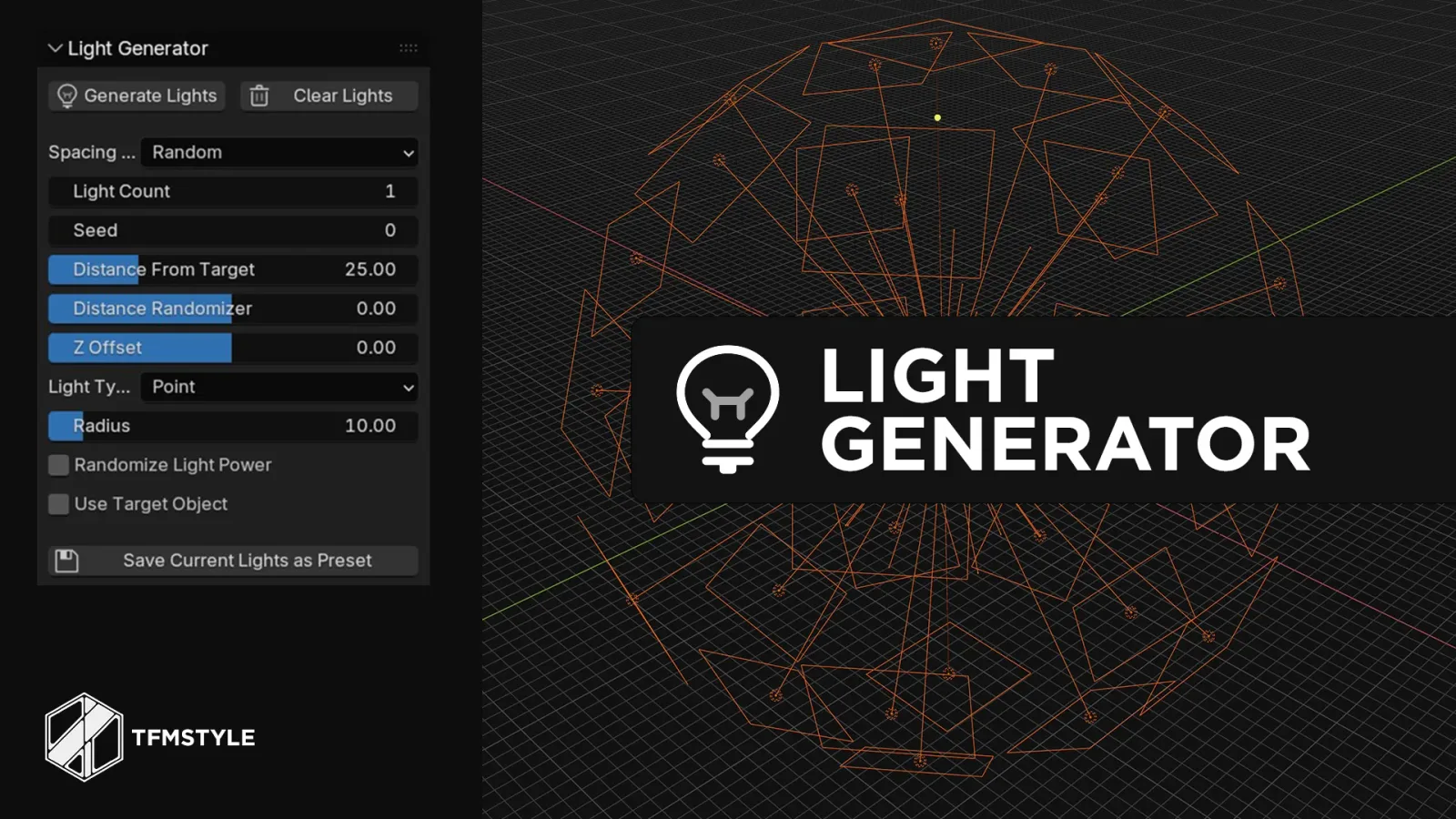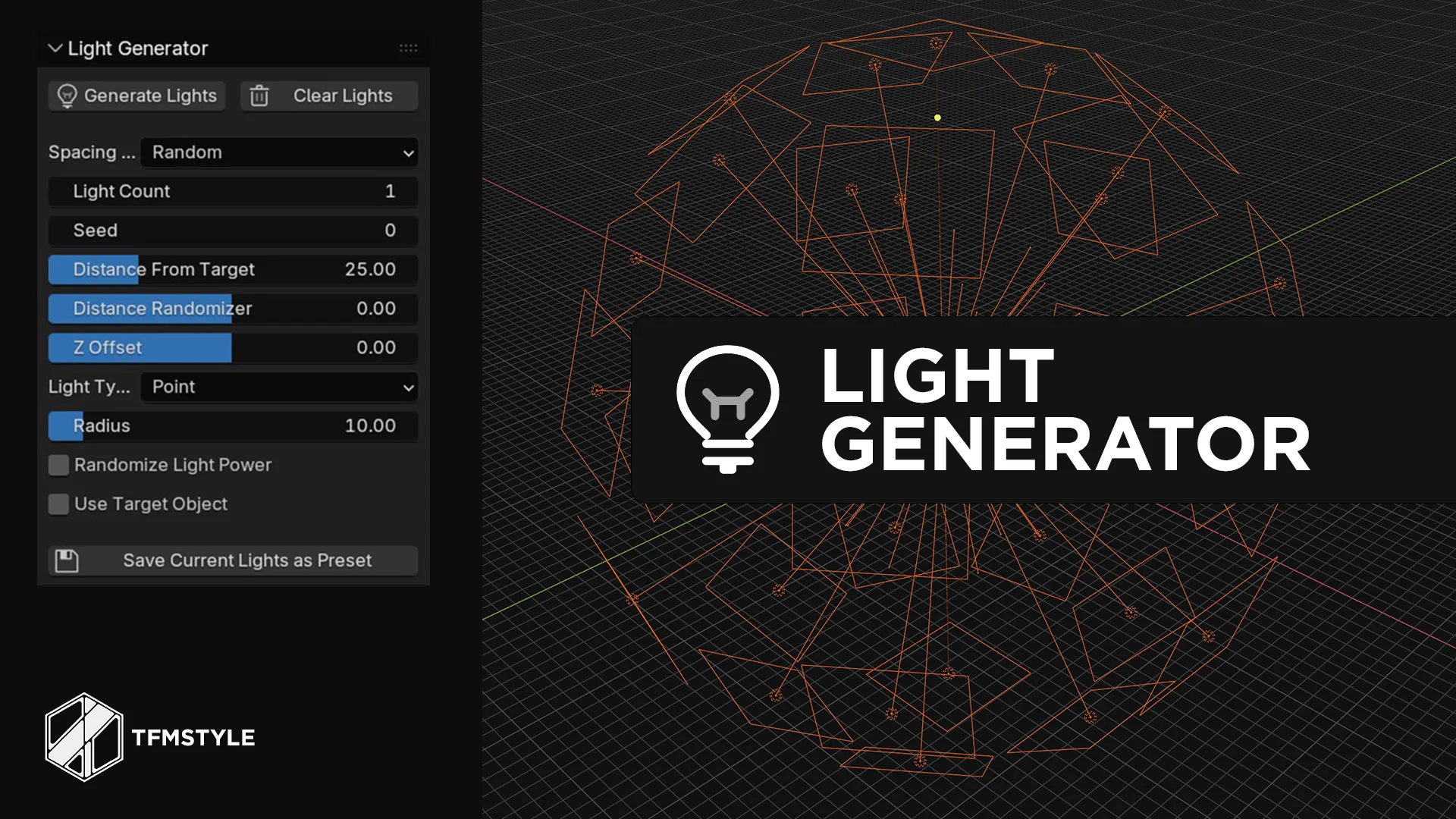
Light Generator is a Blender add-on by TFMSTYLE for creating scene lights with varied distribution options. Slider-based controls cover spacing patterns, randomized position, ring position and light type. There is also a target object option and randomized power, while each generated light’s color can be adjusted separately.
Arrange and adjust scene lights
Light Generator’s distribution controls let you explore different scene-light arrangements without placing each light individually.
Light Generator puts generated lights in a new collection and creates them within an empty object. The Select All Lights button selects the generated lights together, which makes the generated lights easier to see together.
Manage generators and presets
Version 1.2.0 added context-aware editing, so you can create multiple generators and edit them independently. Presets can be saved and loaded locally, and the preset tab includes a delete button. These options support keeping reusable lighting setups on your machine and adjusting separate generators in the same project.
Version and installation
The Blender Extensions listing shows version 1.2.0, compatibility with Blender 4.2 LTS and newer, and the GNU General Public License v3.0 or later. It also states that the extension does not require special permissions. The listing describes installation by dragging the add-on into Blender or downloading it and choosing Install from Disk. See the Light Generator listing and Blender’s extension installation instructions for details.