Vera Studio Lighting Addons is a Blender bundle from EdenWeby 3D that groups four tools for preset-based object lighting, HDRI color grading and camera motion. The tools suit different parts of a scene workflow, from adding a ground plane under a product model to repositioning a camera with a motion preset.
What the bundle includes
Vera Product Light, called Vera Product Light Studio in the feature text, lights objects such as cars, electronics and human models with presets. It also adds grounds for subjects, so you can use a prepared setup instead of building one from scratch.
Vera Lighting Studio Pro applies lighting presets to a model and includes Mesh Lights and a volumetric effect for sci-fi looks.
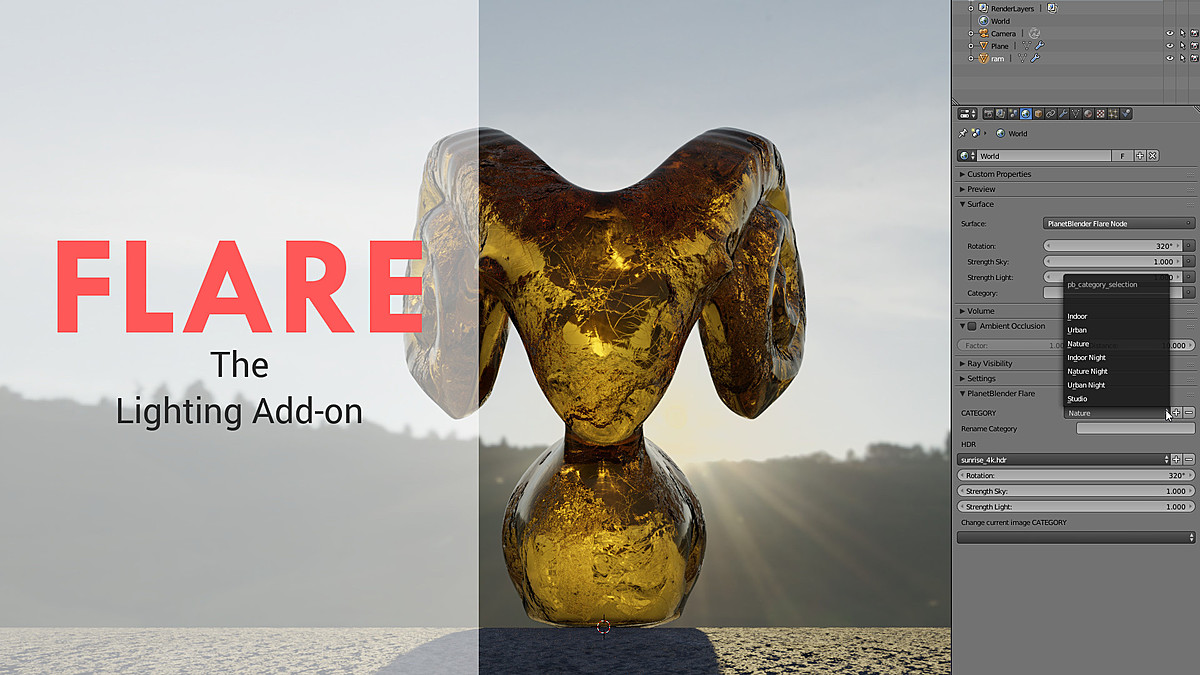
Cinematic Lighting color-grades an HDRI for a cinematic dark look or another look you choose. The listing says it is compatible with Eevee. For Cycles, set density to 0; otherwise the output has a black background.
Vera Camera Motion provides 25 camera-motion presets recorded using Motion Tracking in Blender. Select a preset, add and switch to its camera, then reposition it with the Vera Camera Empty. The named presets include Walking Motion, Shake Well Motion and Heads Up Motion.
Using the lighting and camera tools
For product or character renders, choose a Vera Product Light preset and use its ground with the subject. The listing also describes choosing a Vera Platform plane, a transparent background or a black background.
Keep the renderer detail in mind: the seller says the addon works with Eevee, while Cycles requires density to be set to 0 to avoid a black background. Vera Camera Motion automatically aligns its camera, which you can reposition with the Vera Camera Empty.
Compatibility, installation and license
The Superhive listing names Blender versions 2.81, 2.82, 2.83, 2.9, 2.91, 2.92, 2.93, 3.0 through 3.6, and 4.0. The listing does not confirm support for later versions, so check the seller's current information for the Blender build you use. The setup notes say to extract the ZIP archive and read its README for installation steps. The listing identifies the license as GPL.
The listing names four addons and says one is included at no cost, but it does not identify which one or give a bundle price. Check the Superhive product listing for current package details. The EdenWeby 3D creator page lists the developer's other products.