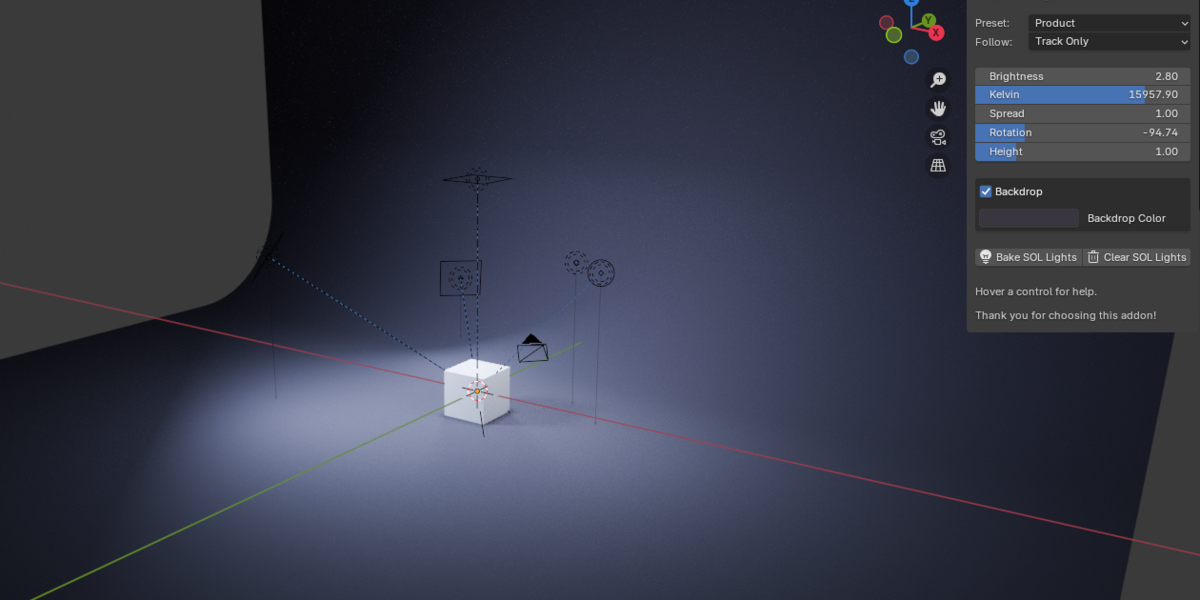
Light It Up is a Blender add-on for studio lighting presets that can be adjusted after you apply them. It gives artists a starting setup for lighting a scene, with room to adapt it to a subject. Blender Extensions lists Rasheed-Shaikh as the add-on's maintainer.
Presets you can adjust
The listing does not state how many presets are included or which values can be changed. Check the current interface or release notes if you need a particular control.
Compatibility and saved presets
The Blender Extensions listing identifies add-on version 4.0.0 and a minimum application version of Blender 4.2.0. Those numbers describe separate releases: 4.0.0 belongs to Light It Up, while 4.2.0 is the Blender version requirement. Check the version history for current release and compatibility details before installing.
Light It Up declares file access to save custom lighting presets across Blender versions. This may be useful if you work with more than one Blender version. The permission statement does not specify where the presets are stored or how they are transferred, so check those details before relying on the add-on in a shared workflow.
Is it a fit for your workflow?
Consider Light It Up if you want to begin with a studio lighting preset and then adjust it for a particular scene. The listing does not specify named lighting setups or renderer support. Confirm those details before building the add-on into a repeatable production setup.
Installation and support
Blender's Install from Disk instructions cover installing an extension archive. For problems, the add-on listing points to the Light It Up issue tracker. The official Blender Extensions listing gives its license as GPL-3.0-or-later.