Light Studio is a Blender add-on by Bproduction for creating studio lighting for 3D packshots. It brings 37 ready-to-use, customizable lights into one add-on, grouped into HDR, Reflector and Procedural styles. Bproduction names watches, cars, wine and spirits, jewelry, and product design among its intended subjects. The Superhive product listing describes a Cycles workflow for realistic packshots.
Three lighting styles
HDR lights use HDR photographs to reproduce studio lighting. Reflector lights open dark areas in a render. Procedural lights provide configurable lighting but do not work with Eevee.A practical starting point is to choose HDR for a photographic studio-light basis, Reflector to lift a darker area, or Procedural when you want configurable lighting in a Cycles scene. The Change Light function switches between lamp styles so you can compare them without rebuilding the setup.
Position lights and reflections
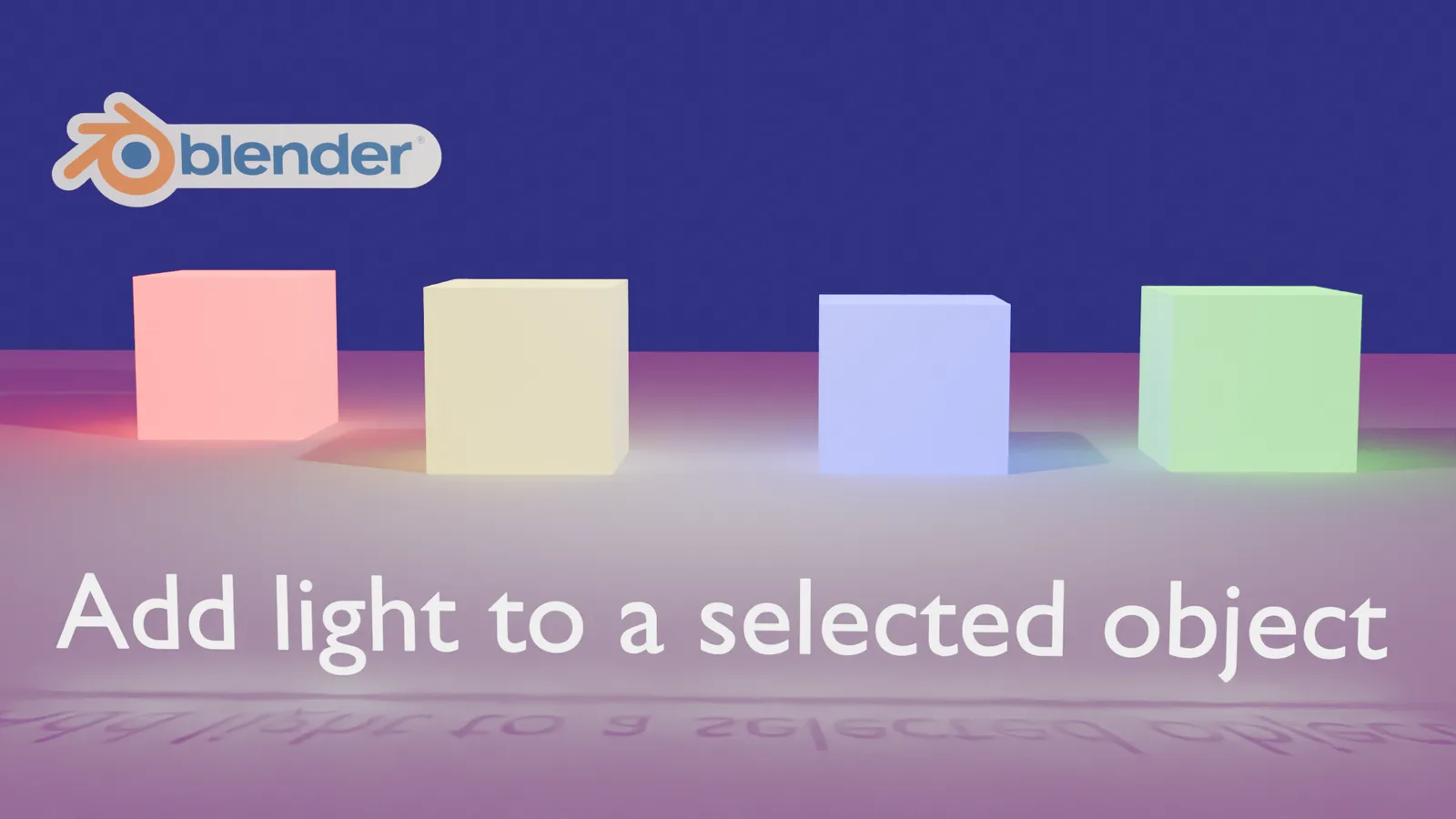
Position Reflexion lets you paint lights directly onto a 3D object in one click. Bproduction also describes Light Your Art as a way to add lamps precisely to objects to shape reflections. These controls are useful when the placement of a reflection matters on a curved or reflective product. Separate background functions help configure a studio backdrop.
The documentation page includes an installation and tutorial section. It can help you check the setup process before bringing the add-on into a production scene.
Compatibility and fit
Cycles is the clearer choice if your scene depends on Procedural lights. Superhive lists both Cycles and Eevee in its render-engine details, but the product description excludes Eevee for the Procedural style. Its FAQ says Eevee use may depend on ray tracing in newer versions and describes that route as complex.
Superhive lists Blender 4.0 through 5.2, while AnyPlugins lists 4.0 through 5.1. Check the current product listing for your Blender version before installing. Superhive identifies the license as GPL. AnyPlugins labels the add-on free, so confirm current availability and terms on the marketplace.
Light Studio is aimed at artists making product images who want to build and compare studio-light setups inside Blender. Its named use cases include packshots of watches, cars, wine and spirits, jewelry, and product-design work.