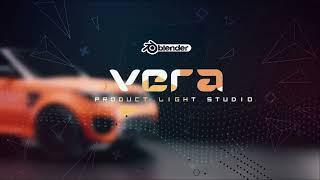
Vera Product Light Addon, also called Vera Product Light Studio, is a Blender add-on for lighting objects such as cars, electronics and human models. It combines lighting presets with ground objects for the subject, so you can start a product scene from a prepared setup. The seller lists 16+ presets, adjustable light settings, neon lights and glow controls.
Set up a product scene
Before applying a preset, delete the light objects already in your scene, as the seller instructs. Choose a preset, then rotate and move your subject into position. Vera adds ground objects along with the lights, so you can stage the subject without setting up those elements separately.
Adjust lights and glow
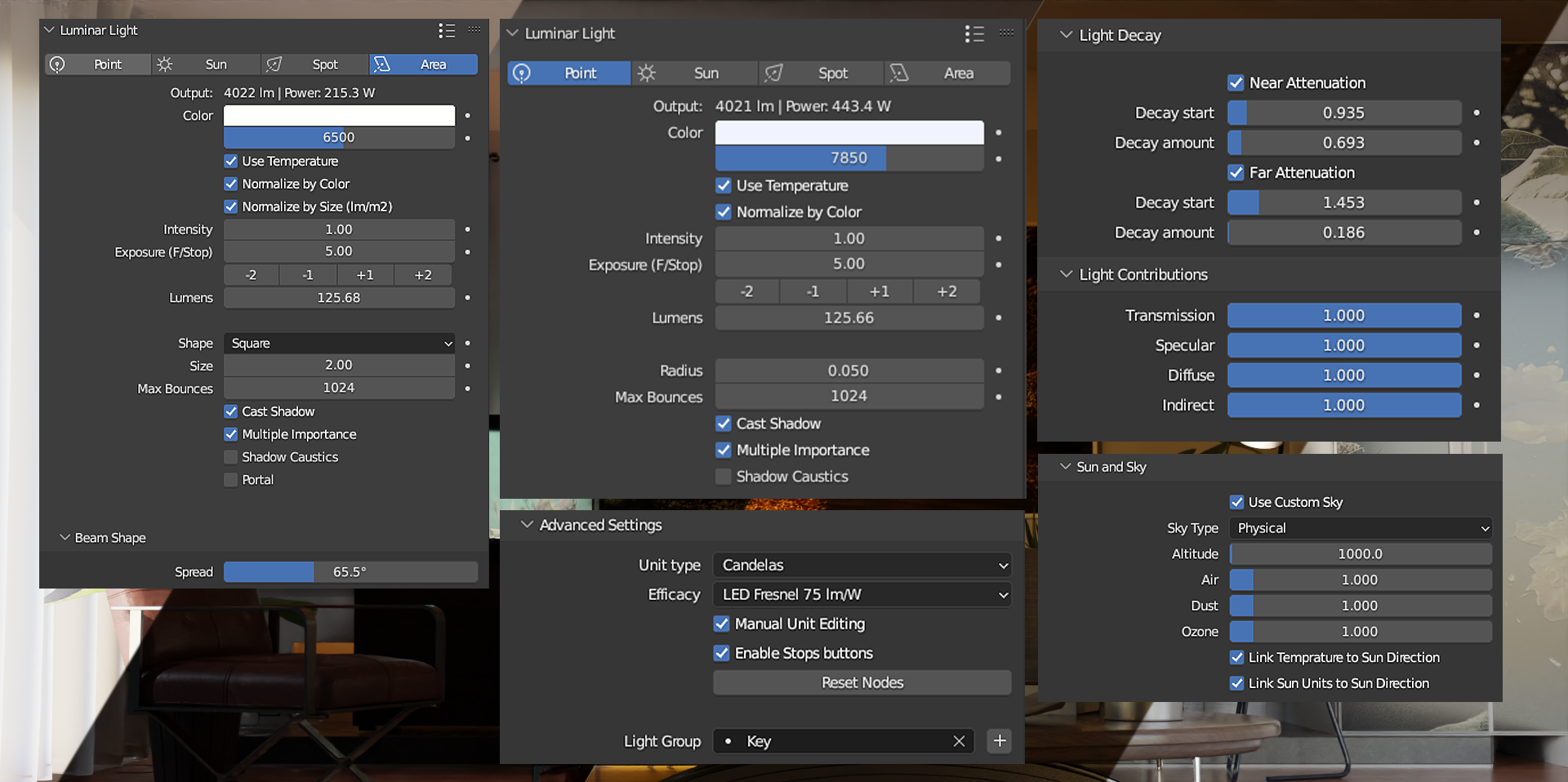
After applying a preset, select a light object to change its color, strength or radius. Glow controls let you make an object glow or change the settings of one that already glows. Neon lights are also listed among the add-on's options.
Who may find it useful
Vera may suit Blender artists who want a preset lighting arrangement for product scenes and need to adjust individual lights after applying it. The available product description does not specify a render engine or describe other scene automation.
Compatibility and product details
The Superhive product listing names Blender versions from 2.8 through 4.0, including 2.81, 2.82, 2.83, 2.9, 2.91, 2.92, 2.93 and 3.0 through 3.6. The listing does not name later releases, so check with EdenWeby 3D before using Vera with a newer Blender version. The listed license is Royalty Free; consult the seller's terms for details about permitted use.