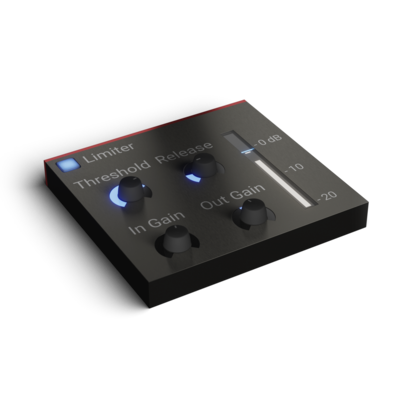
Kilohearts Limiter controls loud peaks or applies more limiting to raise a track's level. Its look-ahead design is intended to catch peaks while preserving transients, with a small set of controls for setting the limit and shaping how the signal recovers.
How the controls work
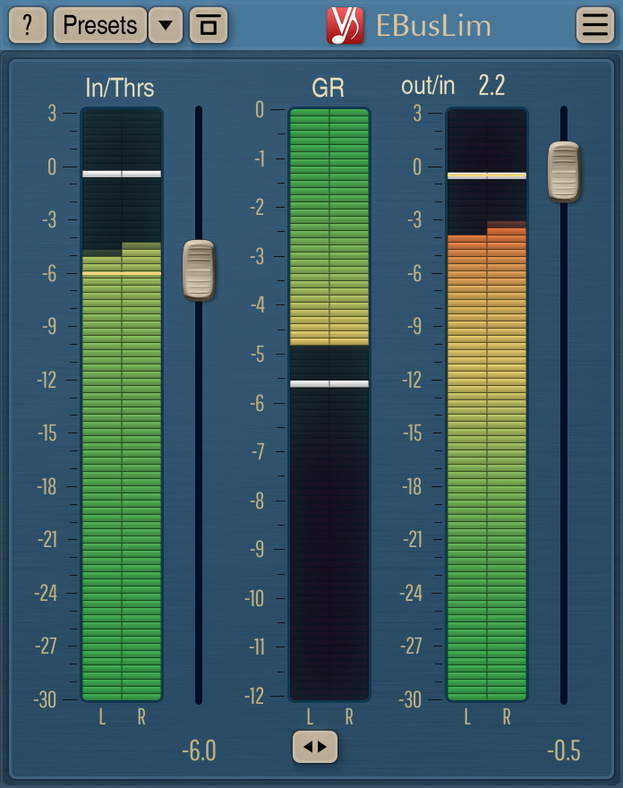
Threshold sets the maximum level allowed through the limiting stage. The Limiter manual describes In Gain as gain before limiting, so raising it increases the level entering the limiter; the Limiter product page also labels In Gain as gain applied after limiting. Release controls how quickly the limiter returns the volume to normal after a peak. Out Gain adjusts the signal after limiting. The VU meter shows input level, the selected threshold, and current attenuation.
Following the manual's pre-limiting definition, set the threshold, adjust In Gain to change how much signal reaches it, then tune Release and check the attenuation meter. Use Out Gain to set the level after limiting. The Limiter manual describes each control.
Use it as a plugin or Snapin
Limiter can run as a regular DAW plugin or as a Snapin in Phase Plant, Multipass, and Snap Heap. Use the regular plugin in a DAW signal chain for direct peak control. In a Snapin Host, it can be combined and modulated with other effects as part of a larger patch.
Access and compatibility
Limiter is included in Kilohearts Essentials, which Kilohearts lists as free with an account. The system requirements specify a 64-bit x86 processor with SSE3 or an Apple M processor on macOS, and a DAW that supports VST2, VST3, AAX, or Audio Unit. Kilohearts recommends using an operating system still supported by its manufacturer; the requirements page does not give an exact minimum OS version. CPU use rises with many plugin instances or Snapins in a patch, and meeting the listed requirements does not guarantee flawless performance in every use case.