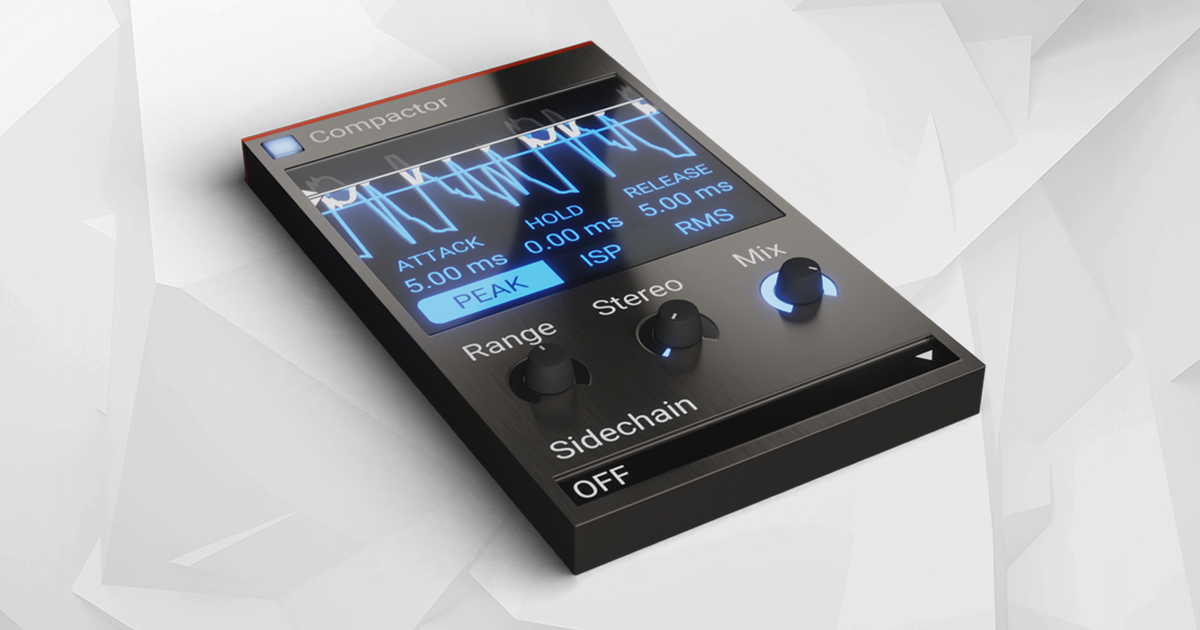
Compactor is a Kilohearts dynamics effect for ducking, clipping and limiting. With a sidechain input, a second signal controls attenuation on the main input. For example, send a kick to the sidechain and apply the effect to a bass track. Kilohearts describes this as sample-rate, or “ring-mod,” sidechaining. Product details
Sidechain and limiting workflows
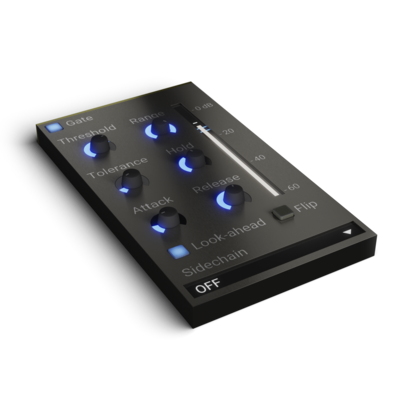
Enable Sidechain to calculate attenuation from the secondary input while applying it to the main input. Set Threshold to choose the trigger level; when the sidechain reaches it, Compactor silences the main input. Attack controls how far ahead ducking starts; higher settings start earlier. Hold keeps the signal ducked after the sidechain falls below Threshold, and Release sets how long the signal takes to return after Hold ends.
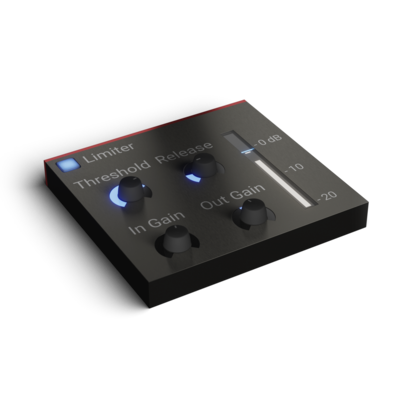
With no sidechain input, Compactor limits the input to the threshold level. Range controls how much the sidechain affects ducking: lower settings can ignore quieter input levels, while settings above 100% make quieter levels trigger stronger ducking.
Choose a detection mode
- PEAK follows peaks on a per-sample basis, for keeping transients from passing the threshold.
- ISP detects inter-sample peaks that occur between samples.
- RMS measures average signal power for a smoother response.
The Stereo control changes how the channels are processed. At 0%, both channels are processed the same way; at 100%, left and right are processed independently.
Plugin format and access
Compactor is included in Kilohearts Essentials, a free collection available with an account. Use it as a regular VST, AAX or Audio Unit plugin in a compatible DAW, or load it as a Snapin in Phase Plant, Multipass or Snap Heap, which are available to buy separately. In those hosts, Snapins can be combined and modulated. Kilohearts Essentials · System requirements
Kilohearts lists an x86 64-bit processor with SSE3 support, or an Apple M processor on macOS. The DAW must support VST2, VST3, AAX or Audio Unit. Kilohearts recommends keeping Windows and macOS current and cannot support versions that their manufacturers no longer support; on an outdated OS, try a free trial before buying. Its own plugin versions require no licensing hardware, while versions installed through Slate Digital require an iLok (USB dongle or iLok Cloud) and a valid Slate Digital license.