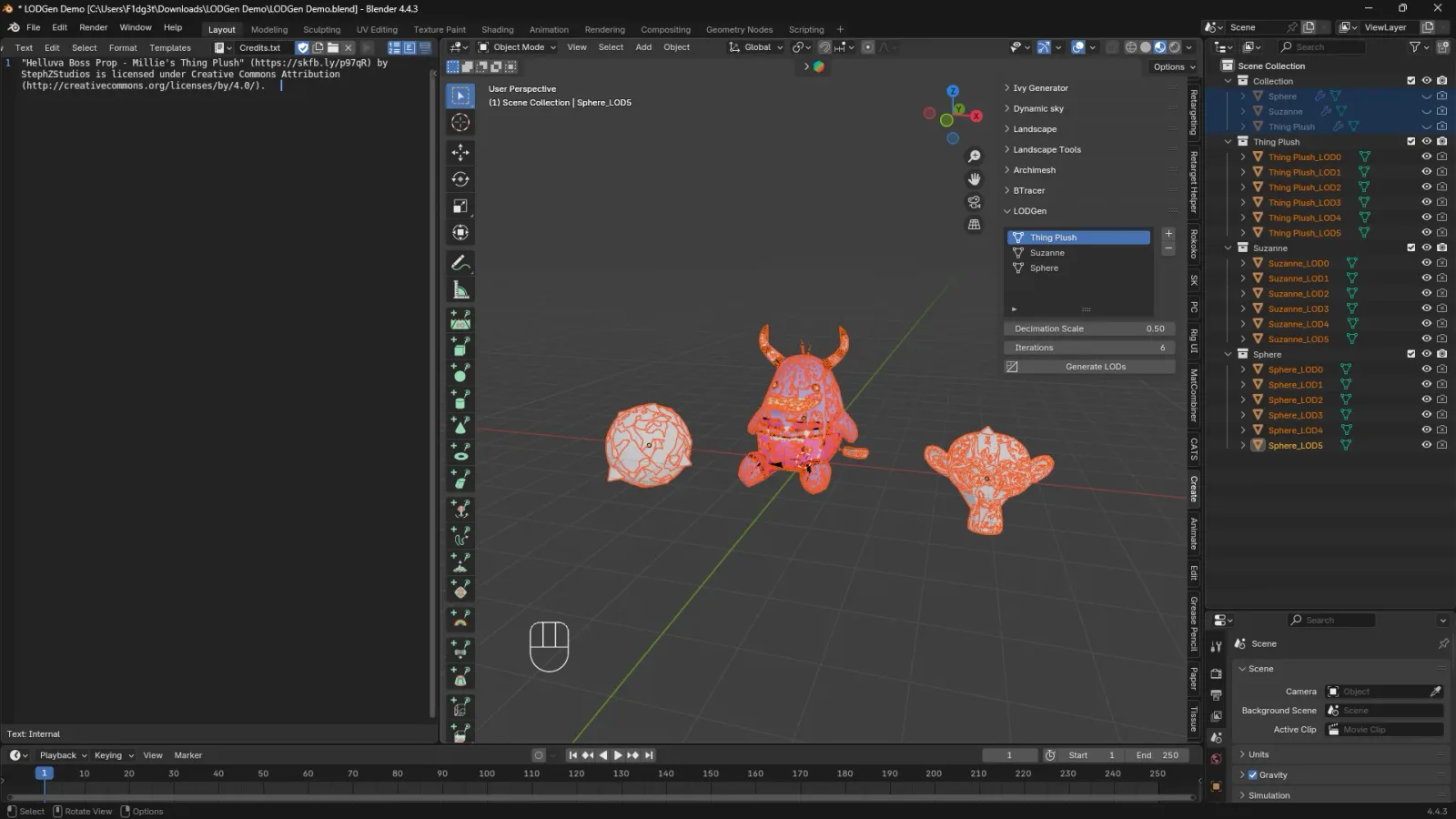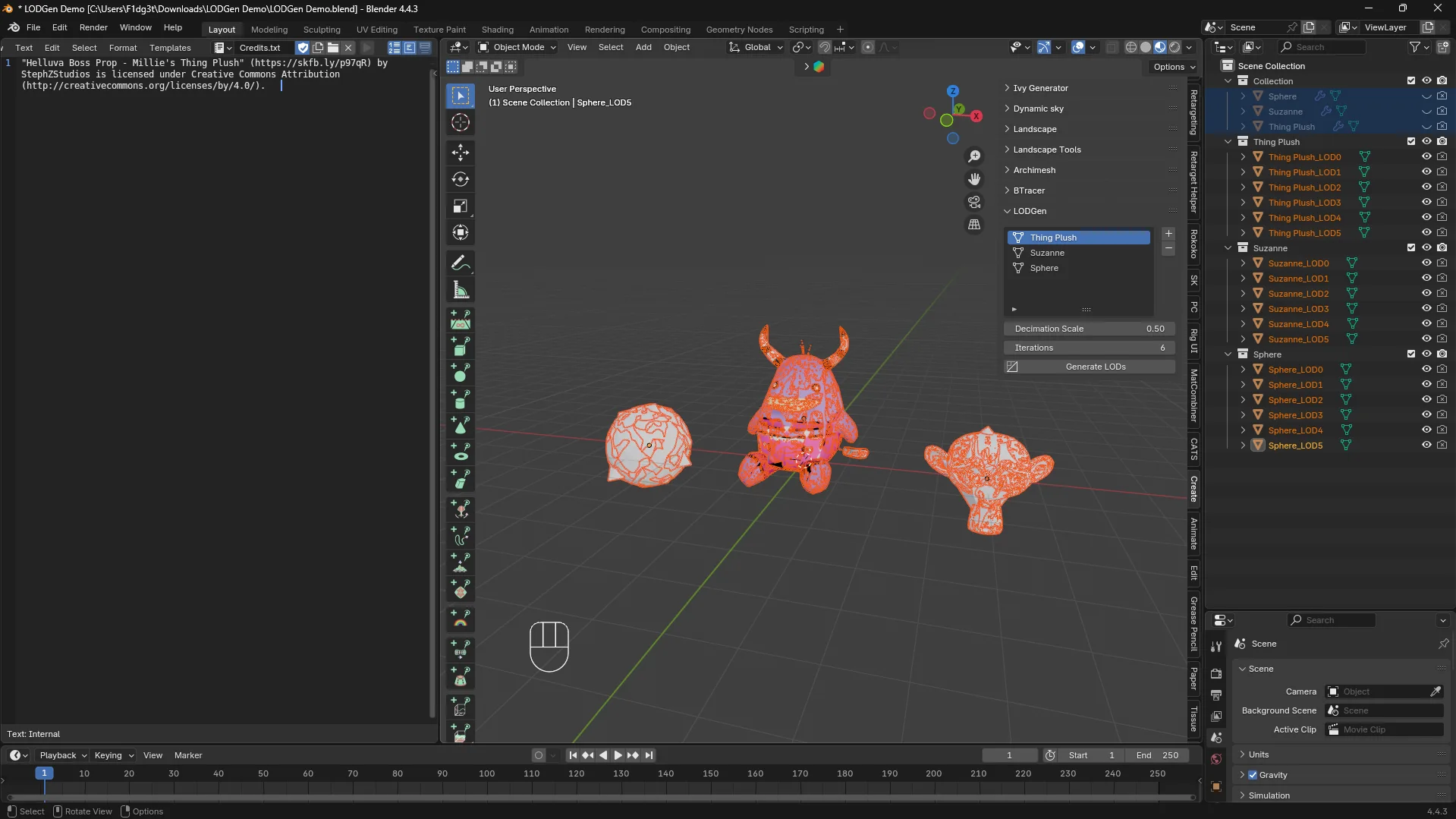
LODGen is a Blender add-on by F1dg3t for generating Level of Detail (LOD) meshes for game assets. Add mesh objects to its 3D View panel, choose a decimation scale and iteration count, then generate the levels. The add-on preserves and hides the original meshes while placing generated LODs in dedicated collections.
How LODGen creates mesh levels
LODGen applies progressive decimation cumulatively. It creates LOD0 as a base mesh with modifiers applied, then uses the selected iteration count to generate further levels. The scale slider controls decimation at each step. The default settings are a 0.5 decimation scale and six iterations.
- Add multiple objects to the generation list at once.
- Adjust the decimation scale and number of LOD iterations.
- Keep original meshes preserved and hidden during generation.
- Use dedicated LOD collections that the add-on creates and reuses for each object.
Generate LODs in Blender
- Select the mesh objects you want to process.
- In the 3D View, open the Sidebar, choose the Create tab, and find the LODGen panel. Click Add Selected Objects.
- Set the Decimation Scale and Iterations. The listed defaults are 0.5 and 6.
- Click Generate LODs. The new meshes appear in dedicated collections, while the source meshes remain hidden.
Check the generated meshes against your asset and game requirements. The published feature details describe decimation controls but do not specify engine presets or target polygon budgets, so choose and verify those targets in your project.
Blender compatibility and release
LODGen 0.0.5 is listed for Blender 4.5 LTS and newer. The developer recommends version 0.0.4 or earlier for Blender 4.4. The 0.0.5 release notes say it removes deprecated properties for Blender 4.5 compatibility.
The Blender Extensions listing identifies F1dg3t as the developer and gives the license as GNU GPL version 3.0 or later. It links to the LODGen source repository for project details.