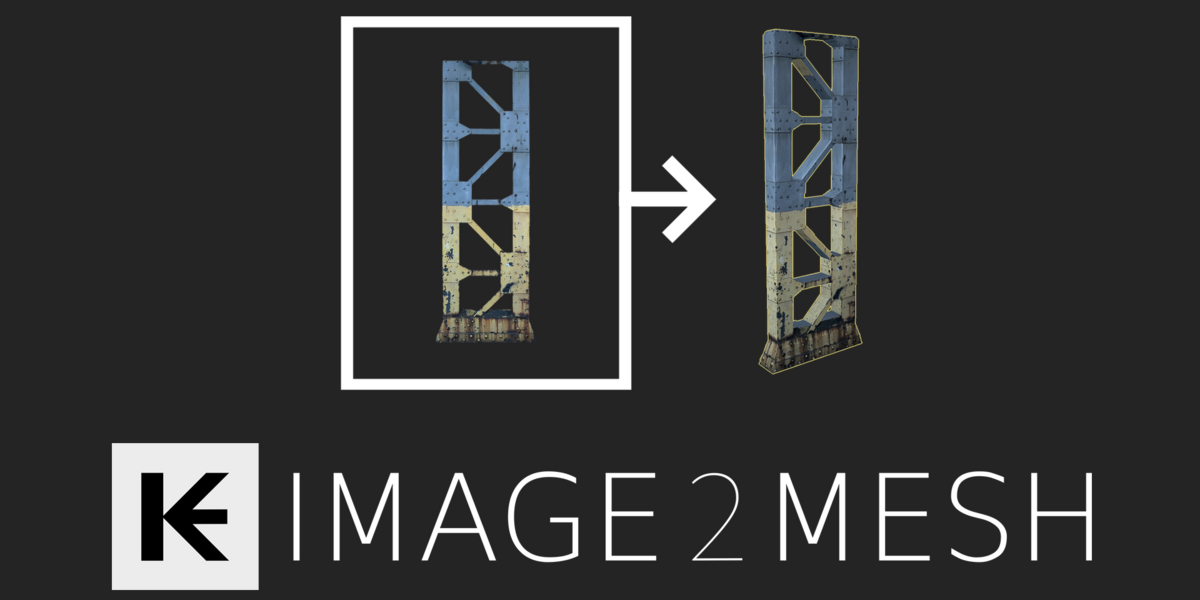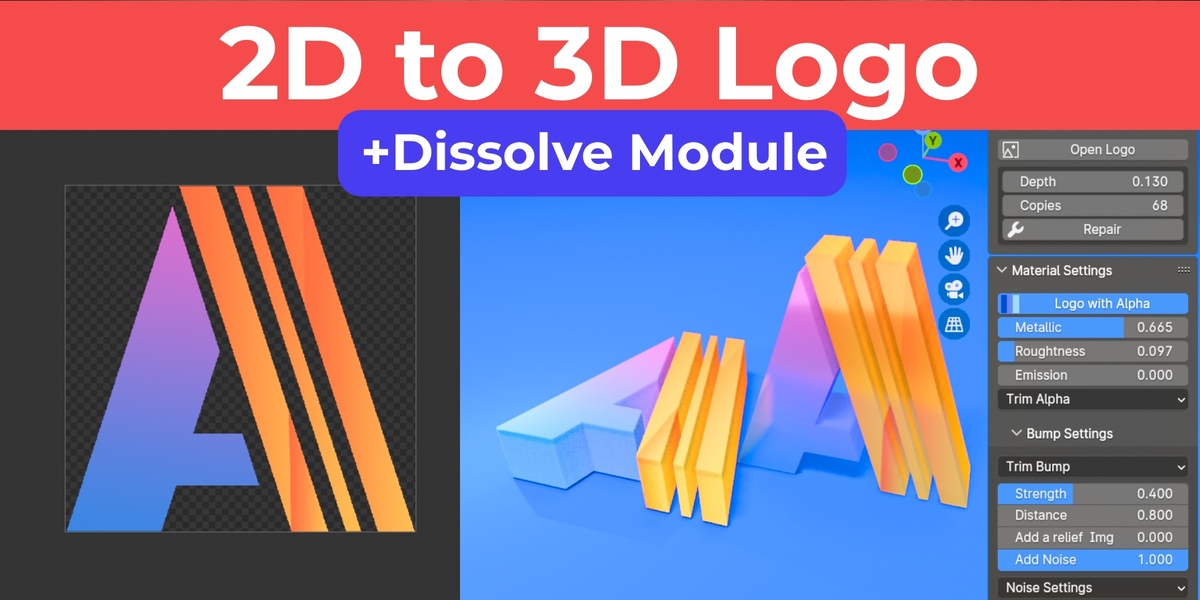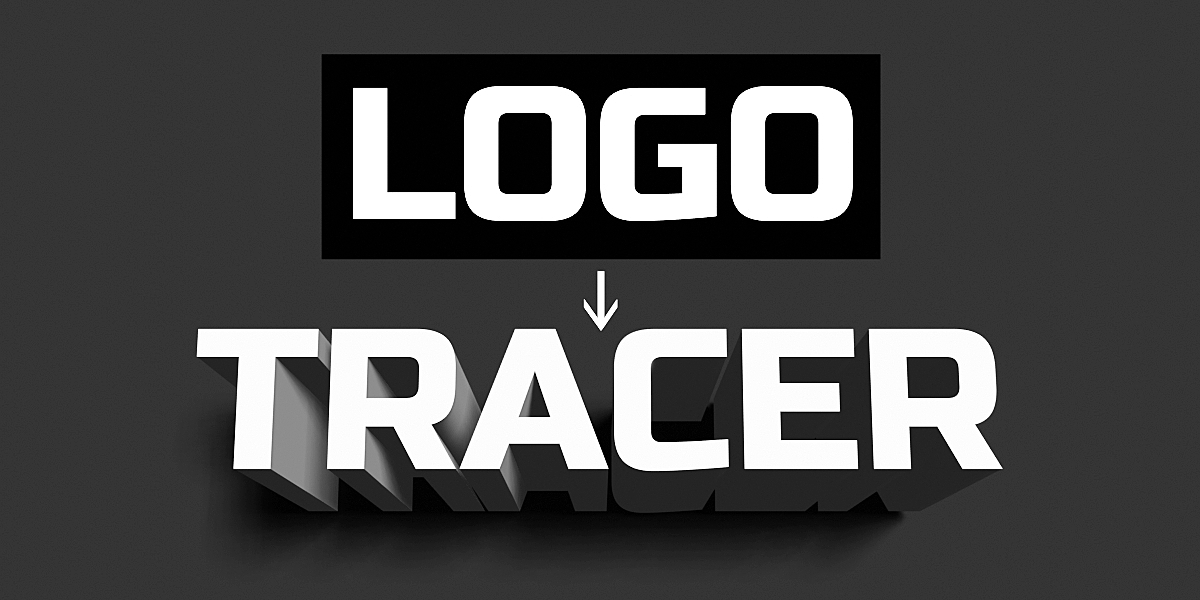
Logo Tracer is a Blender add-on by Thatimster that converts an image into a Mesh or Curve object. It is for artists who want to bring a logo, shape, or lettering into a Blender scene without preparing an SVG file or moving between external software.
Trace an image inside Blender
Select an image file and click Preview. Adjust the trace, then apply the result as a curve or mesh. The output updates as you change settings, so you can review the shape before applying it.
Settings include sample quality, threshold, and smoothness. Optimization controls let you adjust mesh or curve resolution and trim unnecessary features, which can help when making a lower-poly version of an image. Logo Tracer also unwraps the generated object with proportions matched to the image. The listing describes neon signs and 3D logos as uses for the traced geometry.
Blender compatibility and package details
The Superhive product listing identifies update version 1.31 and says it was tested with Blender 4.2 LTS, 5.1, and 5.2 LTS. Its update notes include a fix for a duplicate preview object and a clarification of how the Use Alpha option selects a trace source. The product FAQ says Logo Tracer does not work with Blender 2.81 or earlier because of its use of collections and changes in Blender's Python API. Check the listing for current compatibility details for your Blender installation.
The package includes the add-on and a User Manual. The documentation page directs users to that manual. The listing identifies the license as GPL, says a free download is available, and notes that purchasing supports the developer and the Blender Foundation.