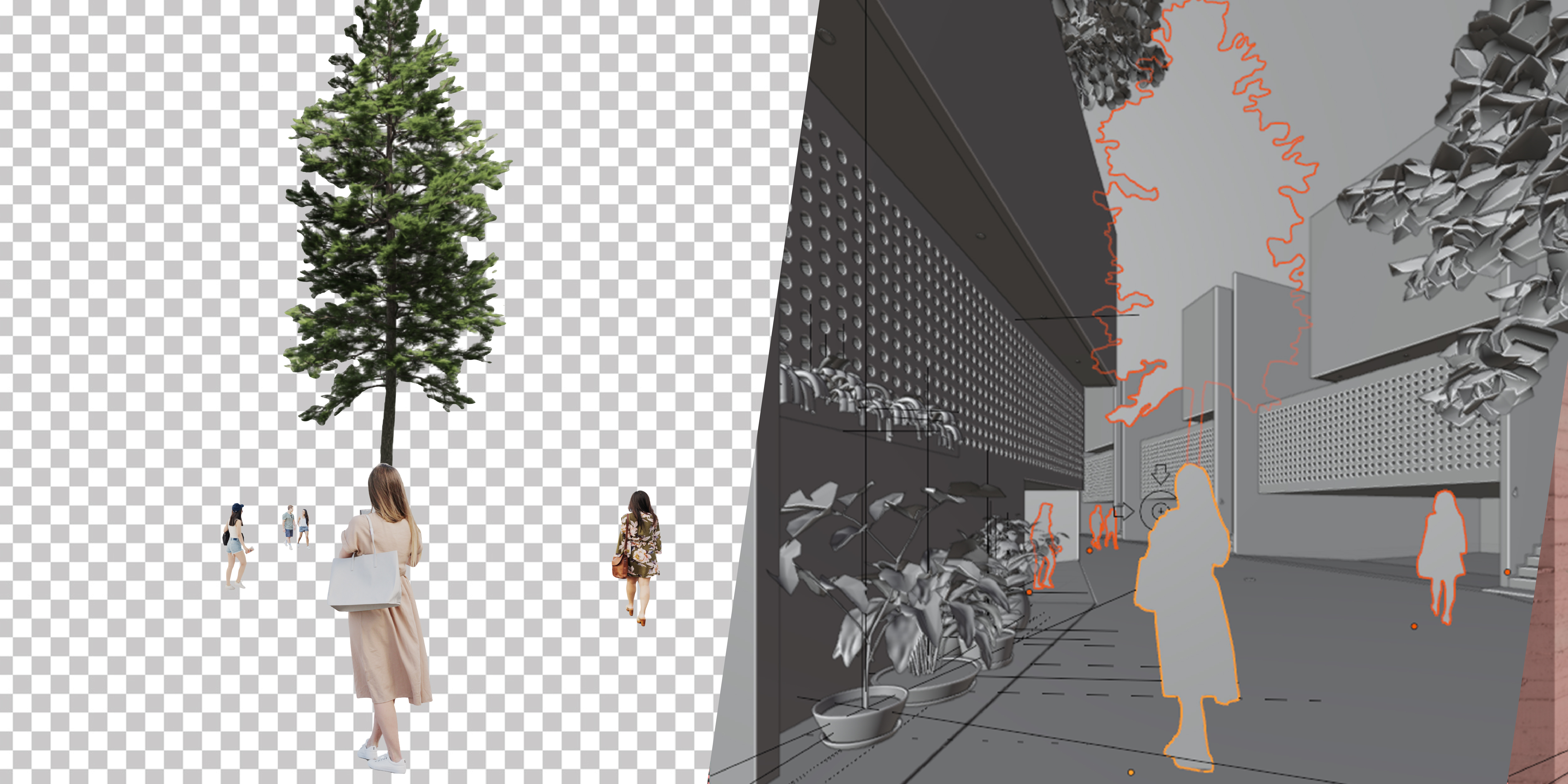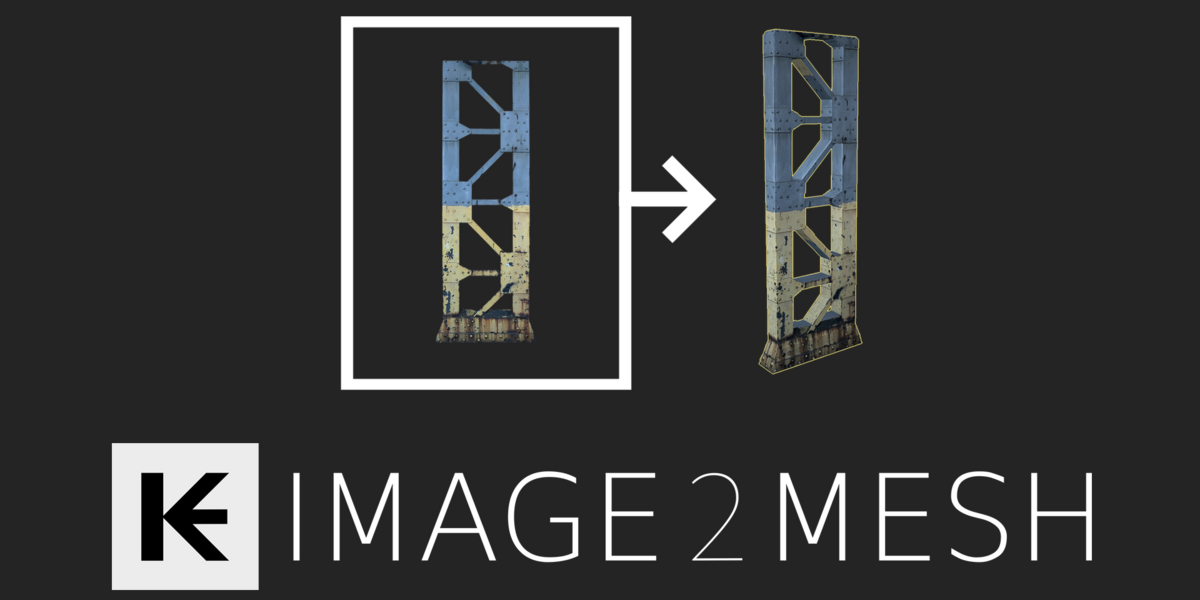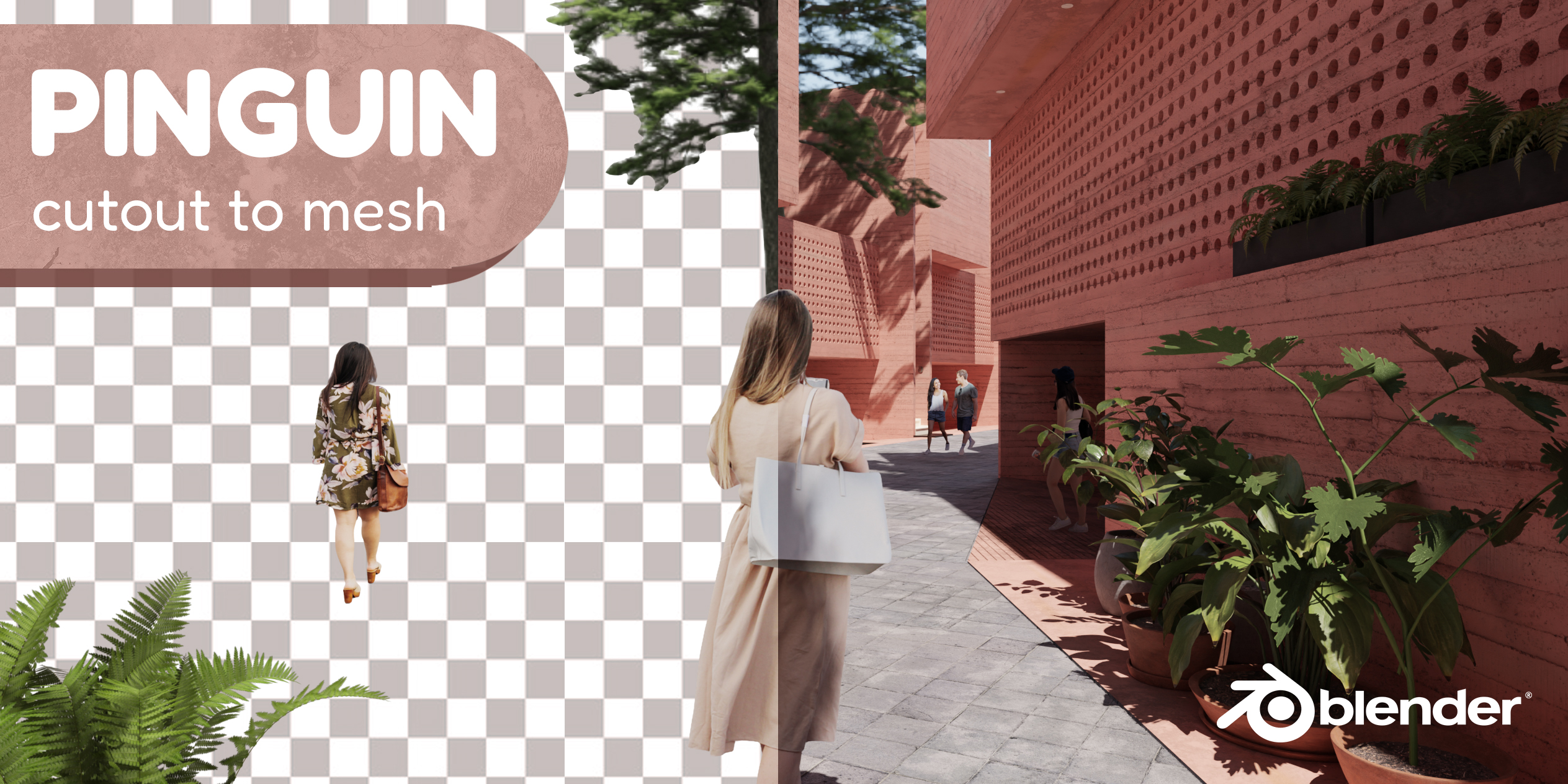
Pinguin - Cutout To Mesh is a Blender add-on by Bric Bric that turns PNG image cutouts into meshes. It is designed for workflows where cutouts need to sit in a 3D scene: the developer says it can reduce manual placement, scaling, lighting and shadow adjustments in external software. See the product listing for its current details.
Convert a folder of PNG cutouts
In the Pinguin panel in Blender's 3D Viewport, choose a directory of cutouts and press Create. The add-on processes PNG files only. Its options control the generated mesh:
- Vertical generates meshes in an upright position.
- Mesh Height sets the height of the generated meshes.
- Holes creates holes in the mesh. With this option off, Pinguin creates the silhouette and handles holes through the material alpha. The product FAQ says creating holes may affect performance and take longer.
- Fast and Detailed are the modes for tracing the cutout contour.
Choose a contour mode
The developer says Fast captures the silhouette in less time and performs as well as Detailed in about 95% of cases. If an edge shrinks noticeably from the source contour, try Detailed, which is intended to resolve that issue. These are the developer's descriptions; the best choice depends on the cutout.
Orient selected objects toward a target
The separate Face Towards panel uses a target object to rotate selected objects toward it in the XY plane. Tilt inclines the selected objects toward the target, provided they already face it in the XY plane.
Installation and compatibility
Install the add-on from its ZIP file through Blender's Edit menu, Preferences, Add-Ons tab and Install button, then enable it in the add-on list. Activation may take a couple of minutes while Pinguin checks whether Python modules need updating. Once enabled, its panel appears in the 3D Viewport. The filename-length error guidance says that, in some cases, a filename longer than 60 characters (64 including the .png extension) can trigger an Attribute Error when Holes is enabled; it suggests shortening the filename.
The listing names Blender versions 3.1 through 3.6 and warns that the current add-on version is incompatible with Blender 4.0, while remaining functional on 3.6. It also notes that Pinguin depends on part of the Blender API, so later Blender updates could affect compatibility. Check the product listing for the latest status before relying on it. Pinguin does not include cutout samples; the developer suggests free sources such as MrCutout or Skalgubbar. The listing identifies the license as GPL.