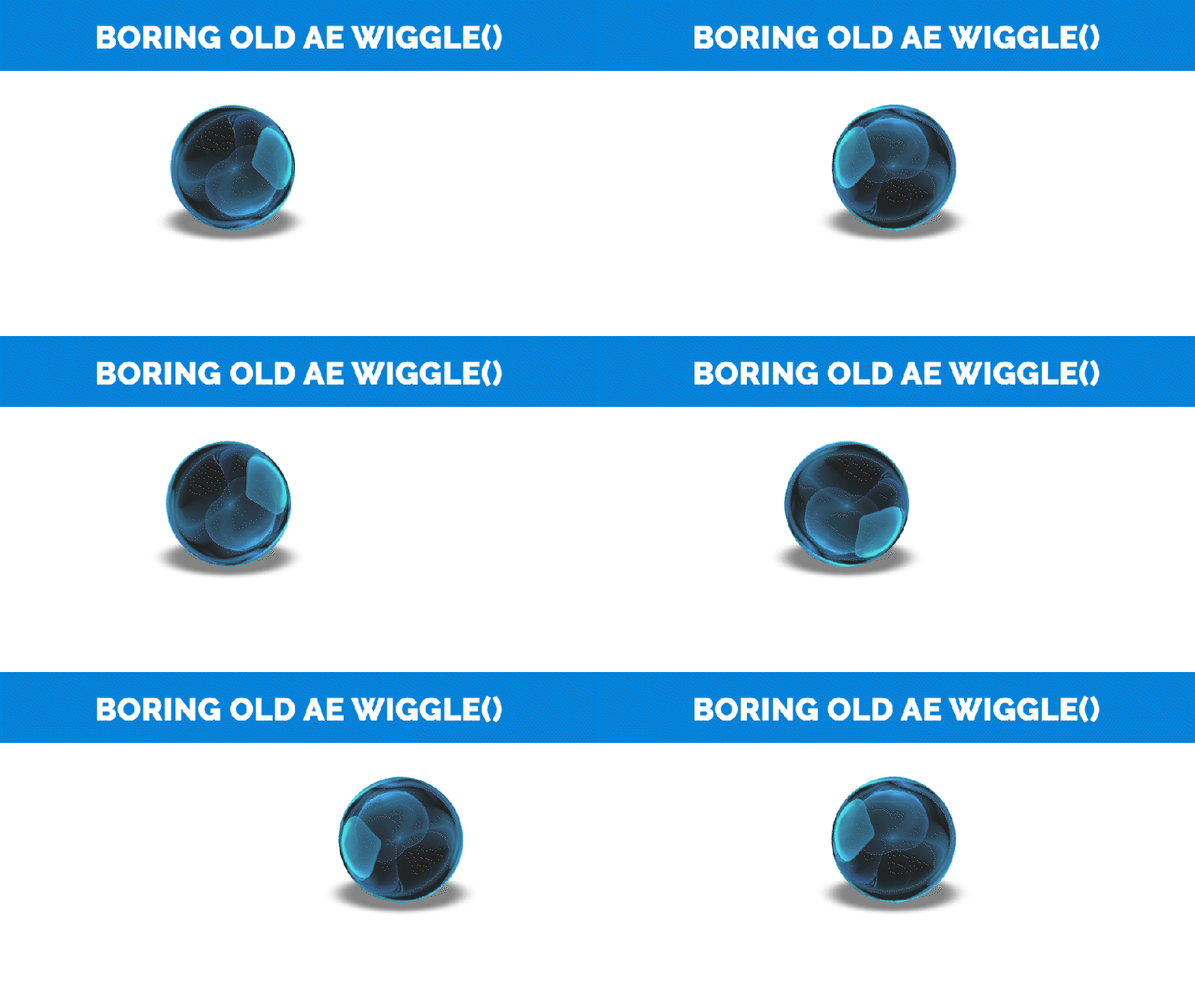
What Loop This! Wiggle does
Loop This! Wiggle is a dockable After Effects panel for creating wiggle motion that repeats over a chosen time range. It uses seeded randomness, so the same seed and settings produce the same motion. The product page says After Effects' native wiggle() expression does not create a seamless loop.
You can apply the result as an expression, which evaluates live, or bake it into keyframes. Both modes produce identical output. This suits motion designers making repeatable loops for titles, logos, interface elements, camera shake, or other numeric animation.
Choose the motion and loop behavior
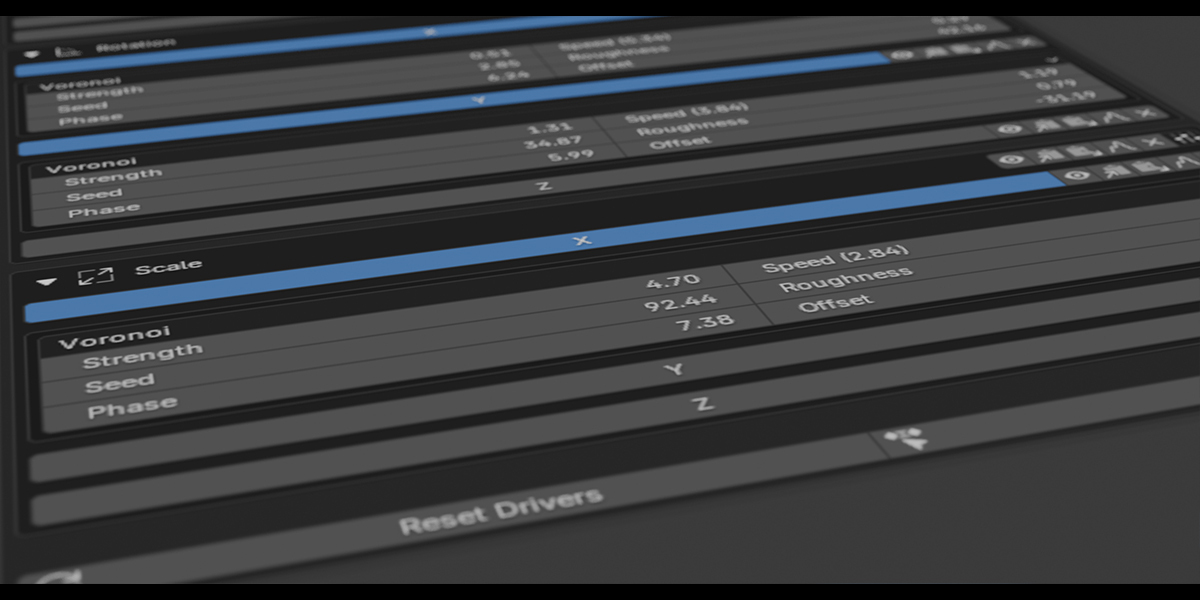
Choose Multi-Frequency Perlin noise for smoother, layered motion, or AE-Style Random Walk for a traditional wiggle pattern. Perlin mode has an Octaves setting from 1 to 8: higher values add detail, while lower values make the motion broader and simpler. Set frequency and amplitude for each axis, enable only the axes you need, and use per-axis clamps to keep values within a defined range.
The three loop modes suit different timelines:
- Self-Loop returns the wiggle to its own starting value, for a self-contained segment you can place elsewhere or nest in a precomp.
- Chain Mode fades the wiggle to and from the property's base curve, for sequential segments that flow into one another.
- Comp Loop returns to the value at the start of the composition, for a full-comp loop intended for repeating or time remapping.
Set the range and property
Enter start and end times in decimal seconds or timecode in HH:MM:SS:FF format. You can use the composition In and Out points, the work area, or manual values. The panel checks timecode against the composition's frame rate and rejects invalid frame values.
The tool works with numeric, keyframeable properties that have a stopwatch icon. Examples include Position, Scale, Rotation, effect controls, masks, shape properties, text animator values, Puppet Tool pins, and third-party plugin parameters. It does not apply directly to color, text content, or path values. For properties with existing keyframes, choose Additive to build on the current animation or Clean to use a cleaned property track. You can also load settings from an existing expression or copy an expression to another numeric property, where it adapts to that property's dimensions.
Compatibility and license
Loop This! Wiggle is listed for After Effects 2022 through 2026. Its EULA grants one copy for use on one computer at a time and allows one archival copy on storage other than a hard drive. Use by multiple people or on multiple computers requires an appropriate license for each user and copy.