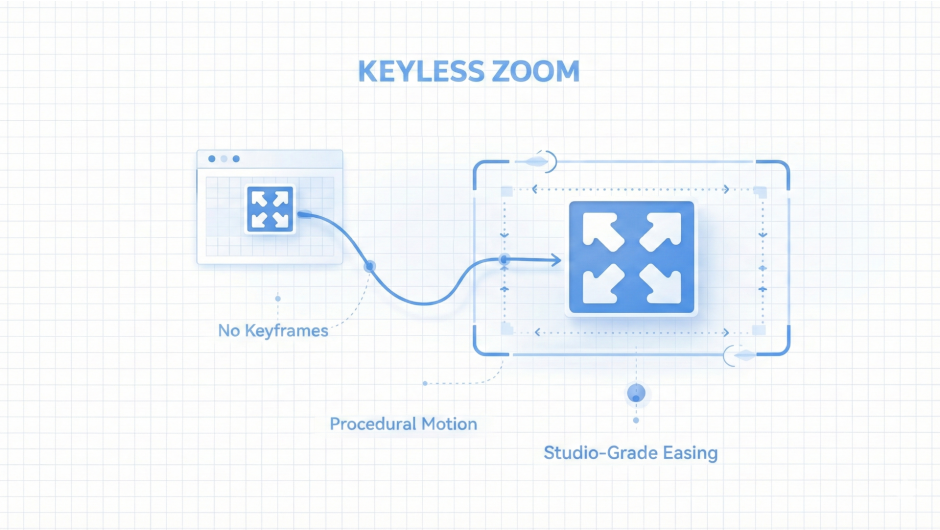
Keyless Zoom creates Zoom In, Zoom Out, and Zoom to Fit moves for After Effects cameras. It suits motion designers working with 3D layers who want to set a shot’s framing, start and end positions, timing, and easing in one workflow.
Set up and preview a move
Create a camera or use Auto-Detect Camera, then choose a move type. For Zoom In or Zoom Out, set the start and end camera positions and rotations, enter the start and end times in frames, and preview both ends as you adjust them.
For Zoom to Fit, select a 3D layer before executing. Keyless Zoom calculates the camera’s end position from the layer’s position, rotation, orientation, scale, and parenting through linked nulls. Its Overscan control updates the framing live: 1.0 fits the layer’s bounding box, while lower values move the camera closer and higher values pull it back. Use Rotation for aligned graphic framing; use Orientation to preserve an artistic angle.
Adjust easing and bake the result
Choose Smooth, Snappy, Cinematic, or BounceBack easing. Easing Strength lets you refine the motion after building the move, and BounceBack has a separate Overshoot control. Once the shot is approved, Bake converts the expression-driven animation into standard After Effects keyframes. It bakes only animated segments and removes the easing-control null, leaving an editable camera animation without procedural dependencies.
Compatibility and licensing
Keyless Zoom’s listed compatibility range is After Effects 2020 through 2027. Its license permits one installed copy on one computer at a time, plus one archival copy on storage other than a hard drive. Use across additional computers or users requires an appropriate license for each copy and user.