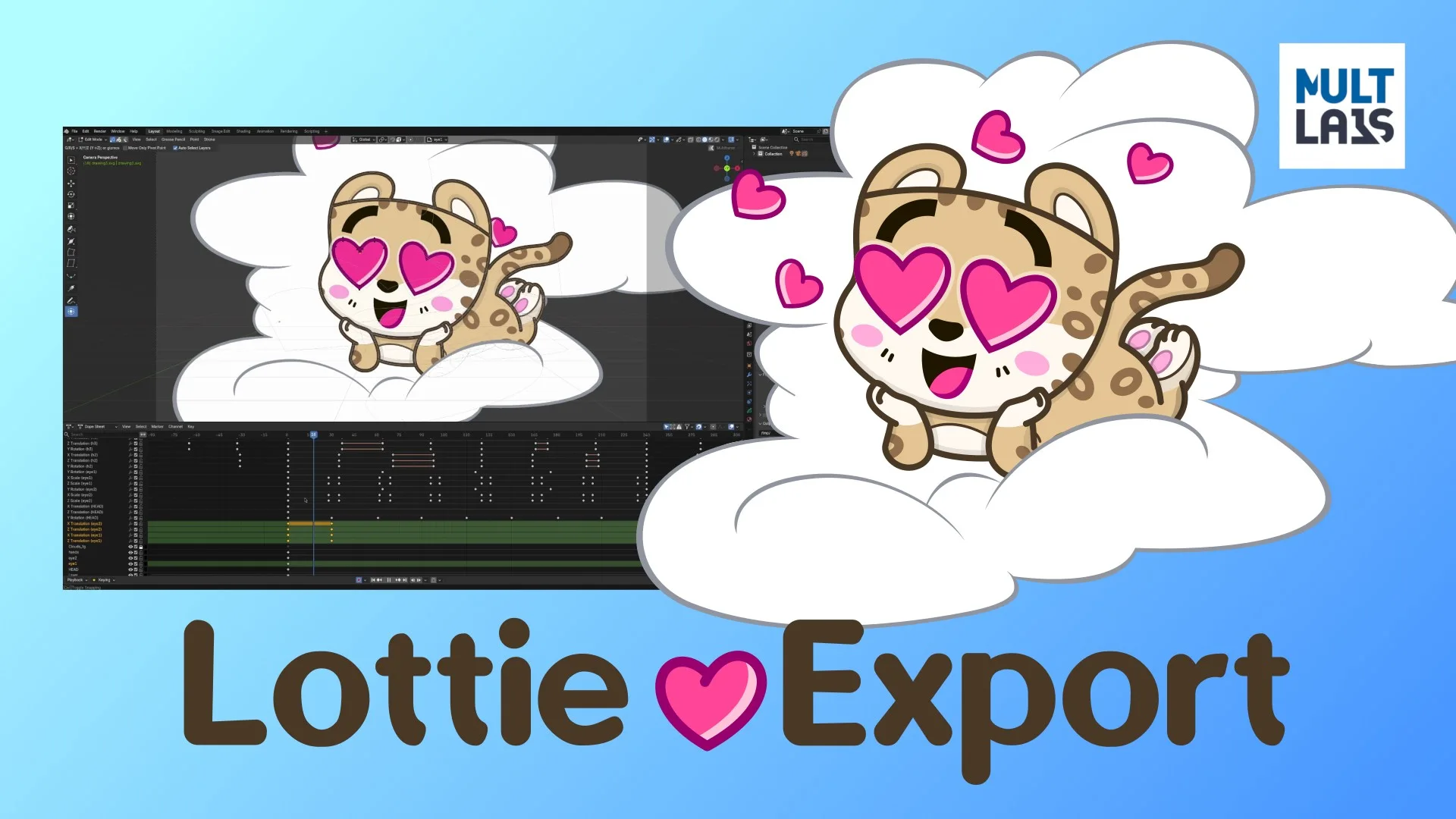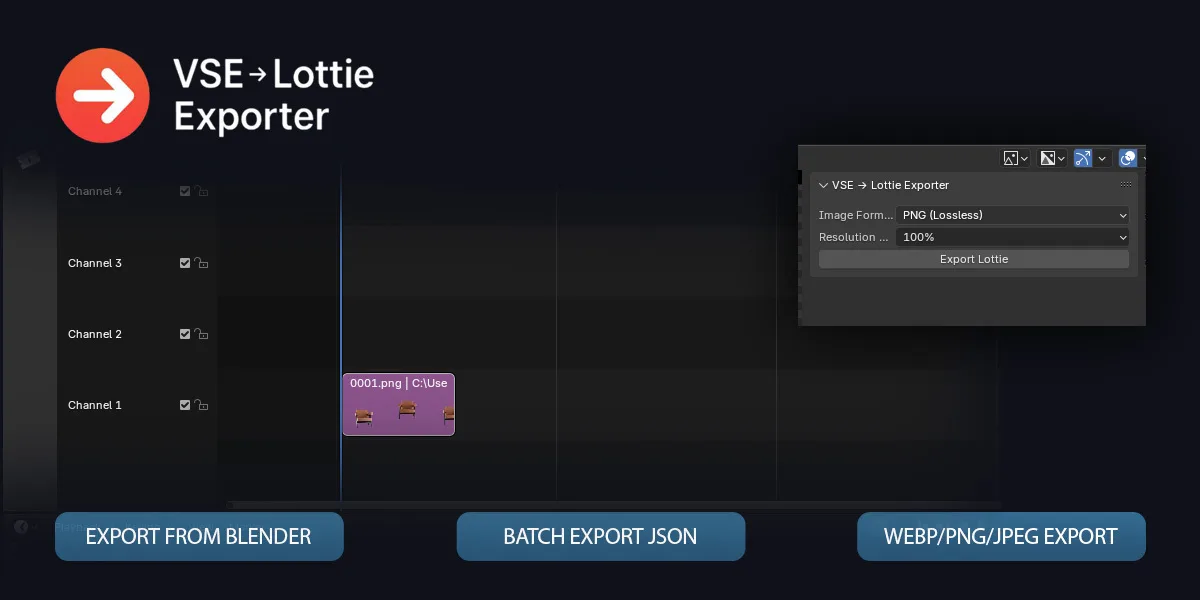
Lottie Animation Addon exports a Blender animation timeline as a .lottie package, a ZIP archive containing Lottie JSON and images. The product listing identifies the output as Lottie JSON 5.9.4 and describes frame-by-frame export. The finished file is intended for playback through Lottie player libraries in web and app projects. The package includes a standard manifest with autoplay and loop settings .
Prepare the scene and install the addon
The listing conflicts on Blender compatibility: its overview says 4.0+, while Details lists 4.2–5.0. The listing does not establish whether Blender 4.0 or 4.1 is supported, so confirm compatibility with the seller before installing.
- Download
lottie_addon.zipand leave it zipped. - In Blender Preferences, open Add-ons, choose Install, and select the ZIP file. Enable Lottie Animation Exporter.
- In the 3D Viewport, press
Nand open the Lottie tab. - Set the timeline's start and end frames, and make sure the scene has an active camera.
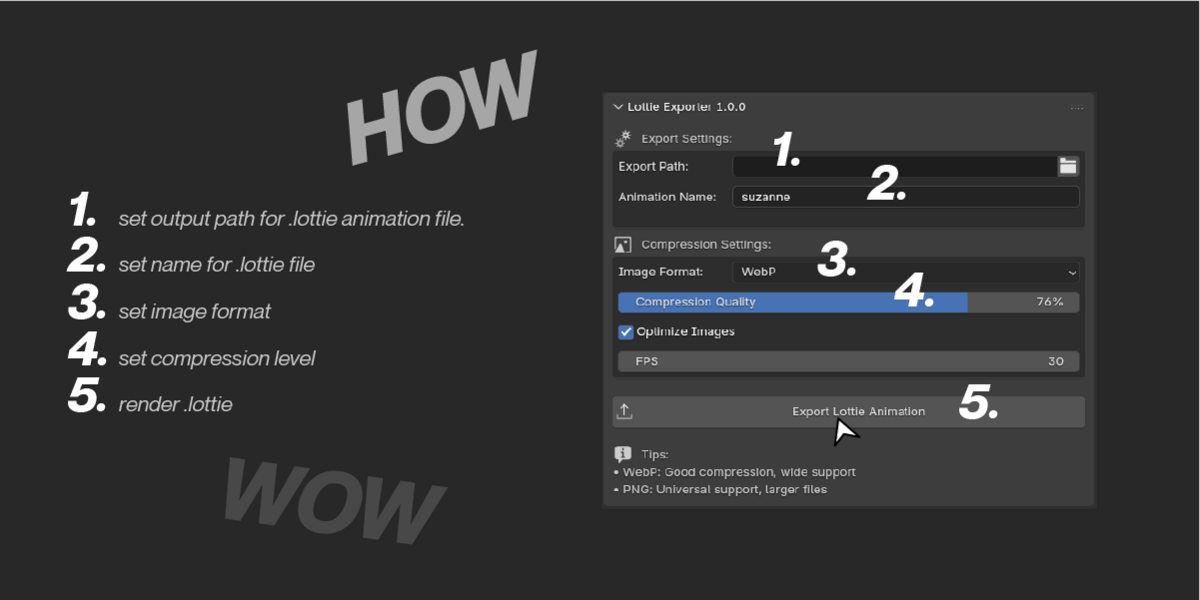
- Choose an output path and animation name, set the image format and frame rate, then click "Export Lottie Animation".
The setup and export controls are in the Lottie panel. Output resolution follows Blender's render settings, and export time depends on the animation length and resolution.
Choose image format and frame rate
PNG is the safer choice when broad browser compatibility matters. WebP can produce smaller files, though the seller's listing claim of 50–80% smaller does not include test conditions, and it notes that older browsers may not support WebP. Check the exported file in the browsers or player libraries you plan to use.
The frame-rate setting ranges from 1 to 60 FPS; the listing suggests 30 FPS for most animations. The listing recommends 75% compression quality, while the documentation lists 80.0% as the default. Large animations may take longer to export and need adequate disk space.
Who may find it useful
This addon is aimed at Blender users who want to move an animation into a web or app project as a Lottie package. The product listing names loading spinners and product showcases as example uses. Check playback in your target Lottie player after export, since the listing does not document testing for every destination or project.