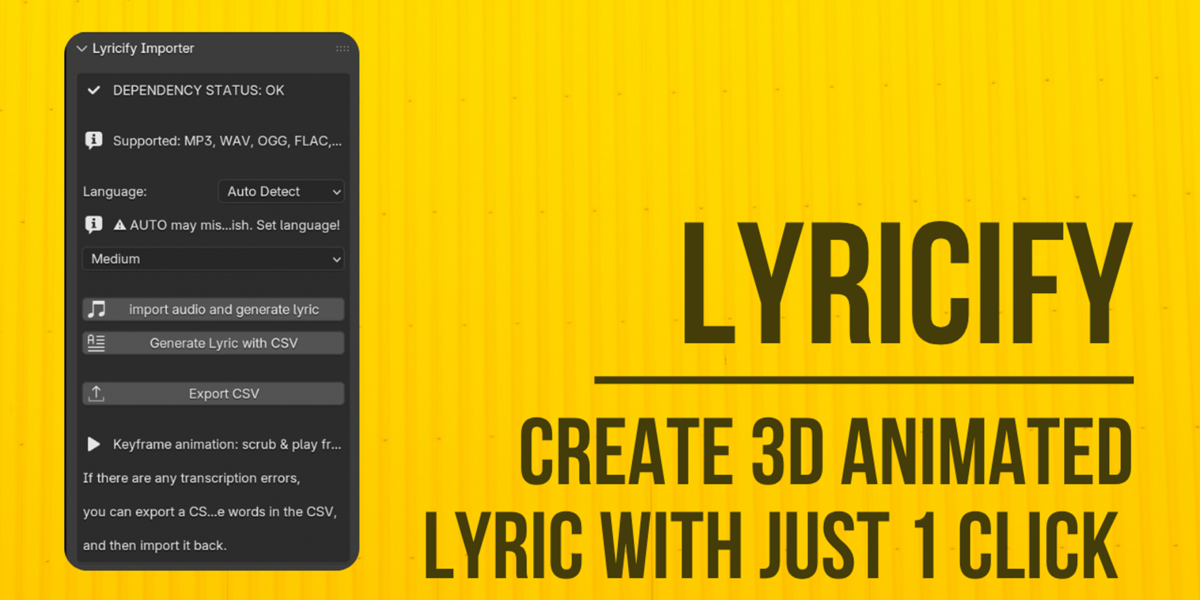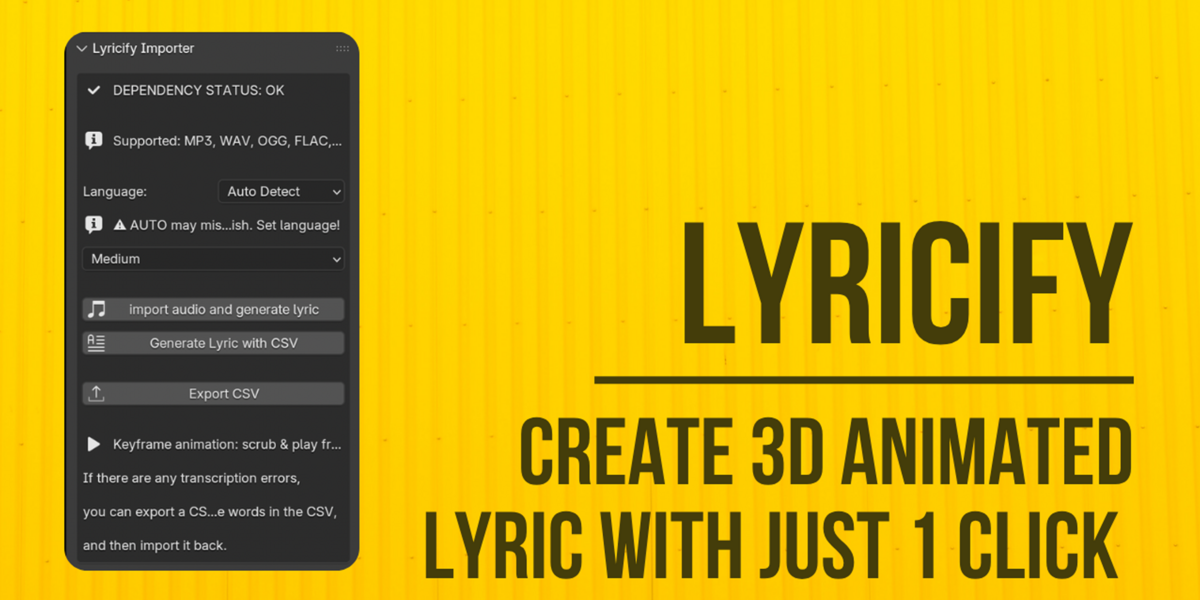
Lyricify is a Blender add-on by phamduyson for creating 3D lyric videos from audio. It uses OpenAI’s Whisper for timestamped transcription, then builds animated text in a Blender scene. It accepts MP3, WAV, OGG, FLAC, and M4A files, and lets you edit lyrics and timing through CSV.
The add-on may suit musicians and video creators who want lyrics in a 3D scene, along with Blender users making music visualizers or social clips. Review the generated words and timing before export; Lyricify includes a CSV workflow for corrections.
How Lyricify turns audio into animation
Choose a language or use automatic detection, select a Whisper model size, and import a track. The product description says Whisper can detect more than 99 languages and trim initial silence. Model sizes range from base to large, giving you a choice between processing speed and transcription accuracy.
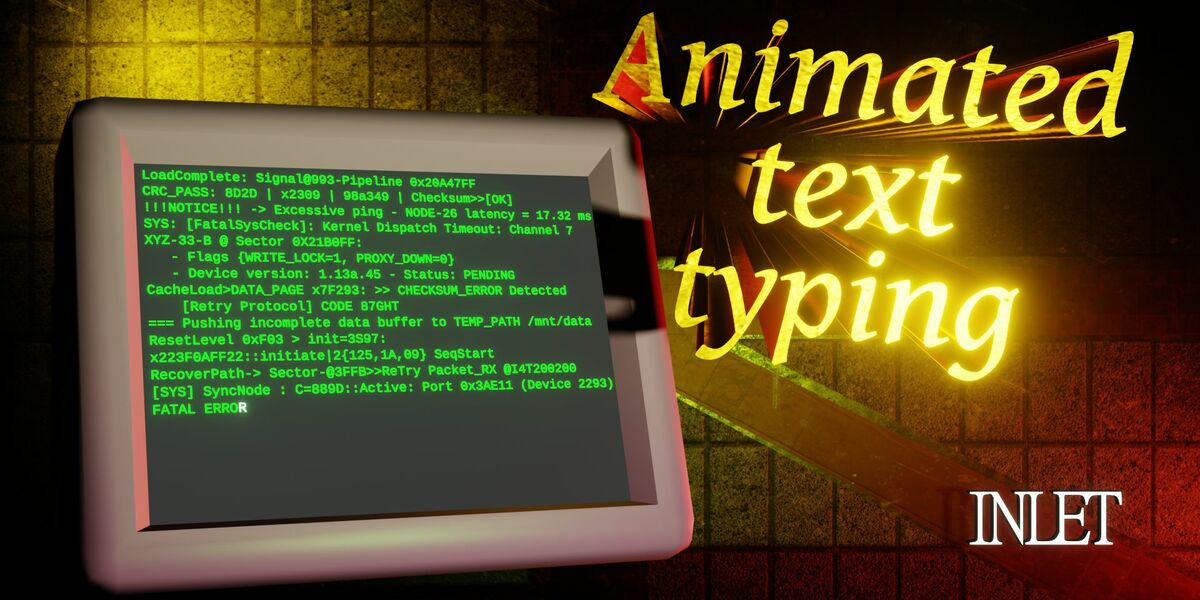
Lyricify creates animated text that appears from above, scales in, and falls with physics. The text is arranged in clustered positions to avoid overlaps and faces the camera. Its scene setup adds a camera, an area light, and a spot light, and compositor bloom. Materials use subsurface scattering and emission glows, with five color schemes.
Edit lyrics and review the scene
Export the lyrics and timestamps to CSV, edit the file in a spreadsheet or text editor, then import it again to regenerate the animation. The add-on also places audio in Blender’s Video Sequence Editor, sets playback to 24 FPS, and adjusts the timeline to the track length plus a buffer.
Scrub the timeline to preview the animation. You can render the scene in Blender or use the Video Sequence Editor for video export. Lyricify supports both Cycles and Eevee.
Installation and compatibility
The product listing specifies Blender 4.5 or newer. To install the add-on, open Edit > Preferences > Add-ons, install lyricify.py, then enable Lyricify. Its documentation describes a guided setup for FFmpeg, CPU-only PyTorch, and a timestamped version of Whisper. The setup may ask Windows users for the Visual C++ Redistributable or macOS users for Homebrew. The documentation recommends restarting Blender after each major setup step.
AnyPlugins lists Lyricify as free, and the Superhive product listing identifies its license as GPL. Check the Lyricify documentation and product listing for current installation and license details.