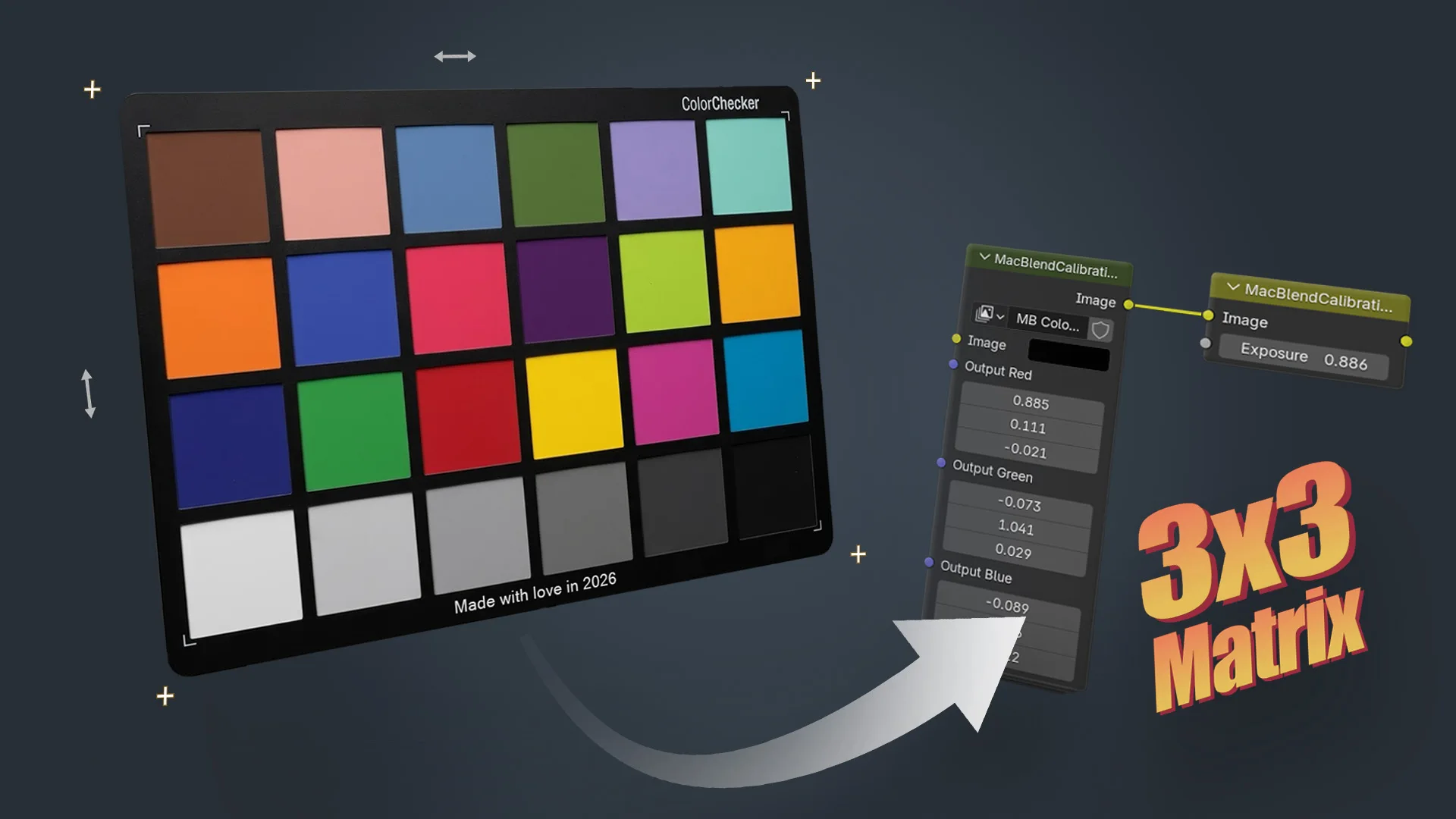
MacBlend is a Blender add-on for calibrating images that include a Macbeth ColorChecker. It samples the chart and calculates forward and inverse color transforms, then creates compositor or shader nodes or exports the results as .cube LUTs. Use it when you need to match a chart-bearing image to reference colors or to another sampled image.
What MacBlend produces
MacBlend calculates a 3 × 3 matrix that maps sampled input values to a target color-space gamut or to chart values sampled from another image. It fits the matrix across all 24 chart patches. Optional normalization uses the Neutral 5 patch to separate a global exposure scale from the matrix.
A forward transform maps source to target; an inverse transform maps target to source. MacBlend can create the result as nodes in Blender’s Compositor or Shader Editor, or export both transform directions as .cube LUT files.
How to use MacBlend
- Open the source image in Blender’s Image Editor. Set its input color space, or IDT, to describe the image encoding.
- Show the chart overlay and align it with the ColorChecker in the image. Adjust the patch sample size so the sample areas sit inside the chart patches, then sample the chart.
- In the MacBlend panel, select the sampled source image and choose a target. You can use reference chart values or sample a second image for an image-to-image transform, such as matching two cameras. Choose Forward or Inverse for the transform direction.
- Create the transform as compositor or shader nodes, or export the LUT files.
Requirements and limits
MacBlend requires Blender 4.2 or newer, an image containing a Macbeth chart, scene-linear source and target data, and correct image input transforms. The image’s color-space setting must match its encoding. When using reference values as the target, the target gamut must match Blender’s scene-linear working gamut after the input transform.
The calculation is a linear approximation, not a full camera characterization or general color grade. It cannot reproduce gamma changes, tone curves, clipping, local adjustments, or hue-selective corrections. Results are most reliable with scene-linear, minimally processed, evenly exposed material. MacBlend’s built-in chart values are based on D65, so a substantially different capture illuminant can increase error.
Install MacBlend through Blender’s Edit > Preferences > Get Extensions view or from the Blender Extensions listing. Its declared file permission covers reading color data and writing LUTs to folders you select. The add-on is licensed under GPL-3.0-or-later. For more detail on input transforms, sampling, and the calculation, see the official MacBlend manual.