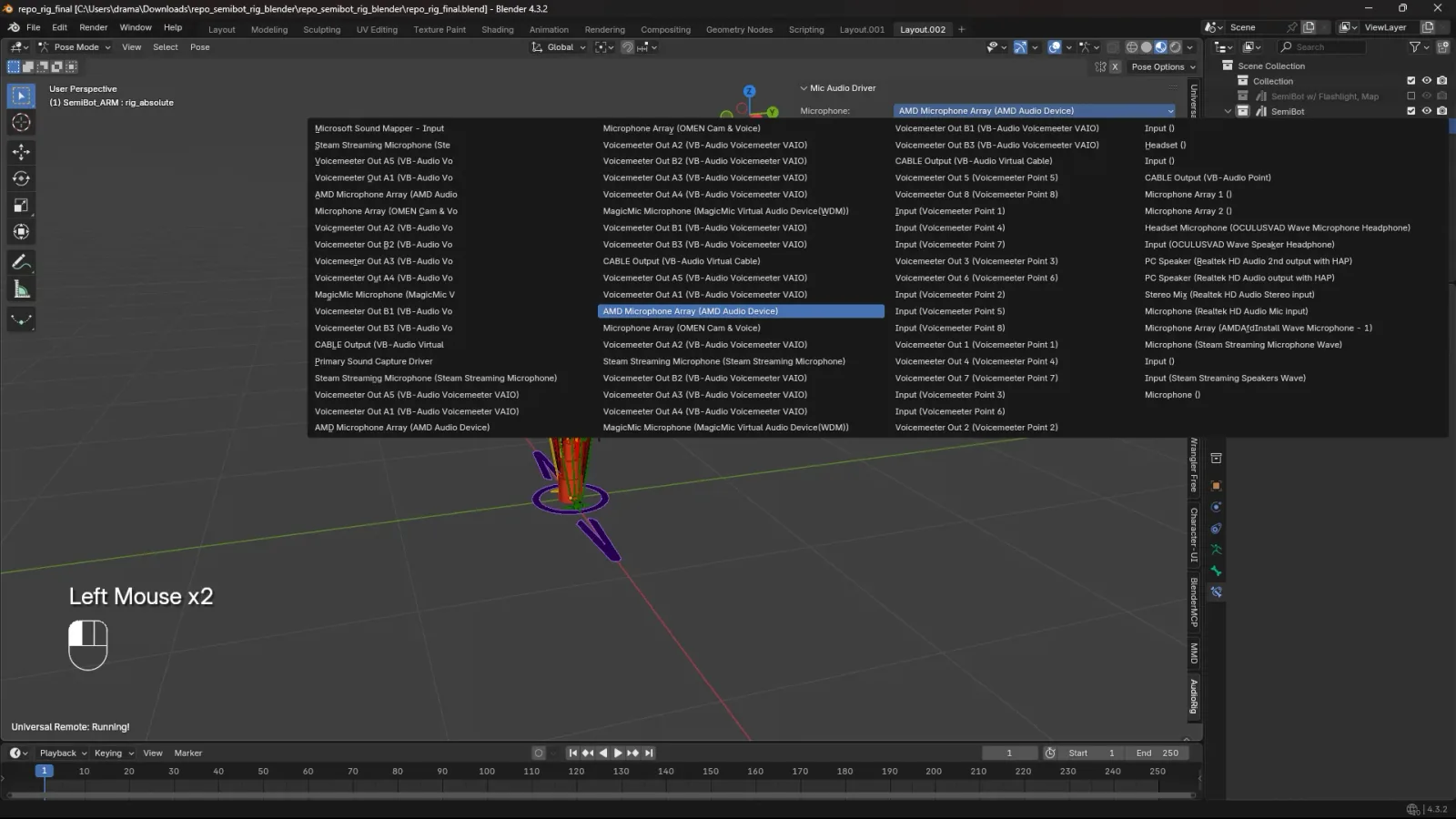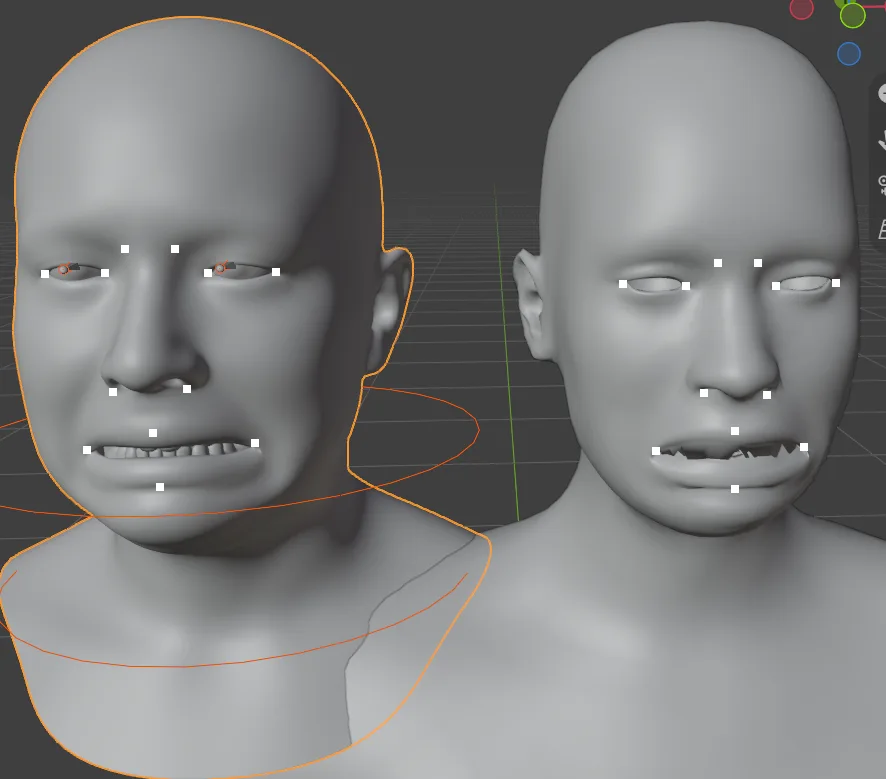
MAD (Microphone Audio Driver) is a Blender add-on that uses live microphone input to drive keyable rig properties in real time. The Blender Extensions catalog lists version 0.1.6 and Blender 5.0.0 as the minimum version. View the Blender Extensions catalog record.
Using MAD in Blender
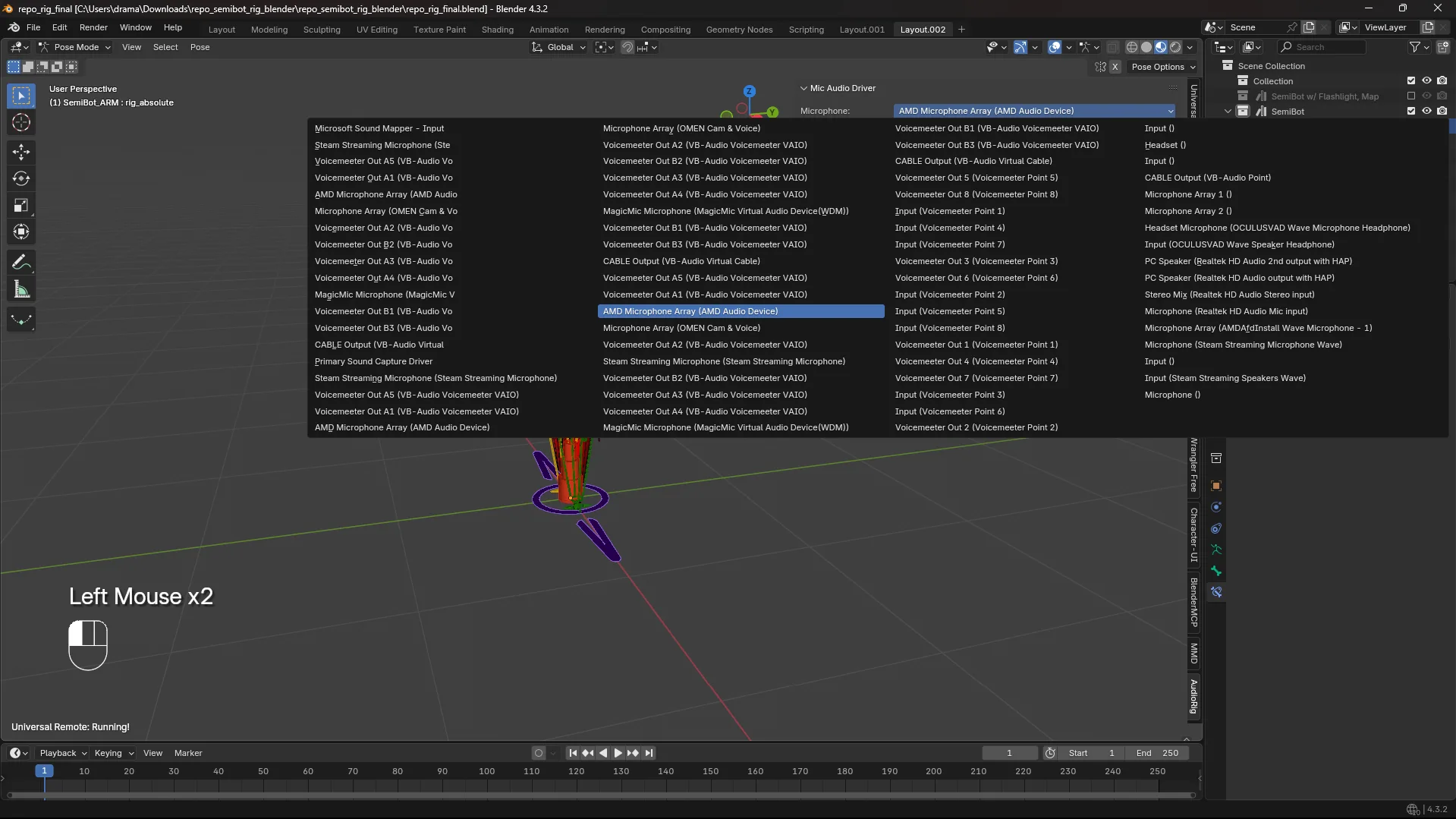
Open MAD in the 3D Viewport sidebar with the N key. Select a microphone and target object, then enter a keyable property's data path. Volume Scale multiplies sensitivity, Default Value sets the baseline while silent, and Update Interval sets the refresh interval in seconds. Start Audio Driver begins real-time updates; Stop Audio Driver releases the microphone. See the MAD setup steps and driver controls.
Version, platform, and access
The Blender Extensions catalog lists Windows x64 and Windows ARM64 packages for version 0.1.6, the GNU General Public License v3.0 or later, and a Microphone permission to capture audio input for real-time animation. The developer's v0.1.7pre pre-release separately lists MAD for Windows and Linux and MAD_OSX for macOS; its notes say the macOS dependency install script is optional because the wheels are bundled.