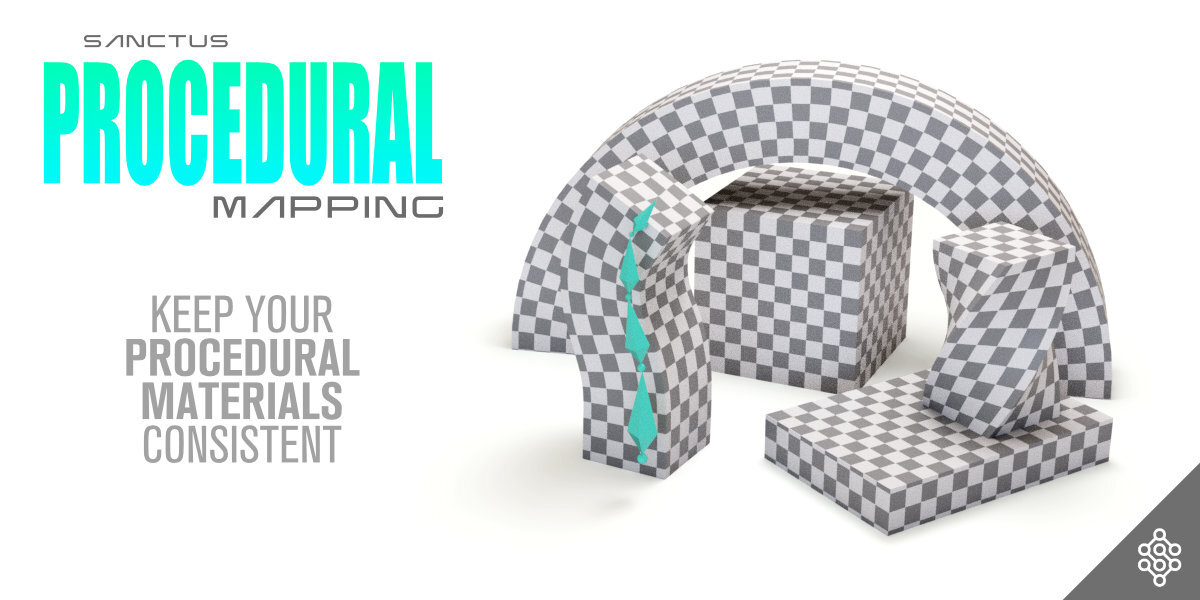
Magic Coordinate Addon - Dynamic Mapping is a Blender tool from Cosmo Mídias for using one procedural material across multiple objects with different proportions. It manages material scaling and normalizes stretching without requiring you to apply scale transformations in Object Mode. It also works with animated characters and other parametric, non-destructive mesh-deforming setups, preserving procedural material capabilities while helping you avoid UV preparation and baking where possible.
How the two wizards work
The workflow has two steps, which can be done in either order:
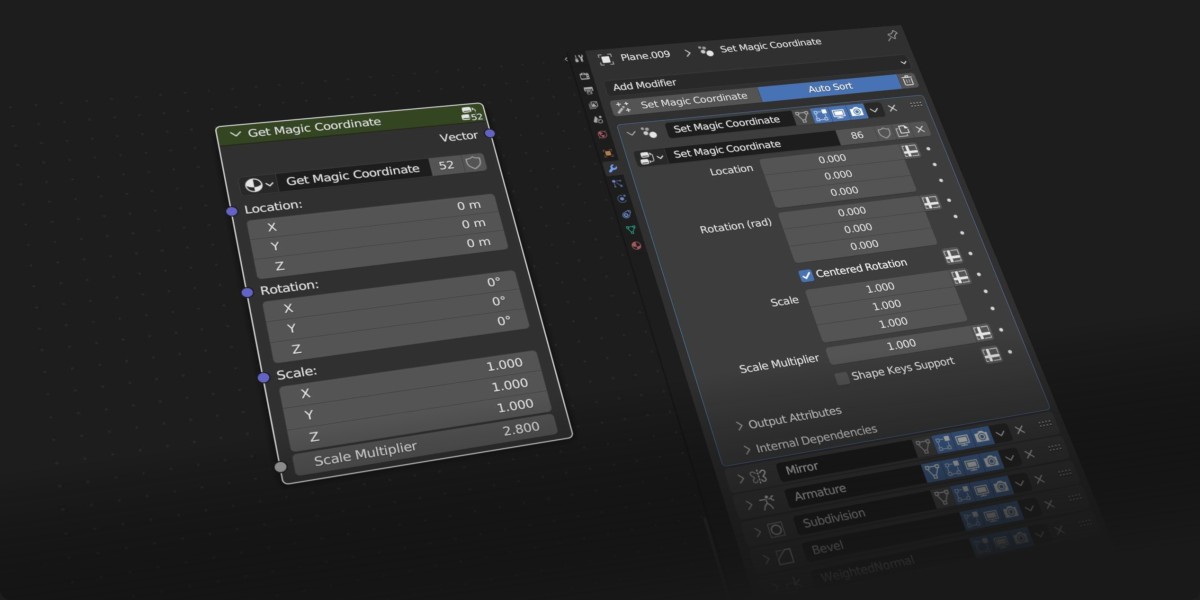
- Set Magic Coordinate Wizard: adds the modifier to multiple objects in one operation.
- Get Magic Coordinate Wizard: adapts an existing smart procedural material by replacing or connecting a Magic Coordinate node group to the required coordinate inputs in the active material’s node tree.
This lets you prepare the objects or the material first, depending on how the scene is set up.
Shape key and object limits
Shape Key Support is optional. Enable it on the Set Magic Coordinate modifier for each object that needs shape keys. The developer notes that this disables Normalized Mapping and Object Scale Auto Normalization; modifier offset parameters can help compensate visually for resulting distortions.
Curve objects do not receive the Set Magic Coordinate modifier because it can interrupt curve formations. If your workflow depends on shape keys or curves, check these constraints against the scene before adopting the modifier.
Version details
The listing identifies version 1.2.1, a GPL license, and a Blender version range of 3.0–5.2. Its release notes say version 1.2.0 works as an extension for Blender 4.2 and up. The 1.2.1 notes describe a Blender 4.2 fix that checks whether a node input exists before using Feed Empty Texture Inputs. Check the product listing and developer’s manual for installation guidance for your Blender release.