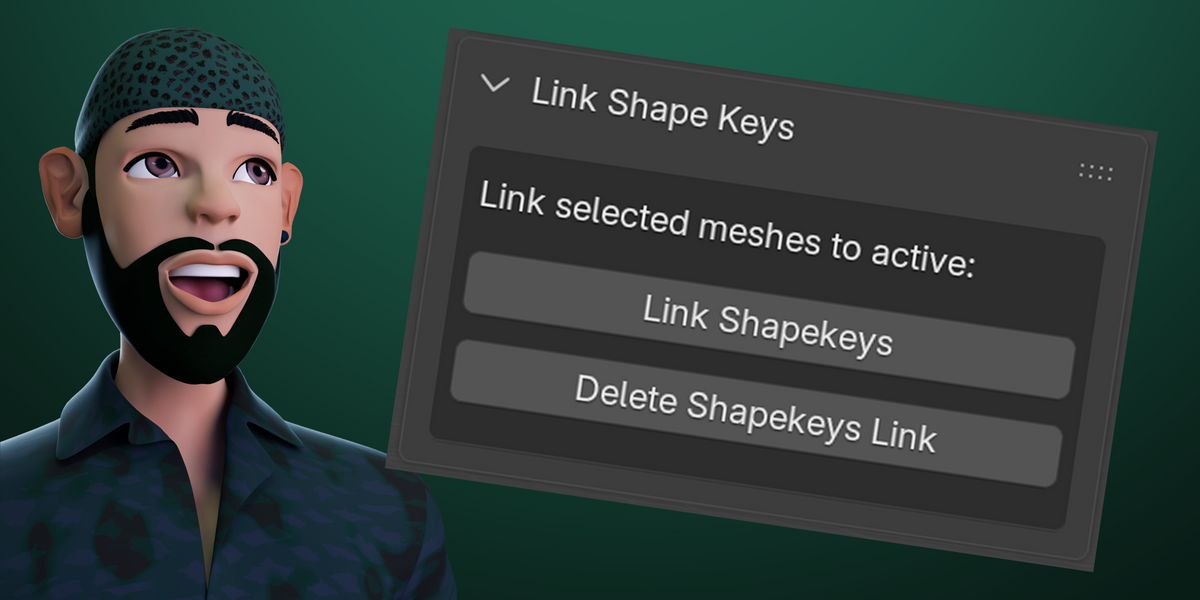
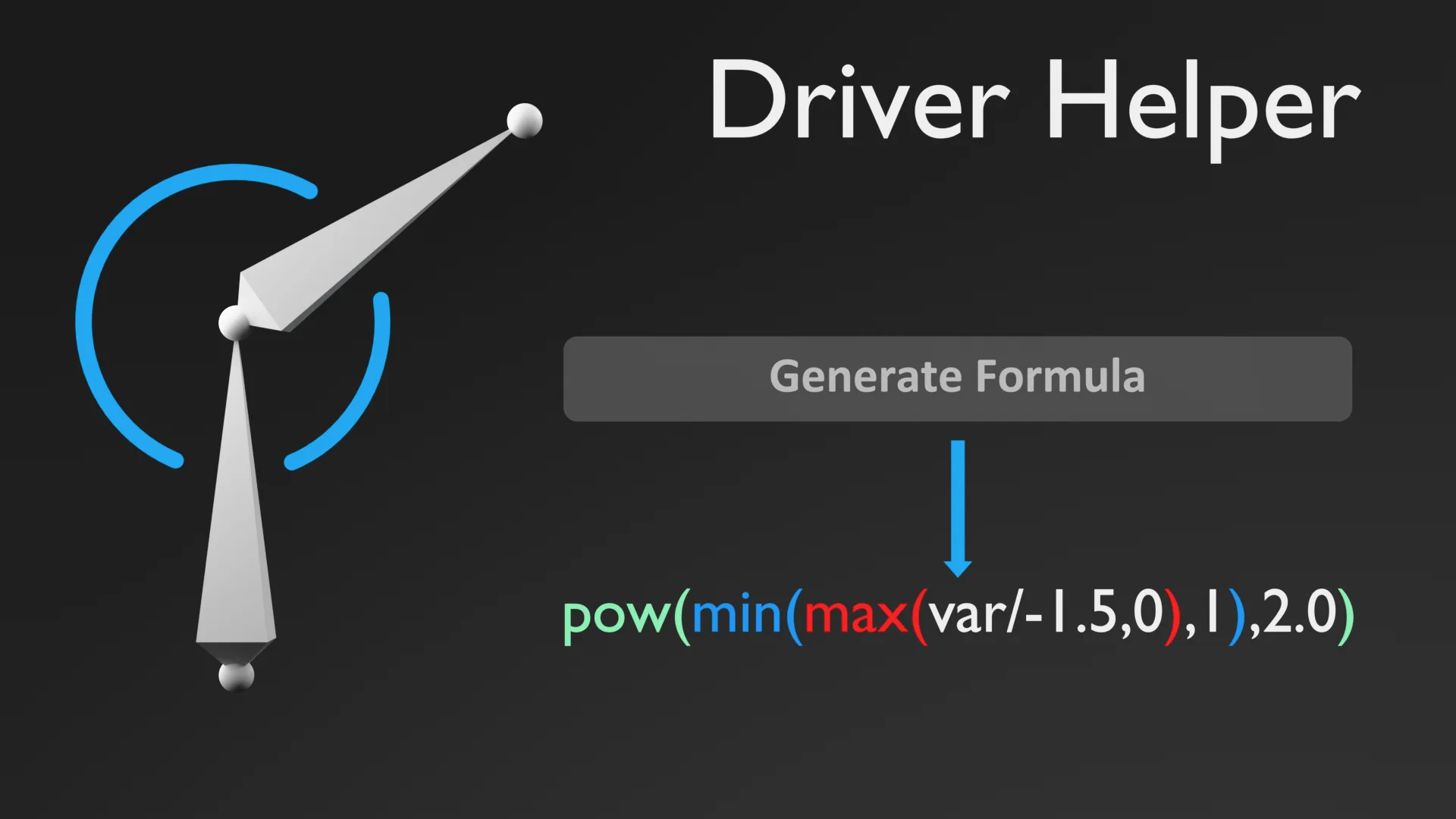
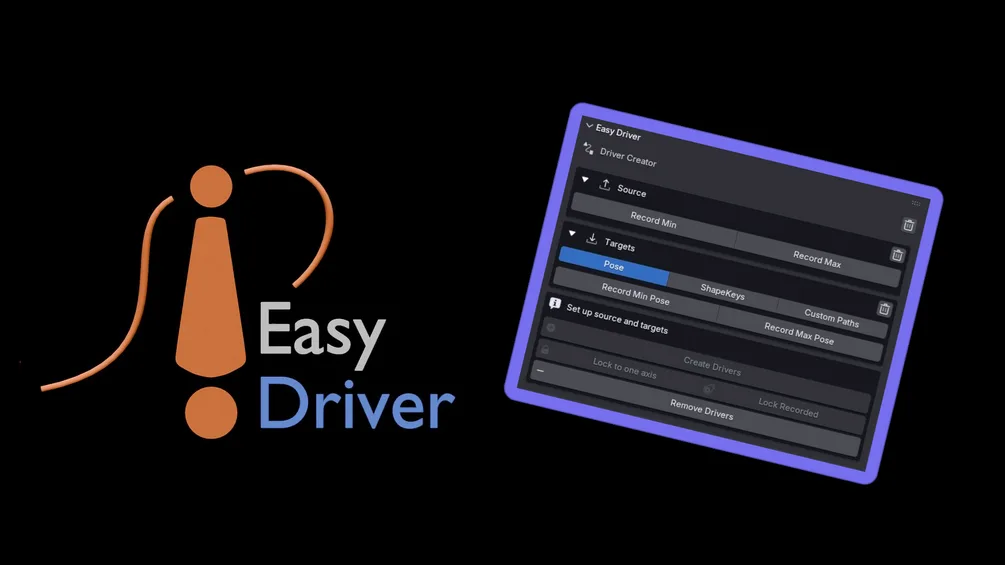
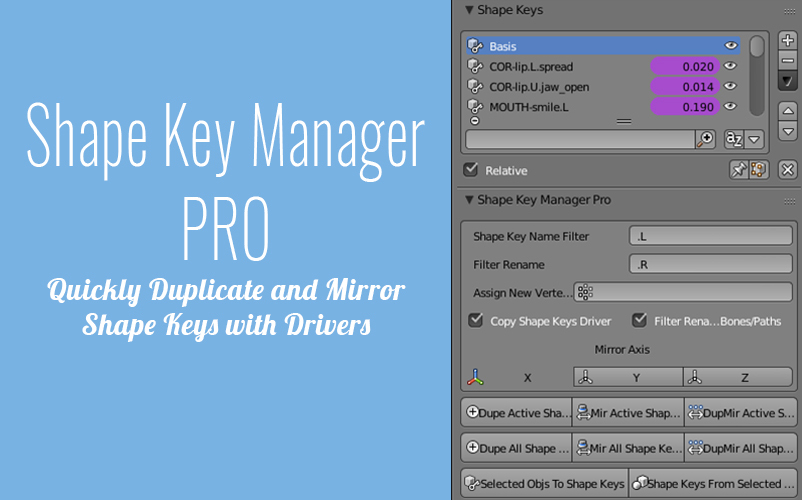
GabrielMoro's Automatic Driver Generator Addon for Blender creates drivers for property values such as shape keys, lattices, and shaders. Enter values in Blender's sidebar, generate a driver, then copy it and paste it into the target property's value field.
Set up a driver from the sidebar
- Open the add-on in Blender's sidebar.
- Enter the motion values and generate a driver. For oscillating motion between two values, enter the loop duration as well.
- Copy the generated driver and paste it into the value field of the target property.
The add-on adds hashtags to driver expressions automatically and includes a degree mode for rotational animation.
Animation uses
The add-on can oscillate a value between two values, gradually increase or decrease a value over time, or keep an object rotating at a set speed. Moving an object along a path is one example of changing a value over time.
Use auto-replace carefully
The one-click auto-replace feature can affect all drivers on a selected object when that object has multiple drivers. Check the object's existing drivers before using replacement, especially when you only intend to change one.
Compatibility and license
Superhive lists Blender 4.0 and a Creative Commons license, without specifying the variant. AnyPlugins lists the add-on as free; check the Superhive product listing for current availability and exact license terms.