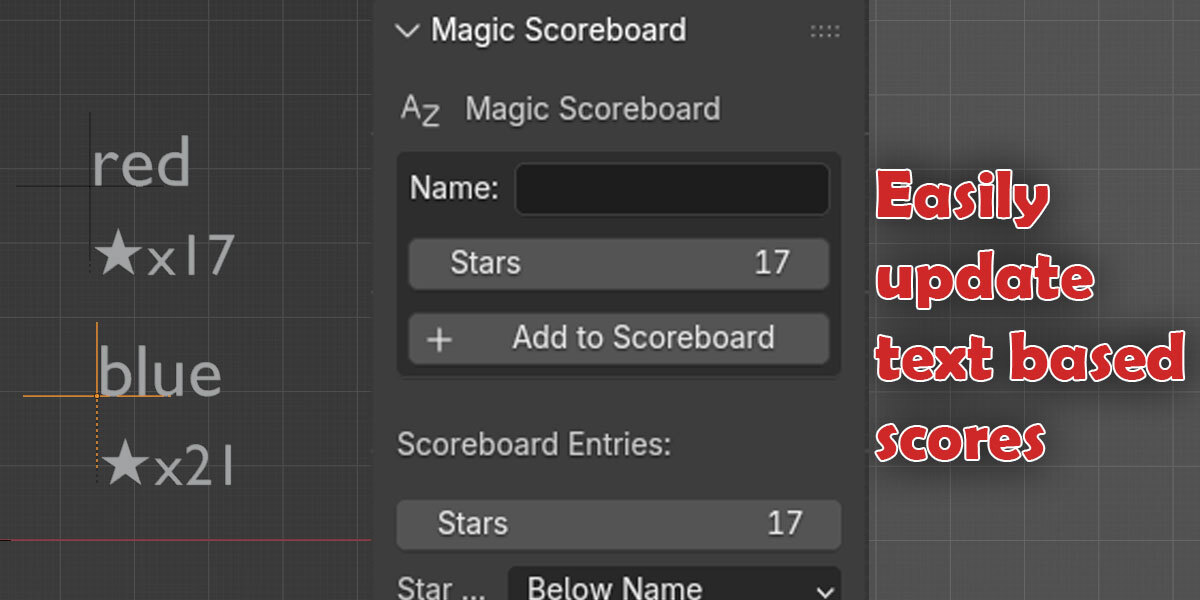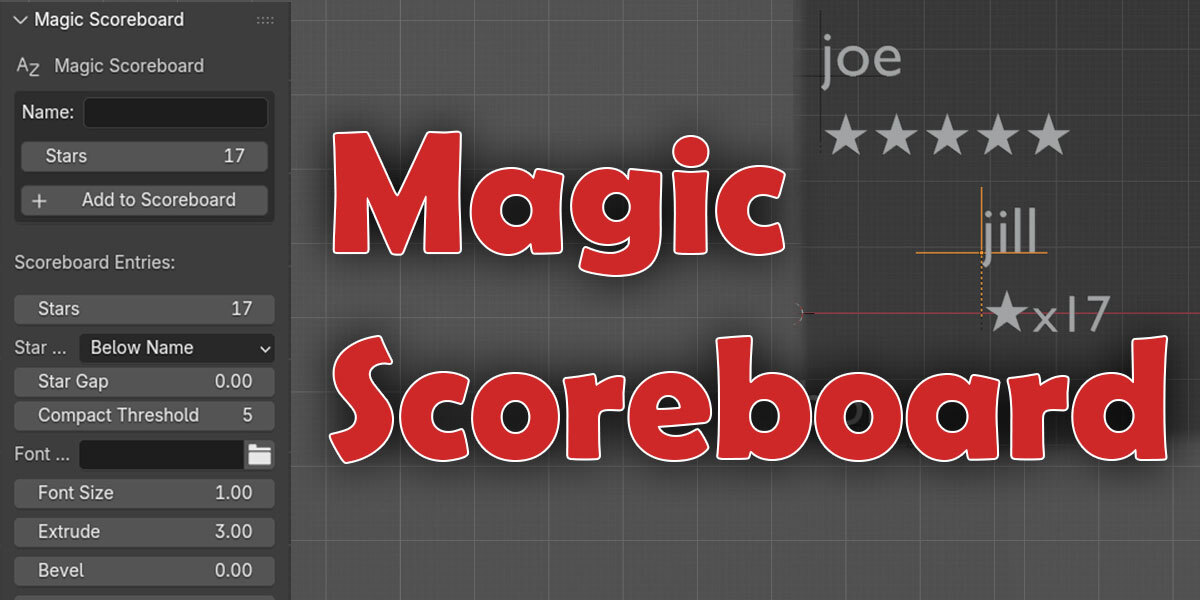
Magic Scoreboard turns a list of names and star values into text objects in a Blender scene. It is suited to game leaderboards, event scoreboards, and rating displays for products, characters, or other items.
Add a name and its star value through the add-on's entry list, then add it to the scoreboard. The entries remain available for later updates, so you can revise the list without placing each name and rating by hand.
Style and arrange names and ratings
Load a TTF or OTF font and adjust its size, bevel, and extrusion. Stars can appear as glyphs from the selected font or as objects from the scene. When Compact Threshold is set above 0, entries with more stars than that value switch to Compact Mode, which displays a counter such as "⭐ x50".
Place stars beside a name or below it, adjust the gap, and align the text and ratings left, center, or right.
Update entries while keeping object placement
Updating the scoreboard changes its content while preserving object transforms, so manually positioned elements stay where you placed them. The add-on organizes its output in a MagicScoreboard master collection. Its Names collection contains empties for repositioning each name-and-star group; each entry has a folder with separate text objects for the name and stars.
The product listing identifies Blender 4.5 as its Blender version. Check the product listing for current compatibility, and consult the publisher's documentation for installation and panel details.