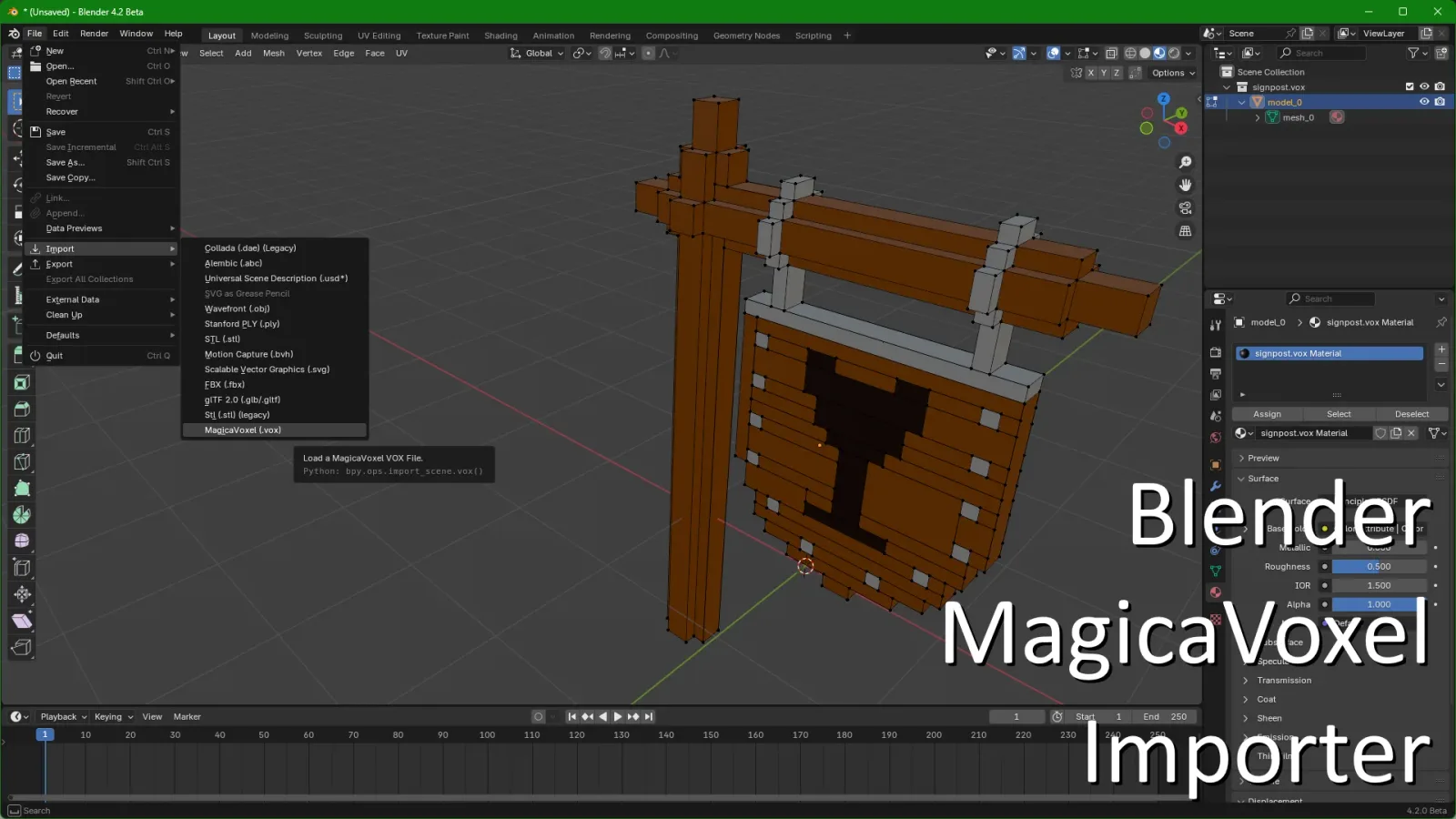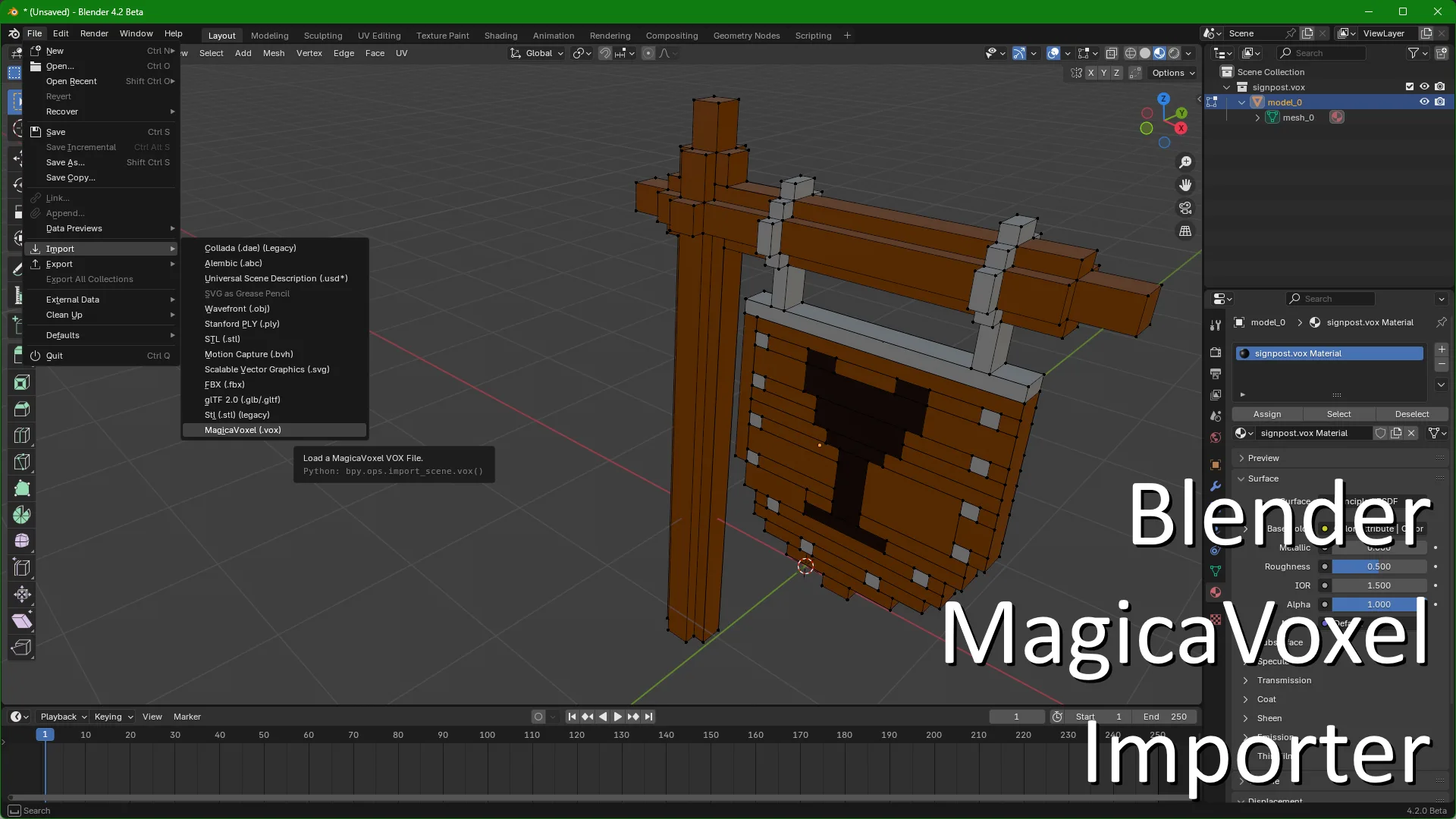
The MagicaVoxel VOX format add-on imports .vox models into Blender. It gives you control over how voxel geometry is meshed, how palette colors and material properties are handled, and whether models keep their hierarchy or are joined. The Blender Extensions listing identifies version 1.6.0 for Blender 4.2 LTS and newer. That release includes a watertight greedy meshing mode and geometry-based origin centering.
Choose how voxel geometry is meshed
The add-on offers four ways to represent imported voxels:
- Voxel as Models creates a separate six-sided cube model for each voxel. Blender Extensions warns that this mode may be slow when it generates many cubes.
- Simple Cubes combines the voxel cubes into one mesh per model.
- Simple Quads builds the voxel hull and creates faces only where voxel faces are visible from outside.
- Greedy joins visible quads where possible. Its optional Watertight mode removes T-junctions by expanding quads into N-gons where other quad vertices meet a quad edge.
Voxel Hull removes or ignores voxels inside a model when the selected meshing type supports it. Some meshing types enable the option implicitly.
Set color and material handling
Material modes range from Ignore, which imports neither colors nor materials, to Vertex Color, Material Per Color, and Materials As Texture. The texture mode stores the palette in a 256-by-1 texture. Depending on the mode, the add-on can also import material properties into vertex color layers, textures, or Blender material nodes.
Textured Models (UV unwrap) assigns each model a material and generates base color, emission, roughness, and metallic textures with UV unwrapping. Blender Extensions describes this mode as usable with Greedy meshing, where the faces are joined into a more optimized mesh.
Control hierarchy, joining, origins, and scale
Enable Import Hierarchy to bring the MagicaVoxel hierarchy into Blender as empty axis objects, with transformations applied through the hierarchy. If you disable it, the add-on calculates and applies transformations to each model without creating parent relationships.
Join Models combines the models in a .vox file at the voxel level before meshing. This lets hull generation and greedy meshing work on the combined voxels. Center Origins calculates an object center from its geometry and moves the mesh origin during post-processing. The Voxel Size setting controls the unit size assigned to each voxel.
The Blender Extensions listing has the version details and installation options. Check it before installing to confirm the current Blender compatibility information.