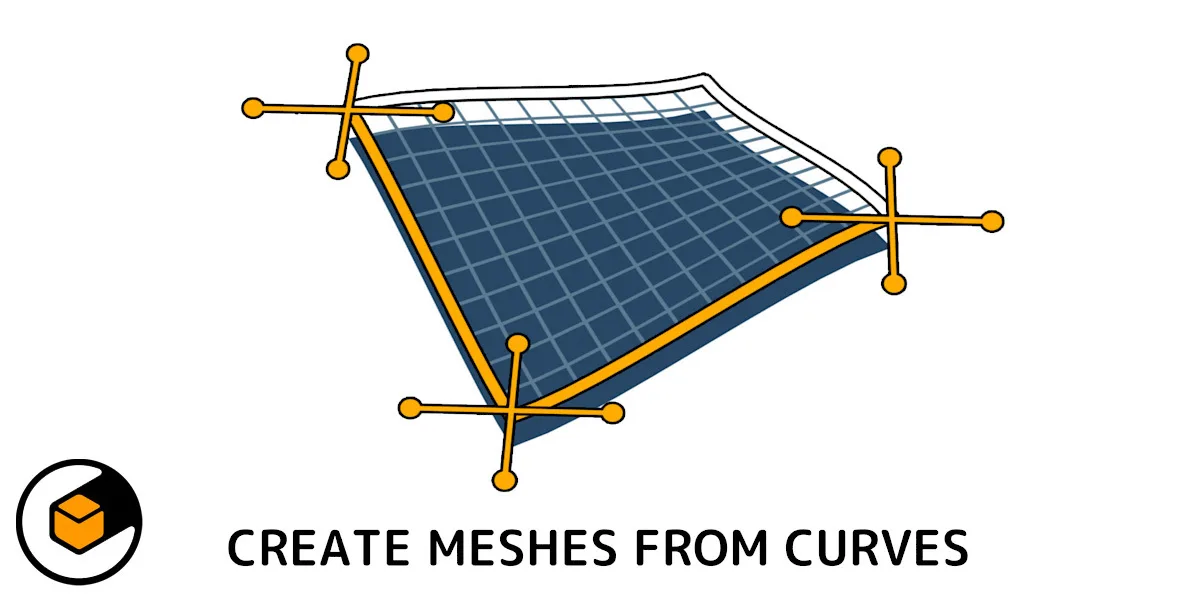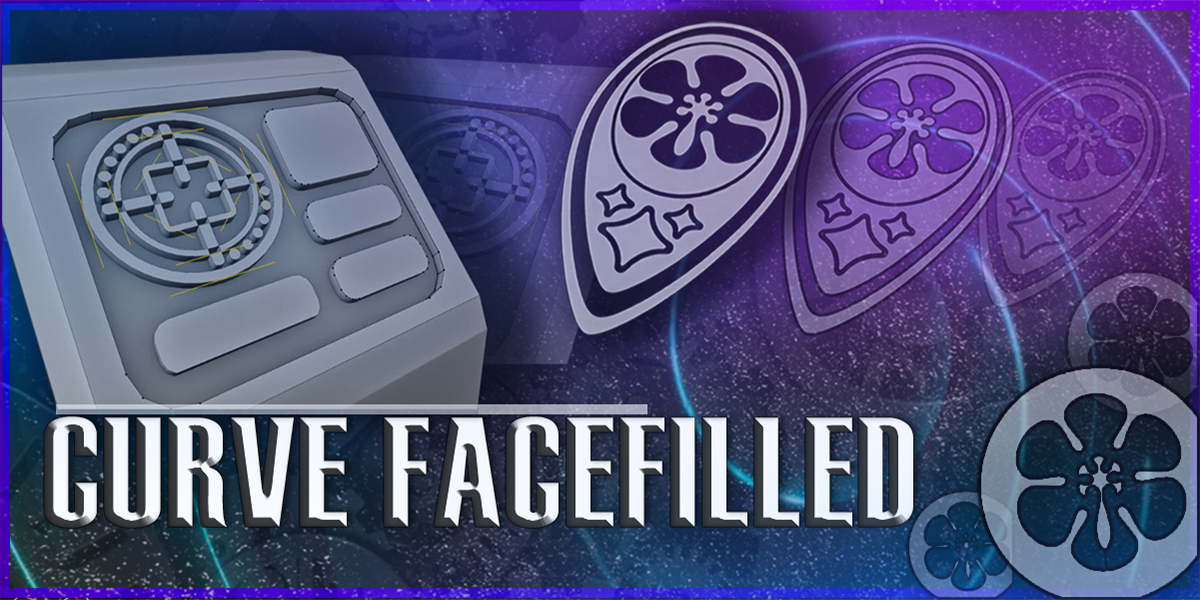
Curvemesher is an AMMPTT add-on for Blender that generates meshes from control point curves. It combines scene-view raycasting with adjustable mesh generation, so modelers can place or reposition curve points on geometry and revise a mesh as the curves change.
How Curvemesher builds meshes from curves
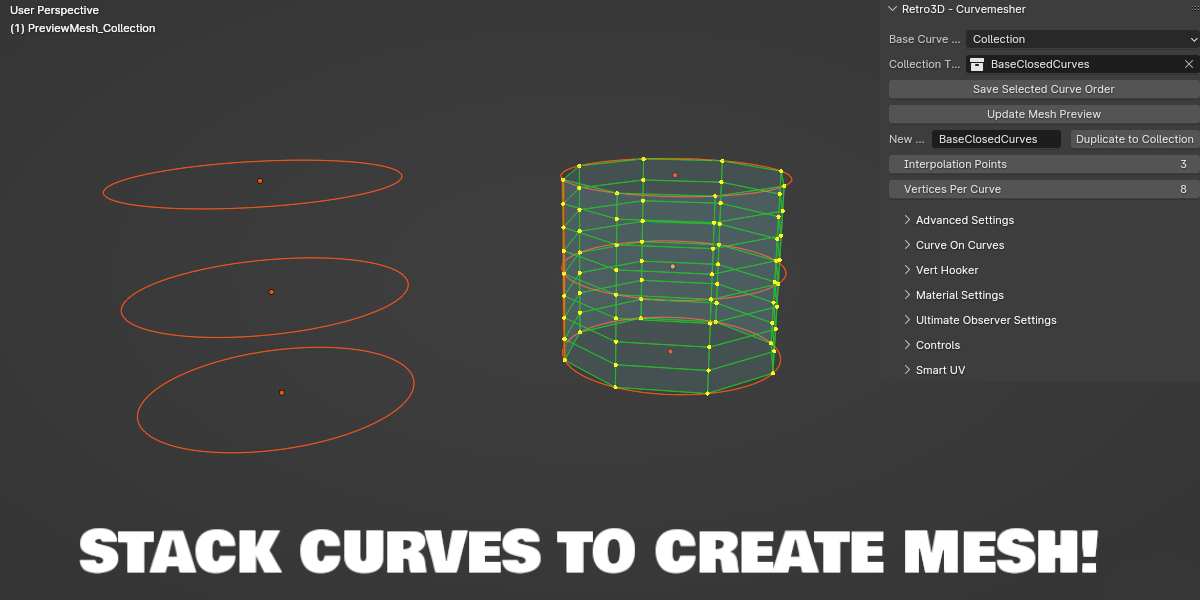
A single open or closed curve can generate a mesh with a custom vertex count. With two curves, spatial interpolation uses the space between them to guide mesh creation. With three or more curves, combinations and collections cover many of the add-on's modeling workflows.
Mesh controls include Quads or Tris, the curve origin, and interpolation points along Bezier curves and between curves. The origin can use proximity to the 3D Cursor, saved selections, collections, or selected elements. These settings let you adjust the mesh resolution and how the curves contribute to its shape.
Place points and update a preview
Raycast tools place new control points in the scene view and reposition existing points using a mouse hit position. For existing curves, the casting direction can point toward or away from the geometry center or use axis-specific controls. In the Move and Update workflow, move a control point, release the mouse, and Curvemesher refreshes the mesh.
You can choose whether the preview object is selectable, display it in wireframe or textured mode, and use flat or smooth shading. One-click material color setup is available for prototyping and blocking. The add-on can also create named collections as you work.
Reuse curves and constrain vertices
Curve tools support repeated edits as well as mesh generation. You can match one curve's handle data to another, remove constraints from selected curves, or duplicate a curve along a target curve with adjustable spacing and normalization. A separate normalization tool arranges a collection of curves along a target curve; the product material describes this for 2D-to-3D workflows, including curves from SVG images.
Vert Hooker constrains a vertex or group of vertices to a curve. This can help shape low-poly or stylized geometry around a curve path. Other utilities include creating curves from sequentially selected vertices and making an empty Bezier curve for new raycast points or curve-pen work.
Pixel-grid modeling and UV preparation
For retro or pixel-art modeling, Curvemesher includes Pixel Perfect quantization setup, Snap To Grid, and a customizable Texel Density setting. Optional grid snapping after scaling and extrusion supports a constrained modeling workflow. Quick Pixel UV automates common pixel-focused UV unwrapping steps to start texturing.
Who Curvemesher may suit
Curvemesher is designed for Blender artists who want to build or revise geometry through curves, including texture artists working with pixel-grid constraints. The seller's documentation summary identifies intermediate modelers and texture artists as its audience. Its examples include retro low-poly work and curve-based workflows using traced or SVG shapes.
The Superhive listing names Blender 4.0 and 4.1 and records an MIT license. Those listing details do not establish compatibility with later Blender releases, so check the current product information before installing.