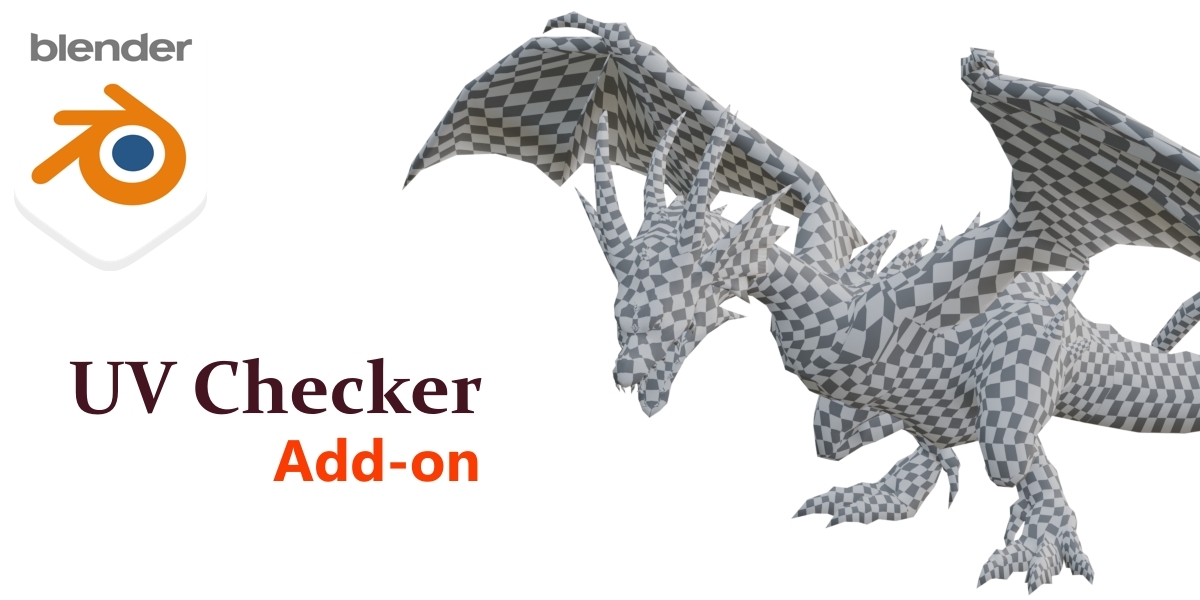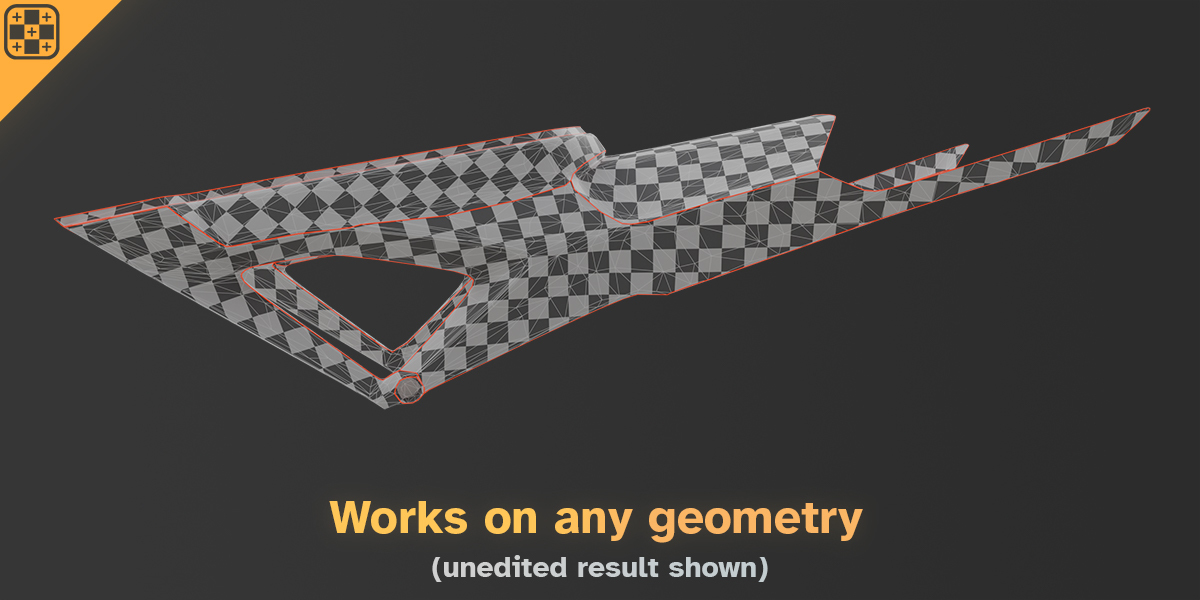
OKUnwrap is a Blender add-on that generates UV seams from mesh curvature and can unwrap selected objects automatically. It targets work where placing seams by hand takes too long, including batch asset processing. The developer says it handles triangulated meshes from automatic poly reduction and aims to keep small UV islands to a minimum.
The add-on is fully multi-threaded . In Blender, the Unwrap operator applies settings to selected objects and the meshes within them. Turn off the UV Unwrap option to generate seams without unwrapping the model.
Adjusting seam placement
OKUnwrap exposes controls for shaping the generated seams. Curvature Threshold sets which curvature values count: the documented range runs from 0.01 for nearly flat geometry to 1 for a sharp angle. The developer generally recommends a lower threshold for higher-poly models. Curvature Bias changes how strongly seams follow sharp convex and concave features. Inline Loopness Bias favors straighter paths, while Seam Closeness Bias encourages loops to join existing seams.
Extend Amount limits each seam loop's length in edges. Seam Margin Amount spaces loops apart, and Seam Search Radius affects how readily they connect to other seams. With Overwrite Seams turned off, the add-on adds its seams to existing ones; turn it on to replace them.
Manual seam tools in version 1.1
Version 1.1 adds Create Loops and Remove Loops for hand-adjusting the algorithm’s result. Select edges where loops should go; Create Loops makes a seam loop from each selected edge, following the main algorithm settings. Remove Loops works in reverse and stops at splits in the loop. The optional Unwrap After Manual Loops setting previews edits in real time; the developer notes that this preview can be slow on very dense models.
The update also adds a toggle to mark sharp edges as seams before running the algorithm. Separate from the sharp-edge toggle, the developer says internal optimizations make the algorithm up to 10–20% faster, depending on the scenario. In the developer's benchmark, a 335,000-triangle mesh took 3.7 seconds to unwrap on a 12-core, 4.7 GHz CPU. Actual times can vary with the model and hardware.
Preparation, compatibility and installation
The documentation recommends running Merge by Distance before unwrapping when possible. OKUnwrap marks open mesh boundaries as seams so generated loops can attach to the borders. On dense geometry, increasing Seam Margin Amount may help avoid nearby loops; on low-poly geometry, a setting that is too high can leave the mesh with too few seams.
The product listing gives a Blender compatibility range of 2.8–5.0 and supports Windows, Linux and macOS on Apple Silicon. To install, download the add-on ZIP. In Blender 4.2 and later, open Edit > Preferences > Get Extensions and choose Install from Disk; older versions use Edit > Preferences > Add-ons and Install from Disk. Select the ZIP and enable OKUnwrap if needed, then press N in the viewport to open the sidebar and find the OKUnwrap tab.
Price and licensing details
The AnyPlugins listing marks the download as free. Superhive’s product details label the license GPL, while the developer’s note says only the Python bridge add-on is GPL and the engine is closed-source. The developer also asks companies with annual revenue above $1 million to make contact and says educational licenses are available on request. Check the current product terms for the conditions that apply to your use.