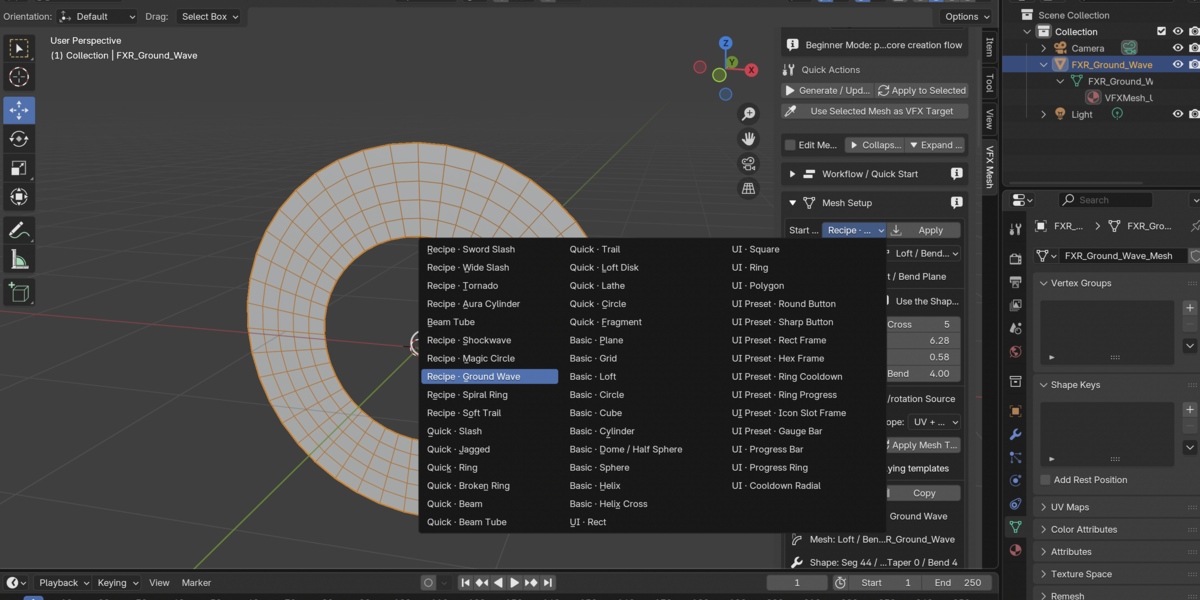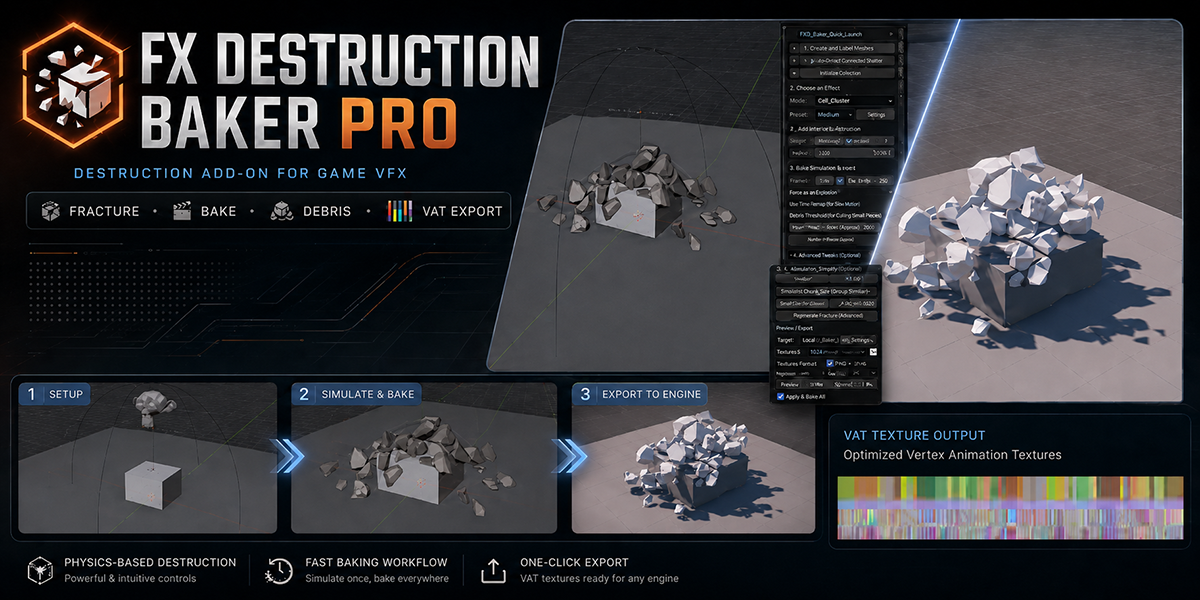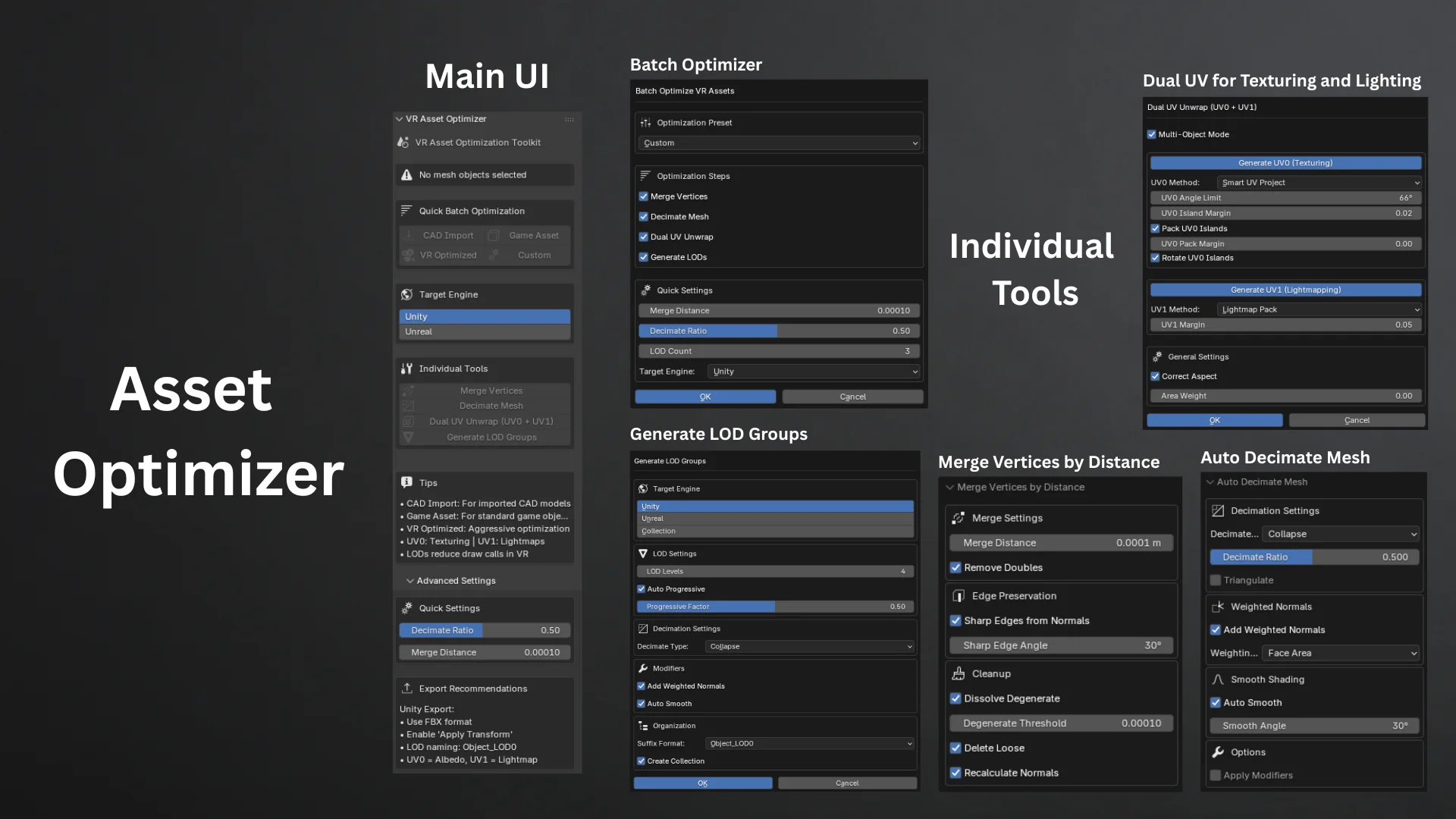
VFX Mesh Generator Pro is a Blender add-on for creating mesh geometry used in real-time game effects. It is aimed at game VFX artists, technical artists, and indie developers who repeatedly build effect shapes by hand. The generator makes those meshes inside Blender and provides controls for shaping them and preparing UV and vertex alpha data for engine materials.
Shapes for recurring game effects
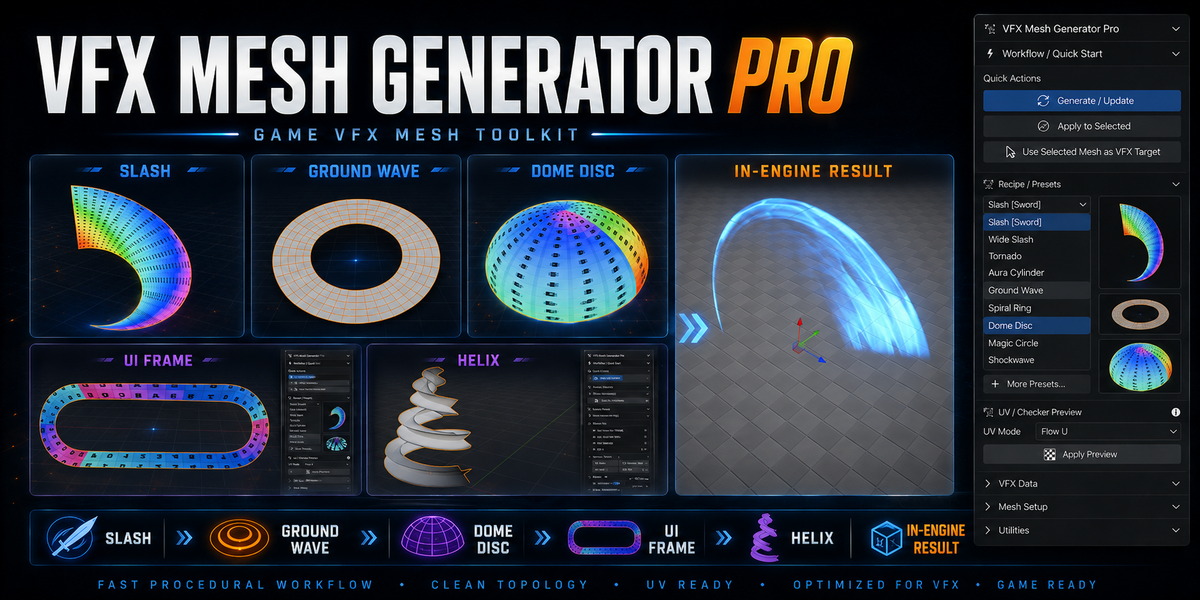
One-click generation covers common forms used in stylized game effects:
- Slash arcs and sword trails
- Shockwave rings, disks, and ground impacts
- Beams and laser meshes
- Dome shields
- Helix or tornado-style shapes
These forms suit magic slashes, impact effects, shields, and other game VFX. The add-on is designed to reduce repeated manual mesh setup when artists need variations on familiar effect geometry.
UV flow and vertex alpha controls
For texture-based VFX animation, controls cover UV direction, flow, width, segment count, and mesh shape. Vertex alpha gradients can support dissolve, fade, and flow effects in shader-driven setups. Preview helpers let you inspect the mesh shape, UV direction, alpha flow, and readability inside Blender.
These controls help when the effect relies on animated textures or opacity changes. They do not create the finished shader effect on their own; the mesh is one component of the final result.
How it fits into an engine workflow
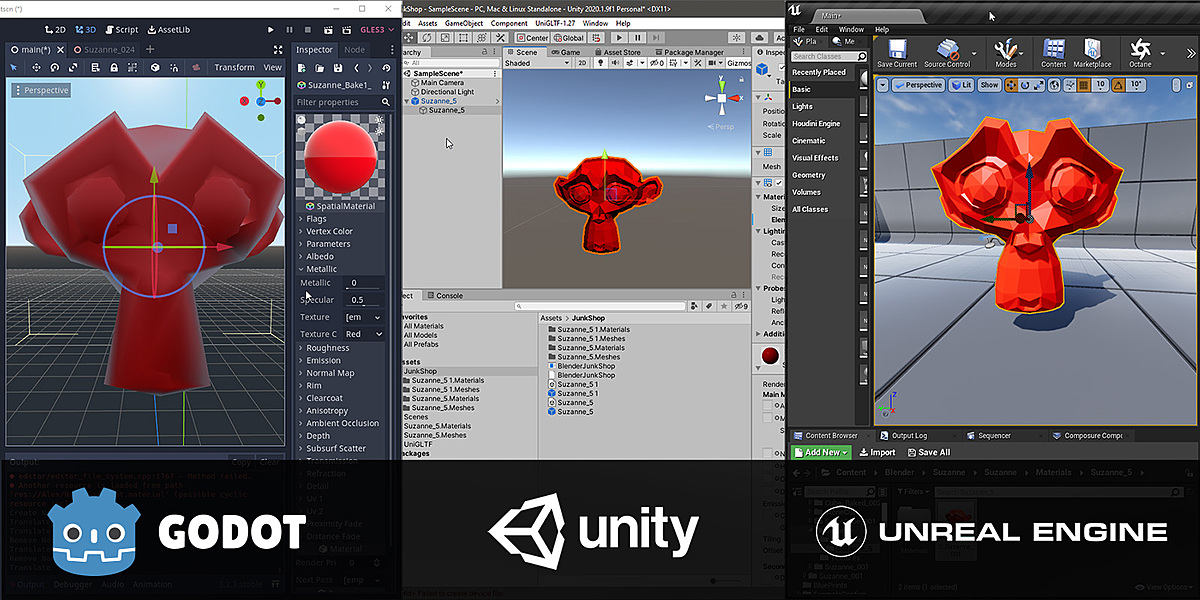
The add-on creates mesh assets in Blender and is designed for workflows targeting Unity and Unreal Engine. The Superhive product listing describes export-friendly mesh structures and practical scale handling.
Final appearance depends on the engine material, shader, texture, particle system, and VFX setup. The product does not include final Unity or Unreal shader materials, particle presets, or engine-side VFX projects by default unless those are specifically included in the product files. It is a fit for artists who want to prepare effect geometry in Blender and handle rendering and behavior in their engine.
Compatibility
The listing's Blender version field identifies Blender 4.2 through 5.1. Check the product page for the current compatibility details before installing, especially if your project depends on a particular Blender release.