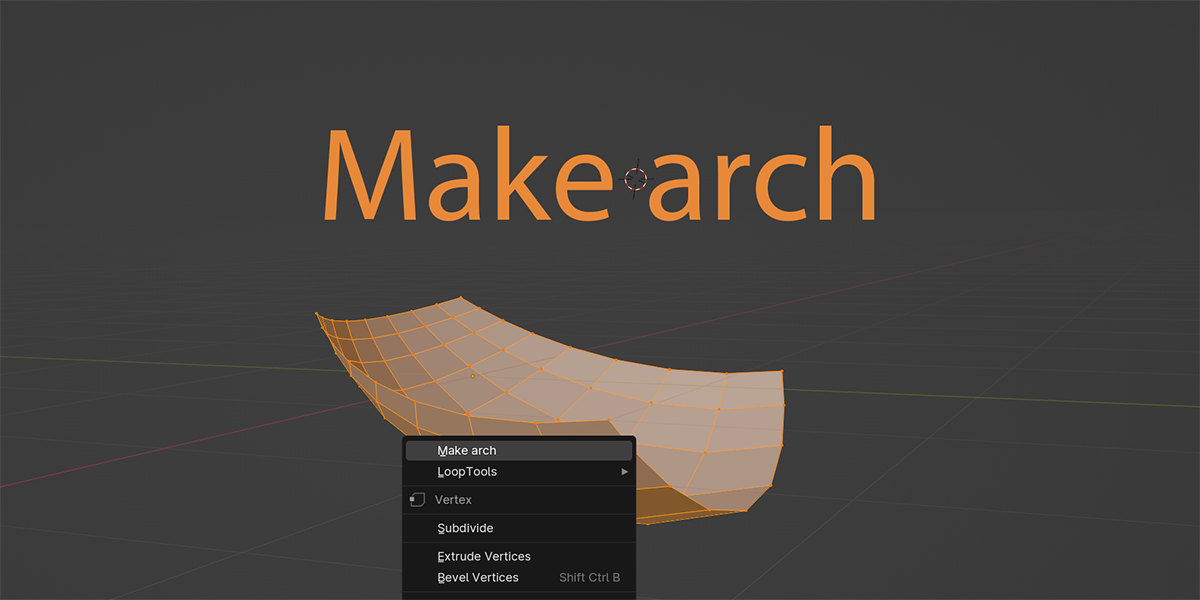
Make Arch Addon by Smbat Makiyan is a Blender modeling add-on for aligning selected mesh vertices to an arc or circle segment. The 3D cursor sets the segment’s center, and the add-on lets you adjust its radius or alignment axis. This can help keep added vertices aligned while modeling rims with Mirror and Array modifiers.
How to use Make Arch Addon
- Install and enable the add-on in Blender.
- Enter Edit Mode and select at least two vertices. The tool affects selected vertices only.
- Place the 3D cursor where you want the arc center.
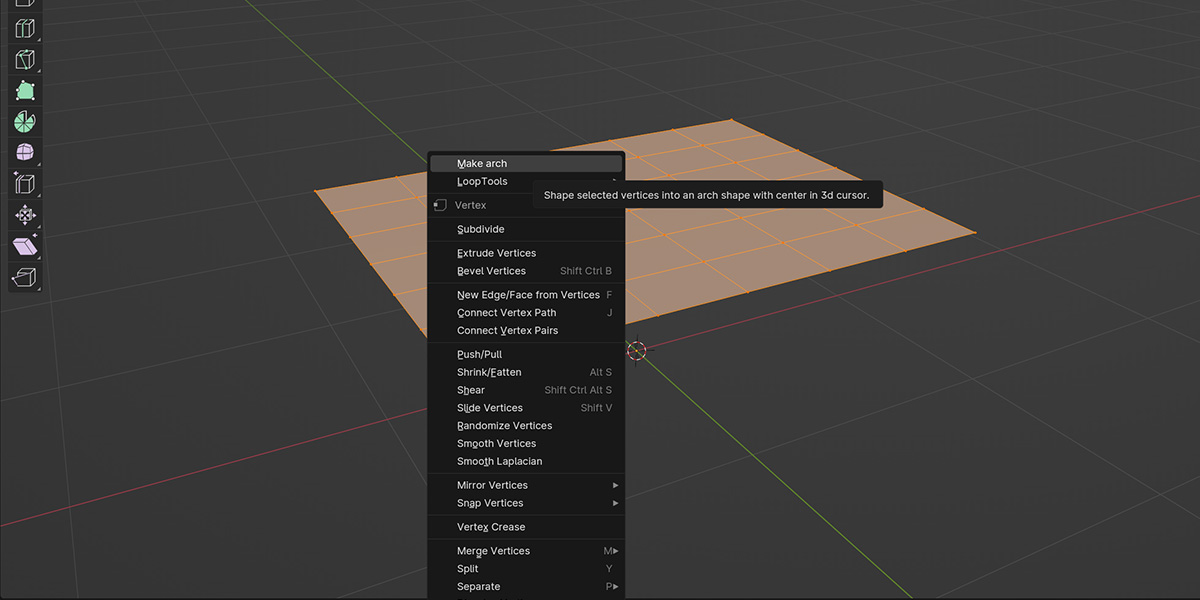
- Choose “Make arch” from the Edit menu, then adjust the radius or axis. The documentation describes alignment to the fixed X, Y, or Z axes, the current screen rotation, or a single point.
You can adjust the radius and axes after running the tool from the action menu at the lower left of the layout. To redo the operation from the beginning, use Undo and run it again.
Blender versions and license
The developer’s listing marks Blender 4.0, 4.1, and 4.2 as compatible. Its description says the add-on was tested on Blender 4.0 and 4.1 and works since Blender 3.0; it does not say that 4.2 was tested. The listing identifies the license as GPL. See the Make Arch Addon documentation for its operating requirements and controls.