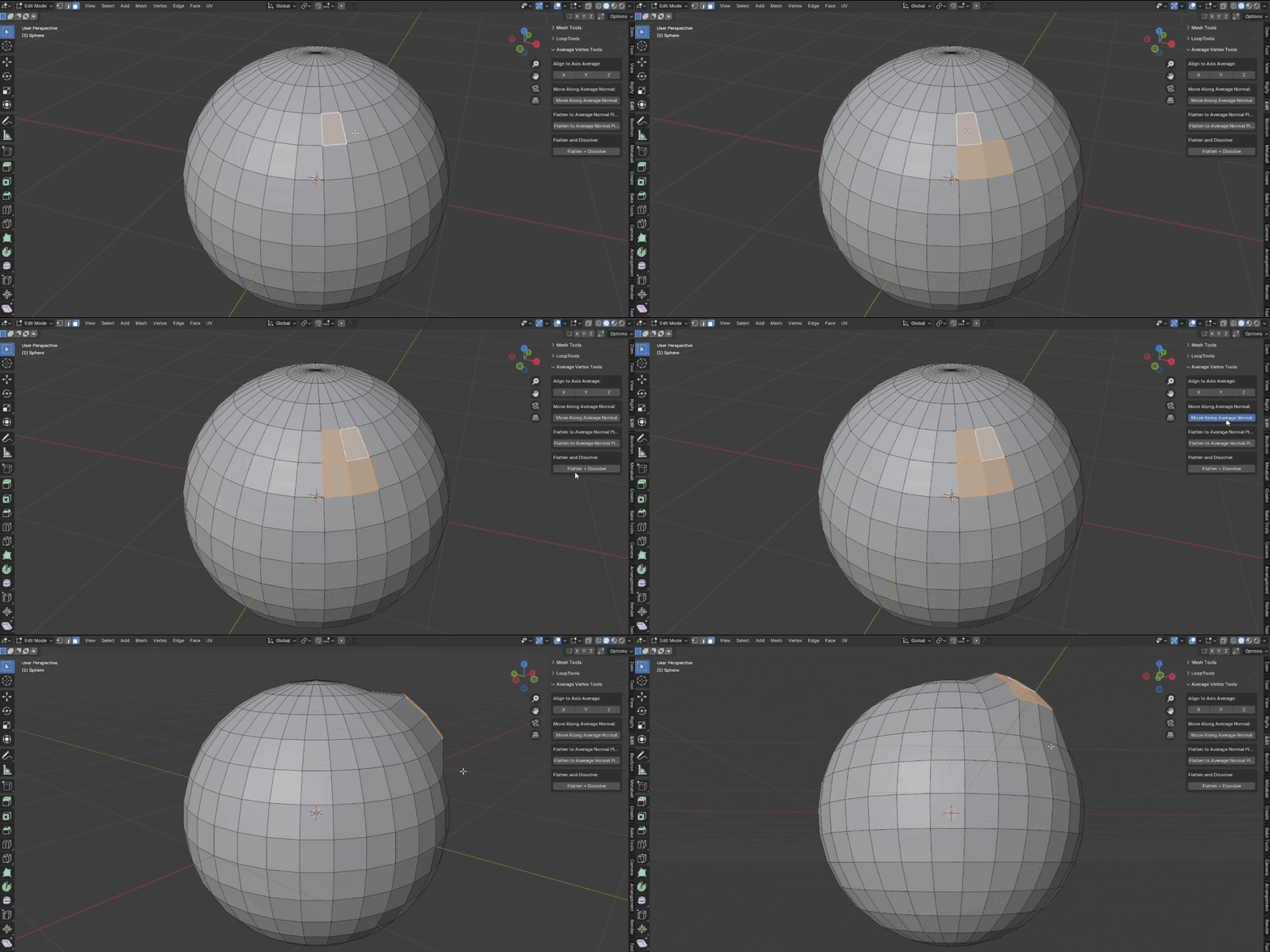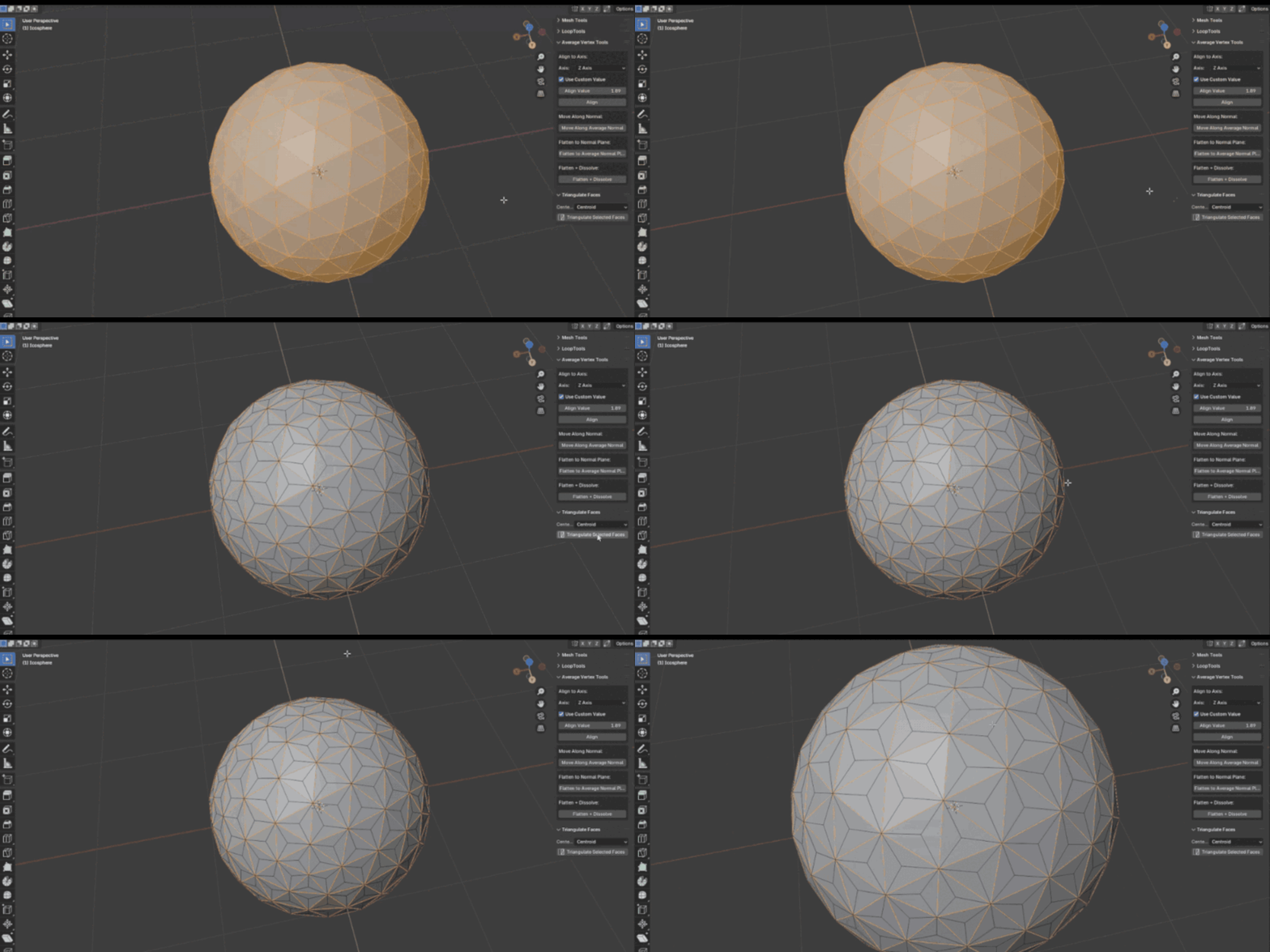
Mesh Tweaker is a Blender add-on for two mesh-editing jobs: aligning selected vertices and triangulating selected faces. The tools are separate but live in one add-on, which suits a cleanup pass that mixes coordinate adjustments with face splitting. Both work on selected geometry, with the alignment method or triangulation center determining how each operation is applied.
Align vertices along an axis
The Vertex Alignment Tool aligns selected vertices along the X, Y, or Z axis. You can use the average position of the selection or enter a custom value. The average option uses the selected geometry as its reference; a custom value lets you specify where the vertices should align along the chosen axis.
This can help clean up geometry, flatten a surface, or create a symmetrical model. When selected vertices need to share a known coordinate, enter it as a custom value; use their average position when the selection should determine the alignment.
Choose a center for face triangulation
The Advanced Face Triangulation Tool splits selected faces, especially n-gons, into triangles. It provides three center types:
- Centroid uses the geometric center of the face.
- Face Center uses Blender's built-in face center.
- Incenter uses a center weighted by edge lengths.
The product listing describes the intended result as clean, predictable triangulation for optimized topology.
Where Mesh Tweaker fits
The Superhive listing describes Mesh Tweaker as Blender extension-compatible, lists Blender 4.3 and 4.4, and gives its license as GPL. If you use another Blender version, check the Mesh Tweaker listing on Superhive for current compatibility and license details before installing.