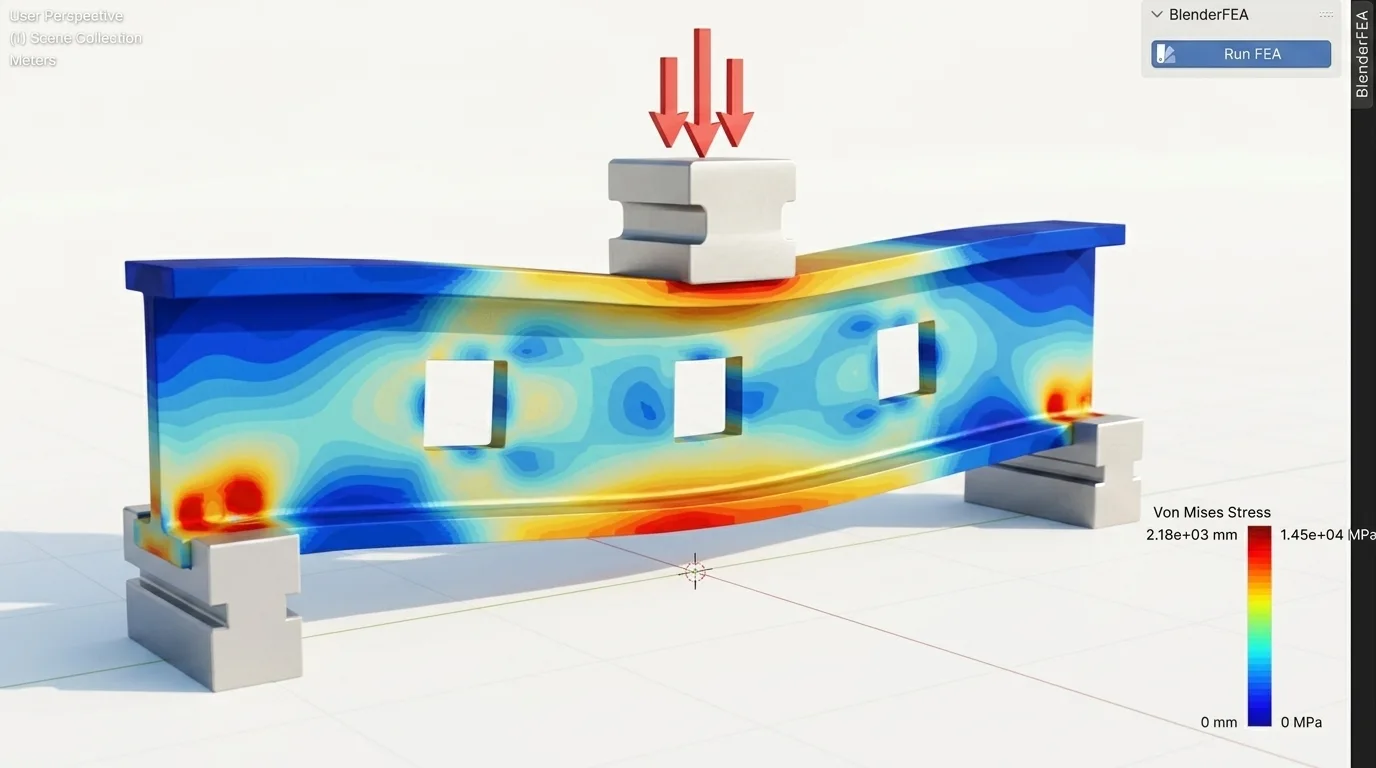
Matchstick is a Blender add-on for bending skeletal frames and trusses into timber-like geometry. It is intended for visual modeling, such as game environments with log cabins, bamboo huts or other light structures that should sag under their own weight.
How Matchstick bends a frame
Matchstick performs a linear elastic structural analysis, calculating nodal displacements and rotations for the input mesh. Its documentation describes a direct stiffness method that accounts for gravity self-loads and rotational moments. Each edge represents a structural member, and the add-on generates a curve for each one. It assumes circular cross-sections and timber-like material parameters. The joints are treated as firm enough to withstand torque.
Prepare a skeletal mesh
Start with a coarse mesh made from vertices and edges, with each edge standing for a beam or log. A regular surface mesh is generally not a suitable input: faces do not affect the analysis, but they can remain in the output and clutter it. The documentation also warns against extremely short edges and caps an input at 1,000 vertices.
- Create the frame from connected edges, such as the outline of a cabin or roof truss.
- In Edit mode, select the vertices that should move. Leave grounded or otherwise fixed vertices unselected.
- Return to Object mode and run Loaded Matchstick Mesh with Ctrl+Shift+M, or choose it from the Object menu.
Adjust the bend and choose an output
The operator lets you adjust displacement and rotation exaggeration and set a bevel radius. The physically correct option disables internal pre-scaling. With exaggeration factors set to one, the documentation describes the displacements and rotations as approximately physically correct for its thin timber-frame assumptions; the result may be too subtle to see on a small structure. Units are assumed to be SI.
Matchstick creates a displaced copy of the input mesh and a bent shape represented as a textured curve mesh. You can turn off Generate Curve Mesh to keep the bent shape as a curve. The output material uses nodes and can be edited for PBR rendering.
Compatibility and limits
The Superhive listing names Blender 3.0 through 3.4 and the MIT license. It does not list compatibility with newer Blender releases, so check the current product documentation before installing on another version. The Matchstick documentation covers installation and the operator workflow.
Matchstick is for visual frame and truss modeling. Its documented method assumes homogeneous members with constant, circular cross-sections; it does not analyze plates, walls, facades or volumetric structures. The developer cautions against relying on it to assess a real-world structure. Consult a structural engineer for that work.