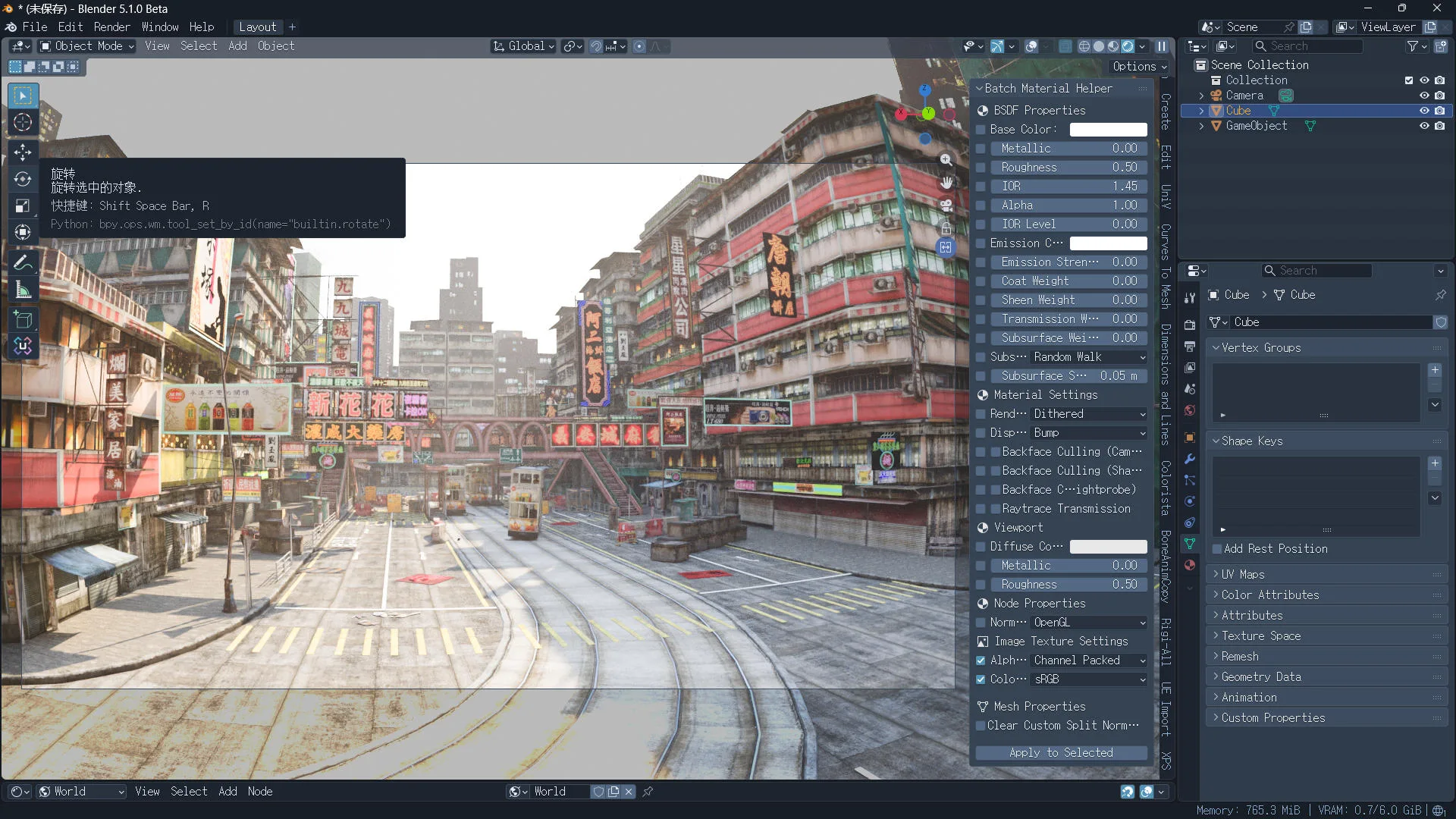
MatGeo is a Blender add-on by JR3DFUL that converts a material’s Shader Node Group into a Geometry Nodes setup. The maintainer’s README explains that MatGeo synchronizes group inputs with attributes stored through Geometry Nodes. This exposes controls for material instancing and toggling material application, with the control logic saved in a standard Geometry Node setup that can be used without MatGeo.
How MatGeo organizes converted groups
Groups converted on the same material are added to the same Geometry Node setup. Converting a group on a different material creates a separate setup for that material. During conversion, socket settings such as descriptions, subtypes, defaults, and minimum and maximum values transfer to Geometry Node parameters shown in Blender’s Modifiers panel.
Supported inputs and limits
MatGeo supports Float, Integer, Boolean, Vector, and Color inputs. Image textures are not currently supported. The add-on reports an error for an empty group, which has no inputs to expose, and for a group whose name duplicates another group on the same material.
Convert, update, or revert
MatGeo adds three operators to the context menu. Convert To MatGeo Group converts a selected Shader Node Group and creates and links the needed attributes. Update MatGeo Group refreshes the Geometry Node tree and attribute storage after inputs are added or removed from the original group. Revert MatGeo Group removes the generated MatGeo nodes and attributes for that group and restores the original Shader Node Group.
Blender version and license
The Blender Extensions listing records MatGeo version 1.0.0, a minimum Blender version of 5.0.0, and a GPL-3.0-or-later license. For installation steps, see Blender’s extension installation guide.