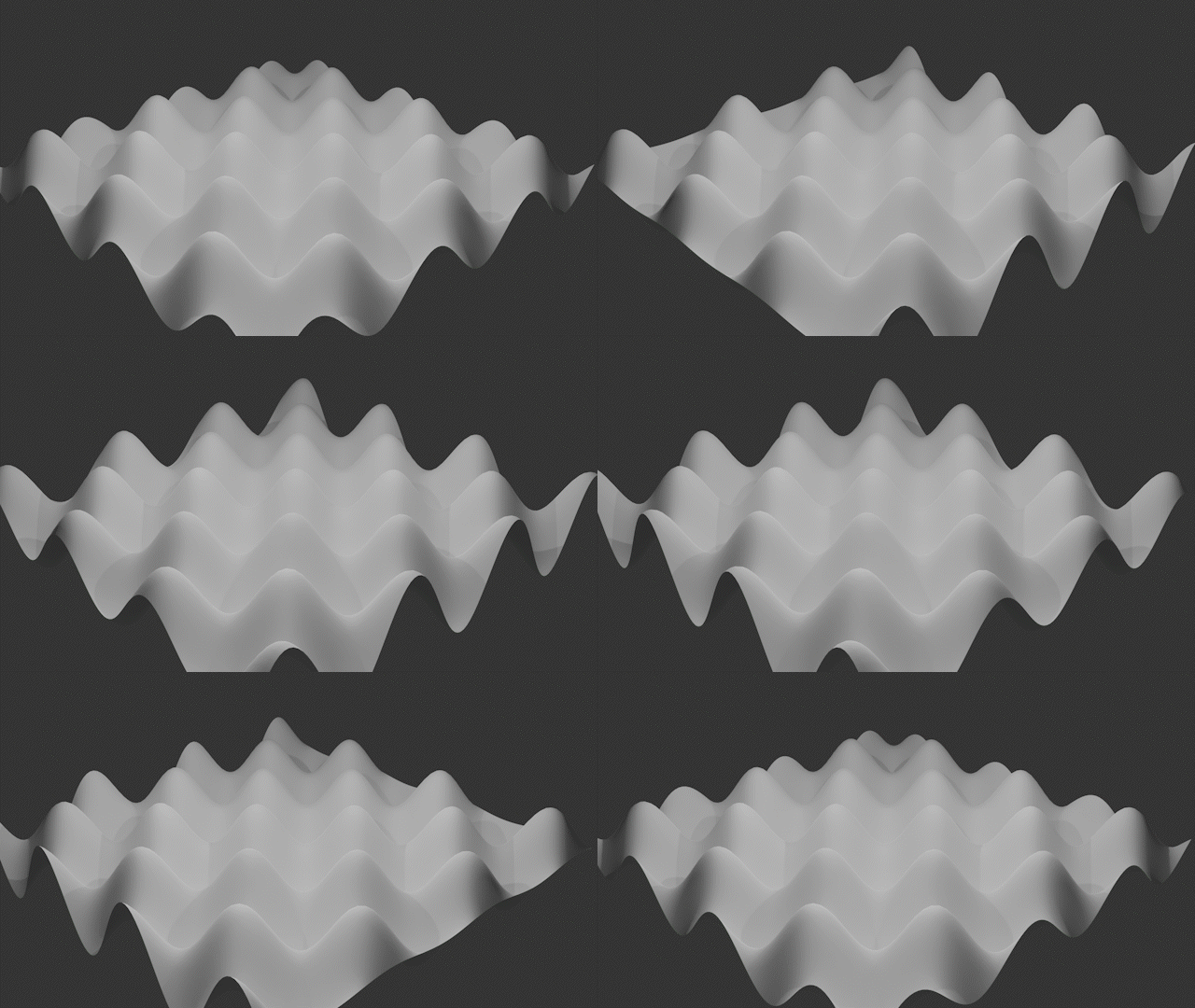
Math To Mesh (MTM) is a Blender add-on that creates meshes from functions of x, or x and y. Its Custom Functions Generator turns an expression into a triangular mesh; a separate Spherical Functions Generator creates meshes from spherical functions. The product listing identifies EBTRR as the developer and marks the license as GPL.
Create a mesh from an expression
Choose a name and target collection, enter a function, set the x and y ranges, then choose the vertex resolution along each axis. The minimum of each range must be lower than its maximum. Supported expressions include arithmetic operators such as +, -, *, / and **; trigonometric functions such as sin, cos and tan; hyperbolic functions; and constants such as e and pi. For a square root, use sqrt or an exponent such as x**0.5.
Examples in the documentation include sin(x)*sin(y) and (x**2+y**2)/100. Every face in a custom function mesh is a triangle. Resolution affects the result where a function changes steeply: the documentation notes that a tangent function's strong gradient makes the mesh depend on resolution and point placement.
Animate custom function meshes
Set an offset for either axis, or both, and choose the number of keyframes. At each step, the offset is applied across the sequence; interpolation between keyframes is linear. More vertices and more keyframes increase the work, and the documentation warns that high-resolution meshes with hundreds of keyframes can use substantial RAM.
Generate spherical function meshes
Set the Degree and Order for a spherical function. The Order cannot exceed the Degree. This generator uses scipy, which can be installed into Blender's Python interpreter with the separate PyPip add-on included in the product's download area. Its output can contain both quads and triangles. The generator merges the start and endpoints, so the vertex count is lower than the square of the selected mesh resolution.
Install the add-on and scipy
The installation documentation says to install PyPip as a Blender add-on first, then use it to select or enter scipy and wait for installation. Next, install the Math To Mesh ZIP from Blender Preferences using the add-on installation control, then activate it.
The product listing names version 1.0.3 and Blender 2.93 and 3.0 through 3.4. It does not establish compatibility with later Blender releases, so check before installing there. The update history dates version 1.0.3 to August 7, 2022.