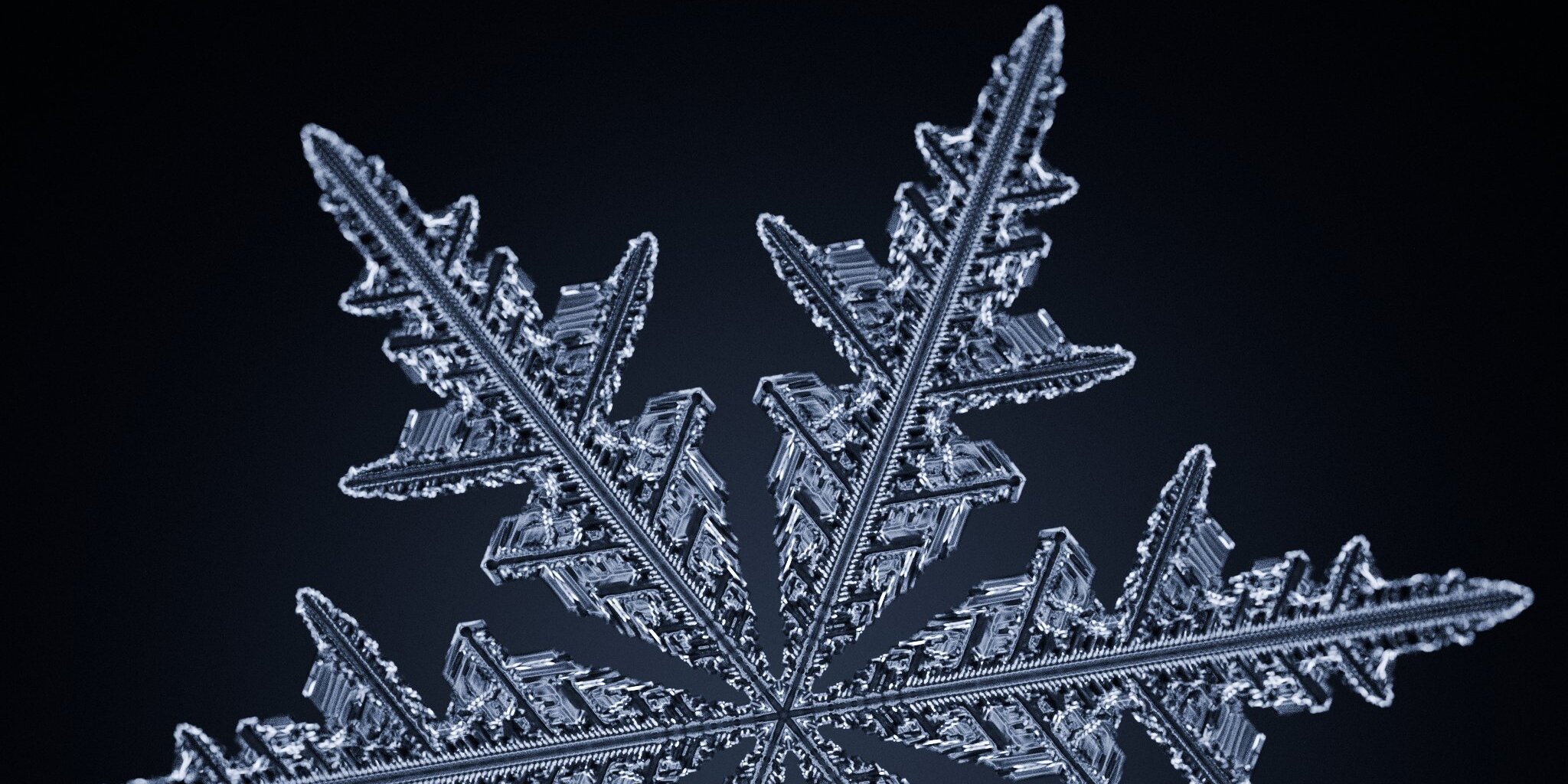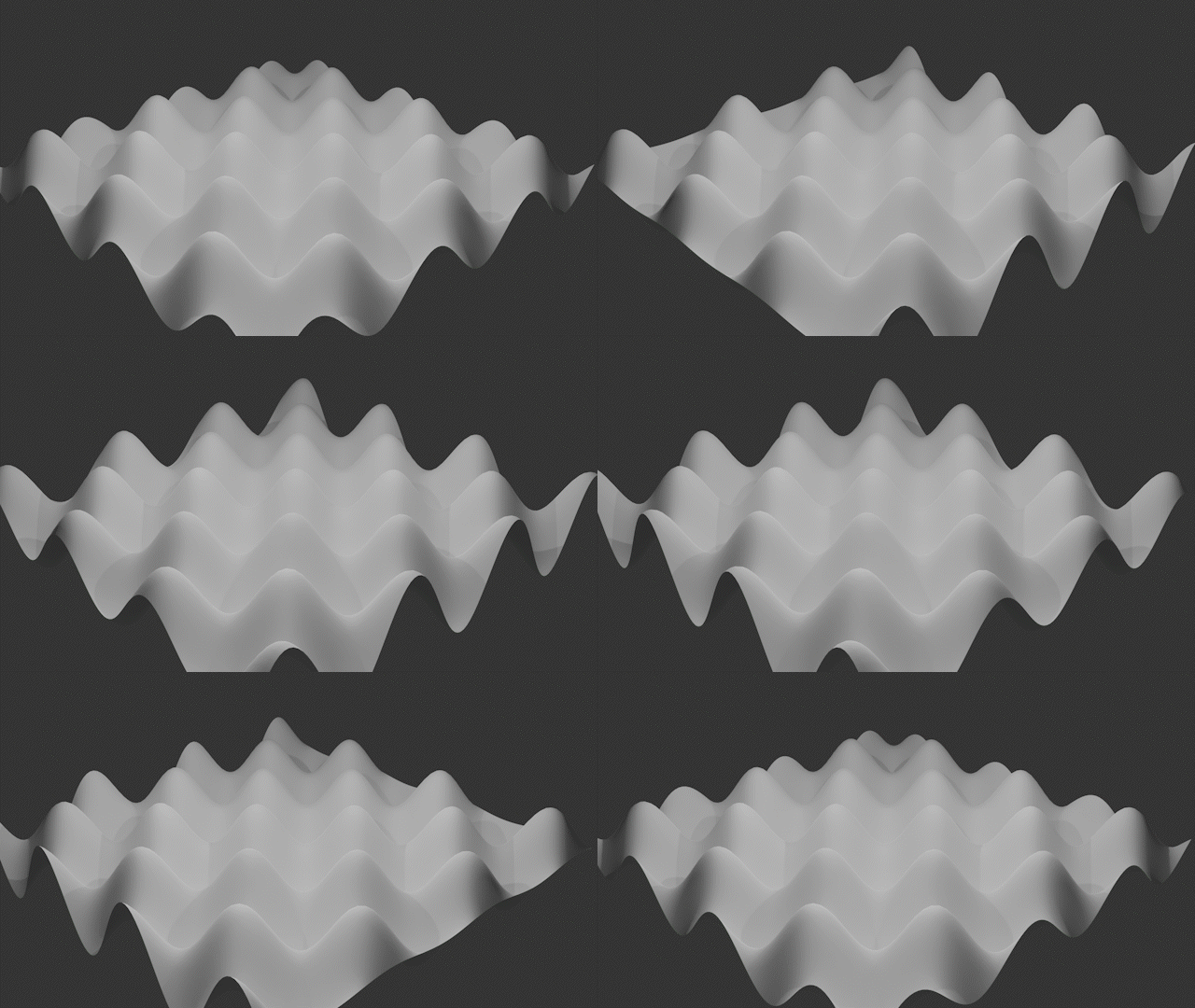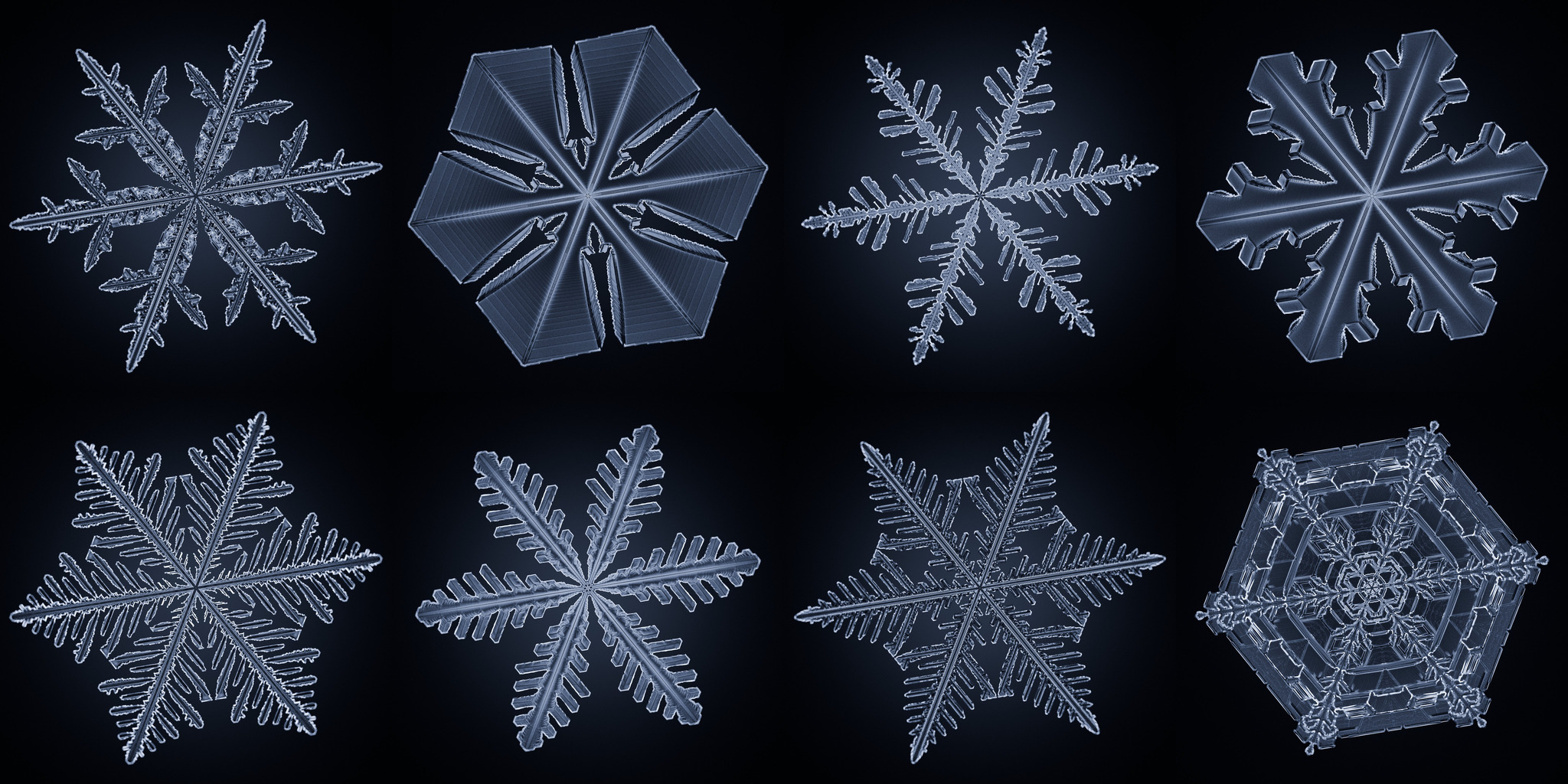
Snowflake is a Blender add-on that generates virtual snowflake meshes by simulating growth with a physical model. You can adjust its parameters, randomize them to explore different forms, or start from one of the included presets. The add-on also supports saving the growth process as an animation.
How Snowflake creates different forms
Nine parameters define the shape of a growing snowflake. Their meanings can be abstract, so presets and parameter randomization offer ways to explore results without tuning every value manually. When you change a parameter, continue growing the snowflake to see its effect; the existing geometry does not change retroactively.
Growing a snowflake in Blender
Use the Snowflake panel in Blender’s 3D View sidebar to create a mesh and grow it in steps. The panel provides growth controls for different step sizes, plus an Interactive mode that lets you watch the shape develop while keeping the interface responsive. Interactive growth is slower; larger non-interactive growth operations can temporarily block the interface.
Presets and animation
Presets give you starting points for exploring different forms. Snowflake can also save the whole growth process as an animation. See the developer documentation for usage details, browse the preset gallery for examples, or use the issue tracker to report a problem.
Compatibility and license
The Superhive product listing reports compatibility with Blender 3.6–5.2 and lists the add-on under the GPL license. Check the listing for its reported Blender range and the developer documentation for usage details.