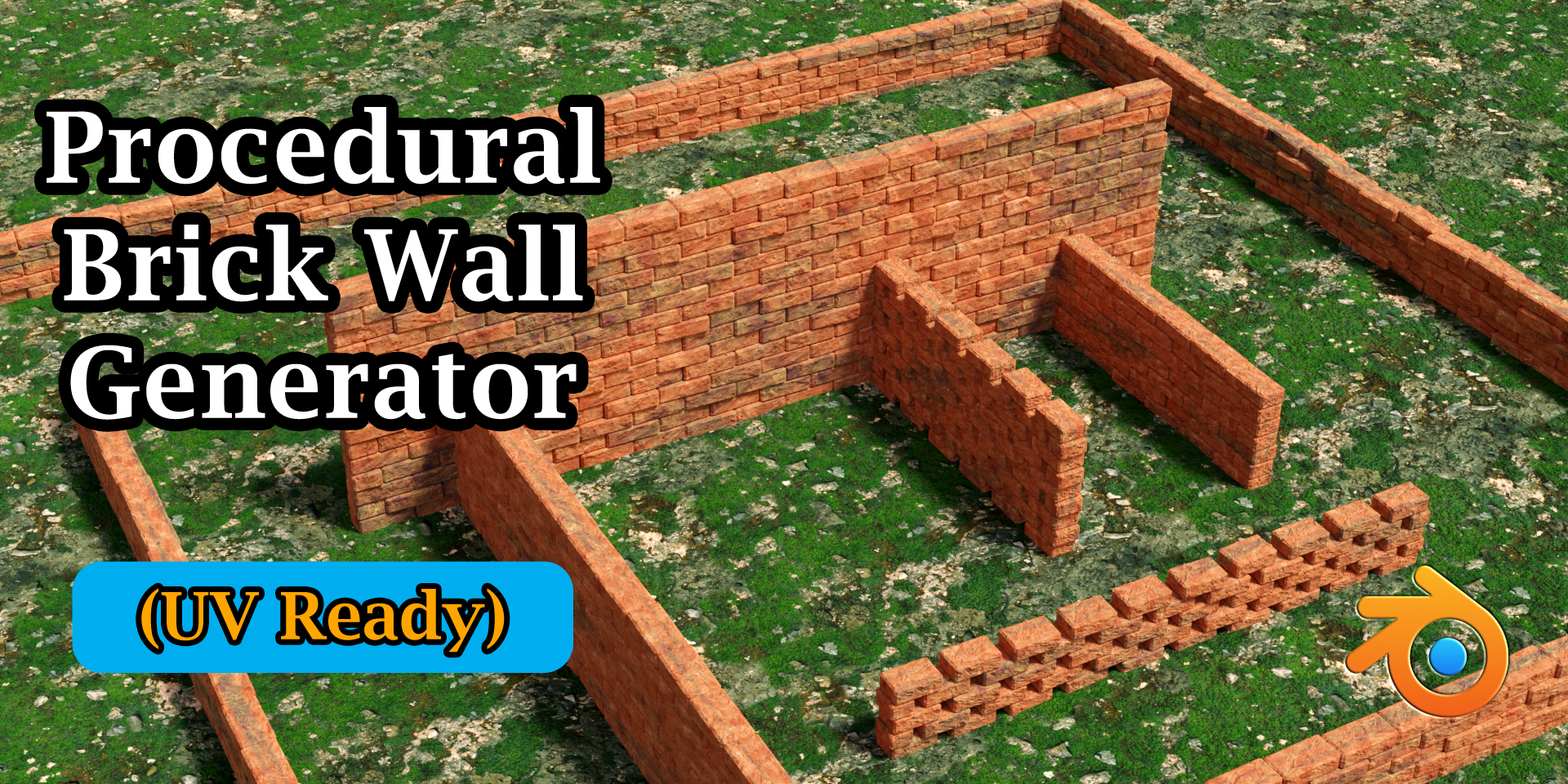
MAXStack, developed by kleinARt, adds 39 procedural modifiers to Blender’s standard modifier stack. The tools cover deformation, modeling, spline work, selections, UVs and materials. Each is built from Geometry Nodes groups, but you can use the ready-made controls without wiring node trees.
Work in Blender’s modifier stack
MAXStack modifiers appear in their own Add Modifier category and can be reordered alongside native Blender modifiers. Spatial tools draw controls in the viewport, such as a cage for Bend, a plane for Symmetry or a projection box for UV Map. Adjust the gizmo directly or enter values in the modifier settings.
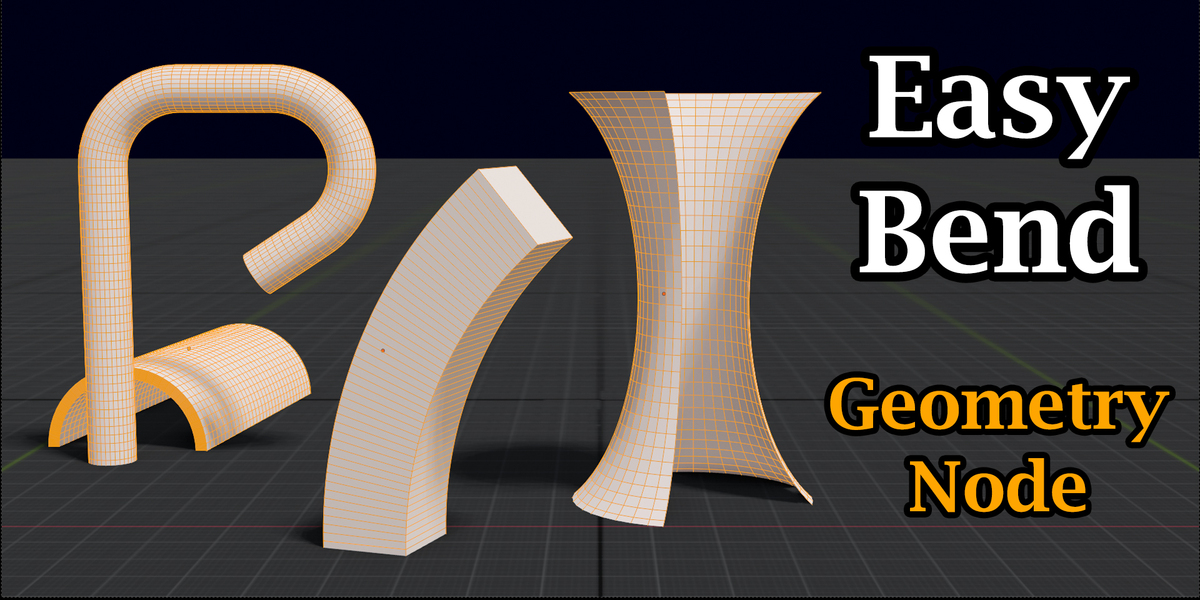
The modifiers cover jobs such as bending only part of a mesh, revolving a profile with Lathe, sweeping a section along a path, and adding thickness with Shell. Edit Mesh lets you edit a result within the stack while later modifiers remain active. FFD adds a lattice deformer in the stack; press Tab with Edit Mesh or FFD active to edit its mesh or control points.
Use selections as live masks
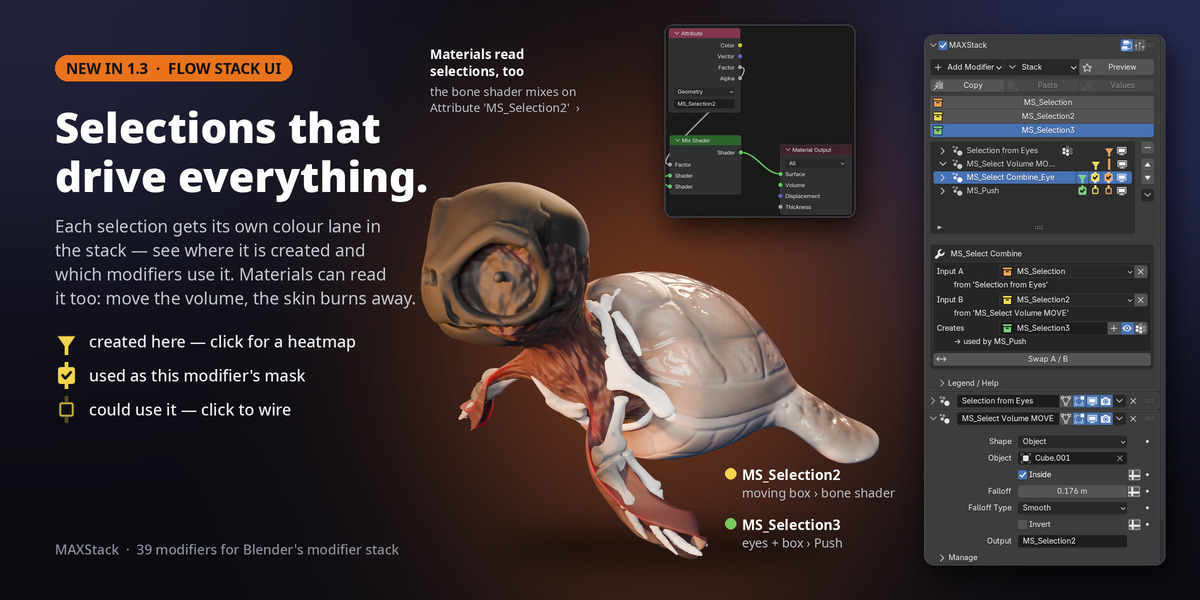
Selection tools can create masks by angle, volume, proximity, random distribution or painting. Combine, grow, shrink, invert or soften a selection, then use it to control modifiers below it. A selection is also a mesh attribute, so a shader’s Attribute node can use it to blend materials or drive values such as roughness and emission. You can bake a selection to a vertex group when a native modifier needs one.
Pay attention to stack order: a modifier can use a selection created above it. If the referenced selection is missing or created farther down the stack, the mask has no effect; the MAXStack panel flags this condition.
Check Blender support and file behavior
The MAXStack 1.3 documentation lists Blender 4.3 or newer and says it is tested through Blender 5.2 LTS. It also says placed modifiers are saved in the .blend file, so other people can open, edit and render that scene without installing MAXStack. The add-on is needed to add new MAXStack modifiers and use its custom gizmos and panel.
Read the MAXStack documentation for setup steps and modifier details, and check the product page for current release information. The developer describes the tool as a Blender take on modifier-stack workflows familiar from 3ds Max; Autodesk 3ds Max is not required.