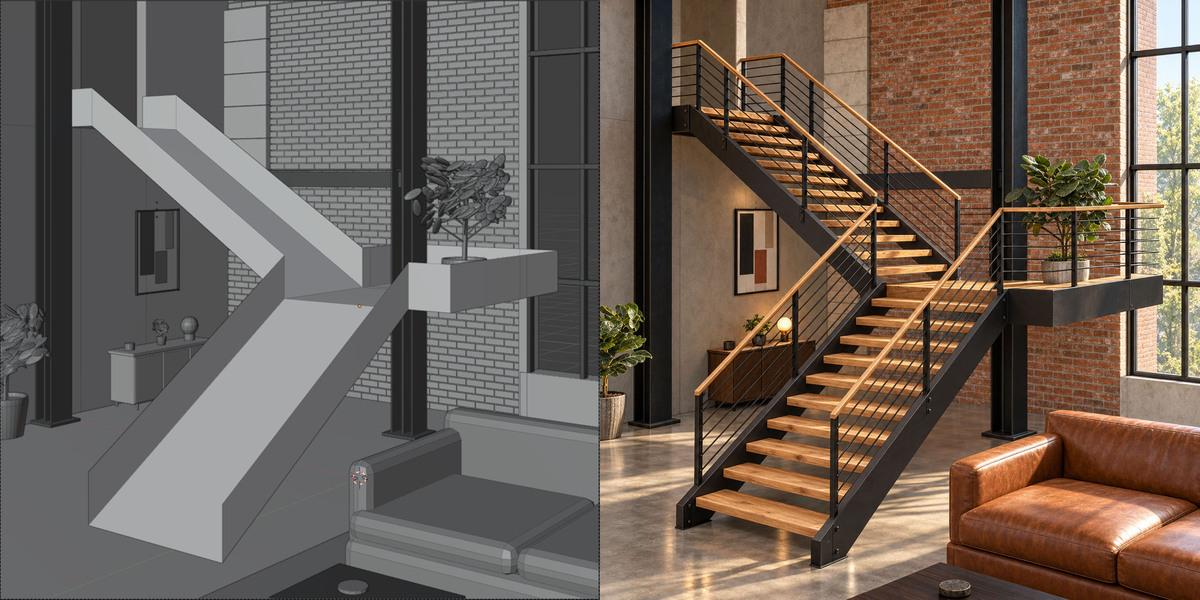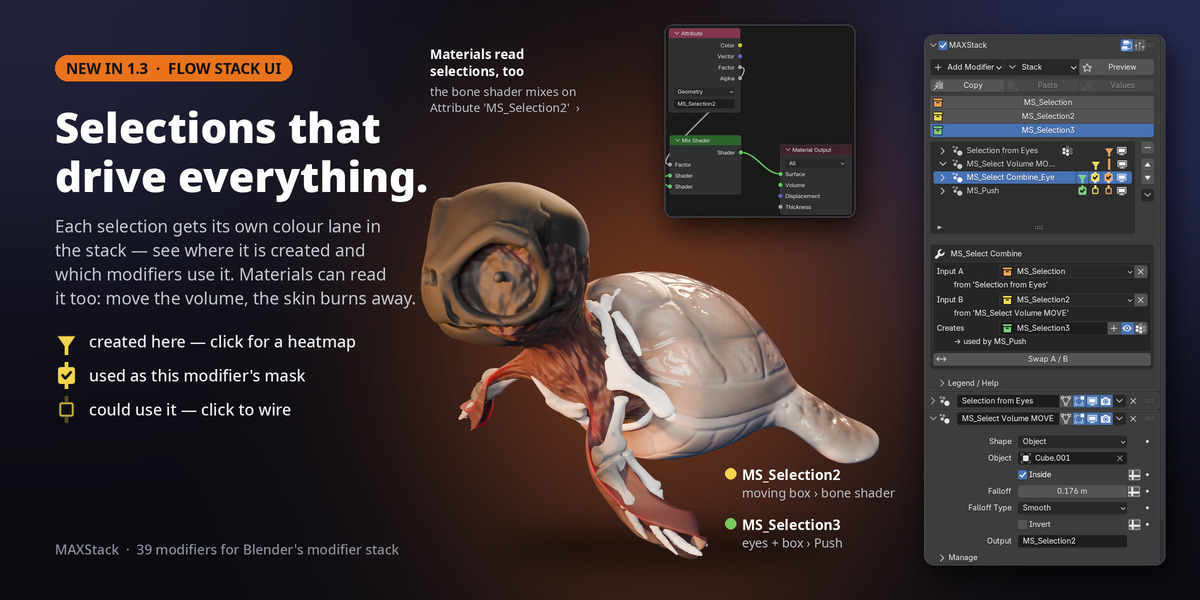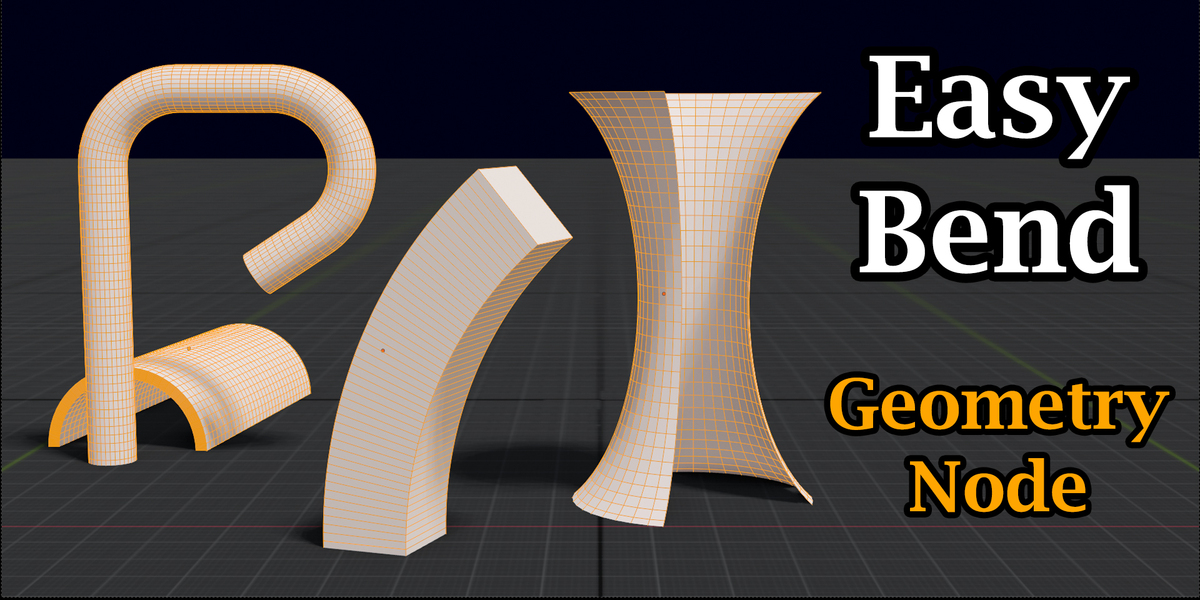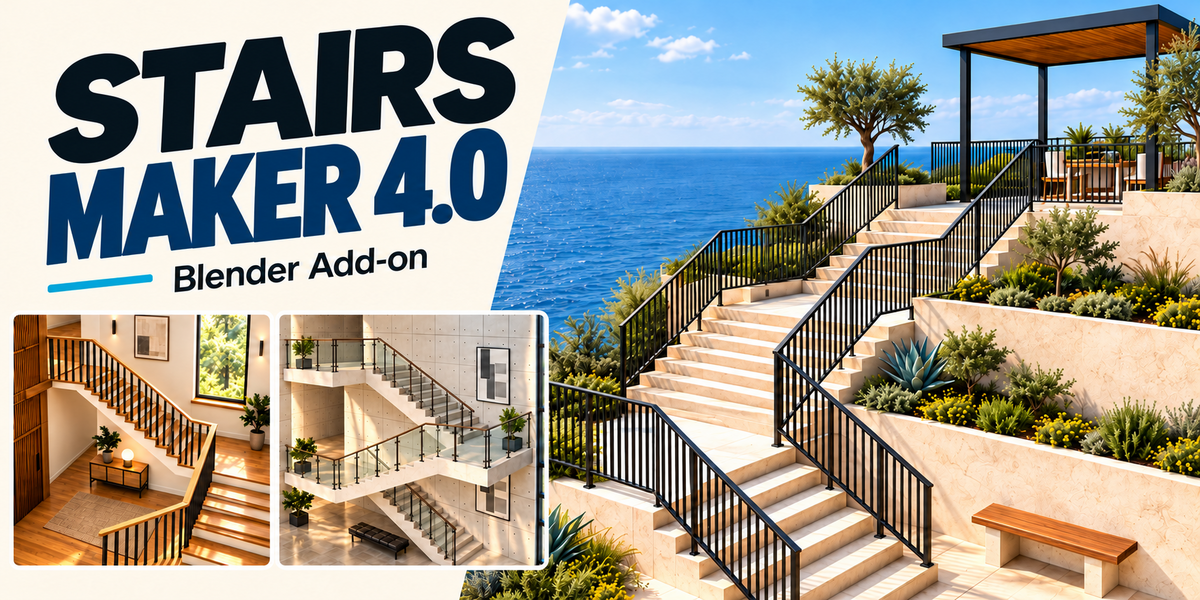
Stairs Maker Add-On is a Blender tool for building stair flights, landings and railings. It adds a Geometry Nodes modifier to the selected object and puts the controls in the 3D Viewport panel, where you can adjust the design without editing node trees.
Choose a construction mode based on how you want to define the staircase:
- Object Mode creates a single flight with dimensions set in the panel. Changes to the source object's geometry do not change the staircase.
- Curve Mode aligns a parametric staircase to a curve or mesh polyline. Edit the path to change the stair's shape and direction.
- Lines Mode uses sloped mesh lines for flights and horizontal segments for landings. Set the width and choose railings on either side, both sides or neither.
- Planes Mode uses sloped rectangular faces for flights, horizontal faces for landings and vertical faces for railing sections. The source faces define the layout and width; select side edges and extrude them to add railings.
Lines Mode requires a continuous route; branching paths and Y junctions are not supported. Its Orthogonal Landings control can keep steps perpendicular to the route. In Lines and Planes modes, Merge Close Posts combines posts that are closer together than the selected distance.
Adjust the stair and railing details
Set up treads, risers, supporting beams and stringers, including beam spacing and tapered stair shapes. Railing controls cover posts, handrails, vertical bars and horizontal bars. You can use custom component objects and profiles. Six default presets are included, with up to eight custom presets available to save. Other options include handrail swirl and random or zigzag variations for supported railing components.
The add-on includes 32 interactive viewport gizmos in Object and Curve modes. Lines and Planes modes do not have those gizmos; their source geometry controls the layout.
Apply geometry when the layout is ready
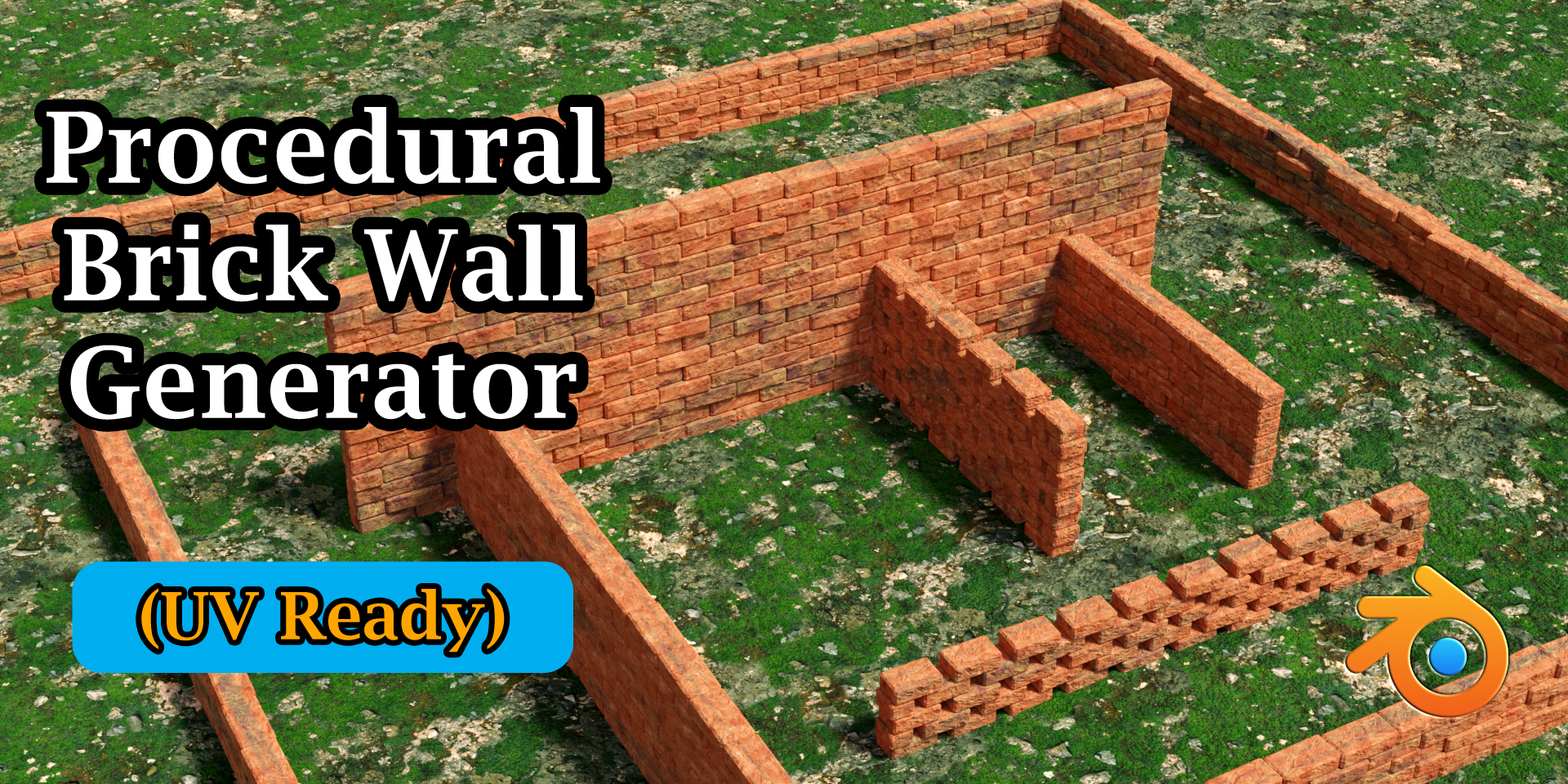
While the staircase is procedural, UV mapping is controlled through a vector attribute. Apply Geometry converts it into a real UV map that you can edit in Blender's UV Editor or use when exporting to other 3D software. Applying also ends procedural editing for that result. Some source layouts, especially in Planes Mode, can produce awkward handrail or beam geometry; applying the result lets you edit the mesh manually.
Check Blender versions and documentation
The Superhive listing gives a Blender version range of 3.5 to 5.2. Its release history includes version 3.4.4 for Blender 4.4 and version 4.1.2 for Blender 5.2. Check the product listing for the build that matches your Blender installation. The listing also links a free illustrated manual and a Lines, Planes and Landings tutorial.