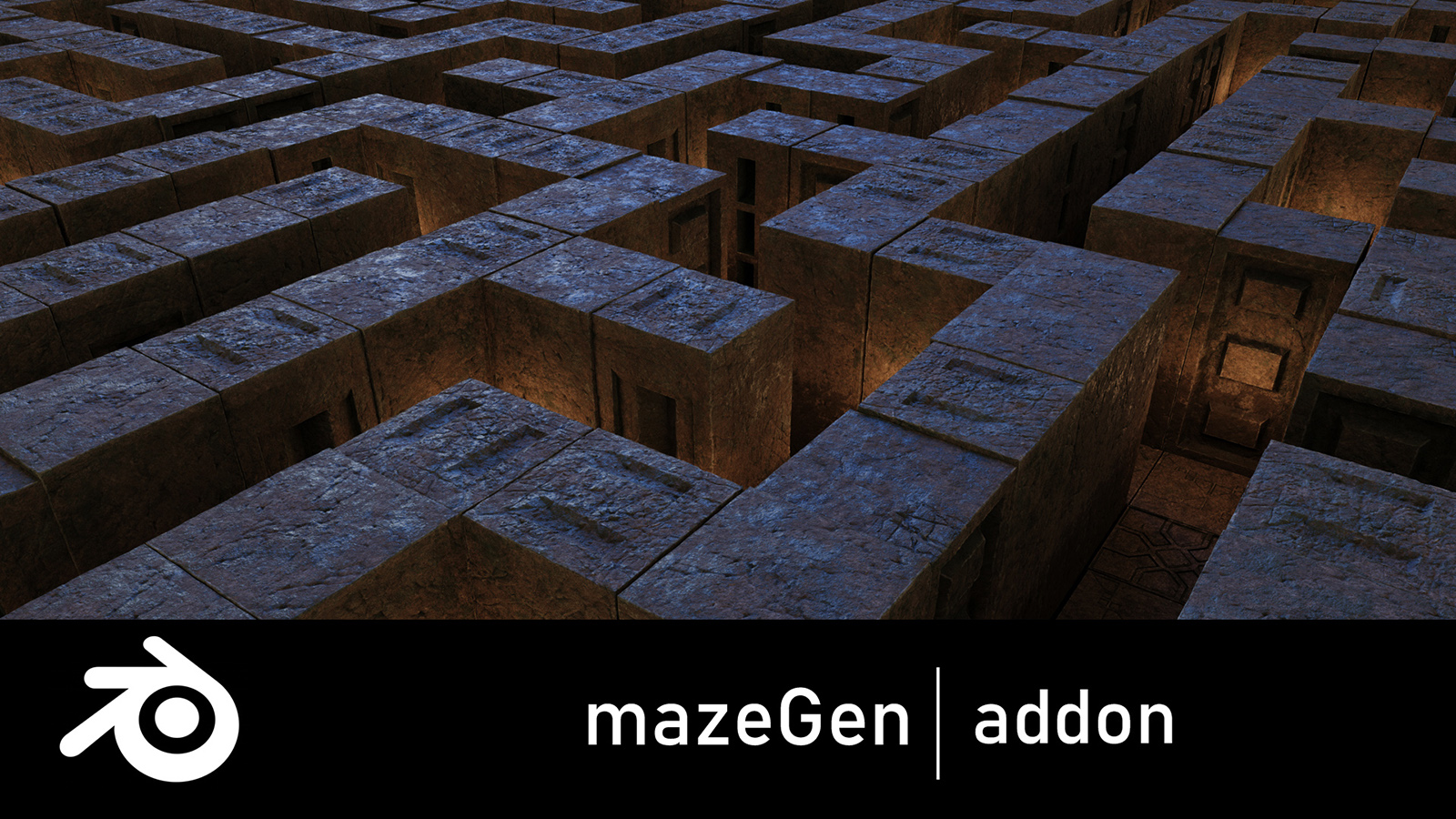
Maze Gen is a Blender add-on by David Edwards that automates maze layout generation. You can adjust a maze’s size and complexity, then choose how to visualize and refine the result. Its tools cover maze layouts, wall and path assets, tile editing, lighting, animation and a route guide.
Adjust the maze and its assets
Maze Gen can generate layouts ranging from simple to intricate. After generation, you can flip tiles between walls and paths. Its instancing controls also let you adjust the position, rotation and scale of wall and path elements.
Choose a visualization style
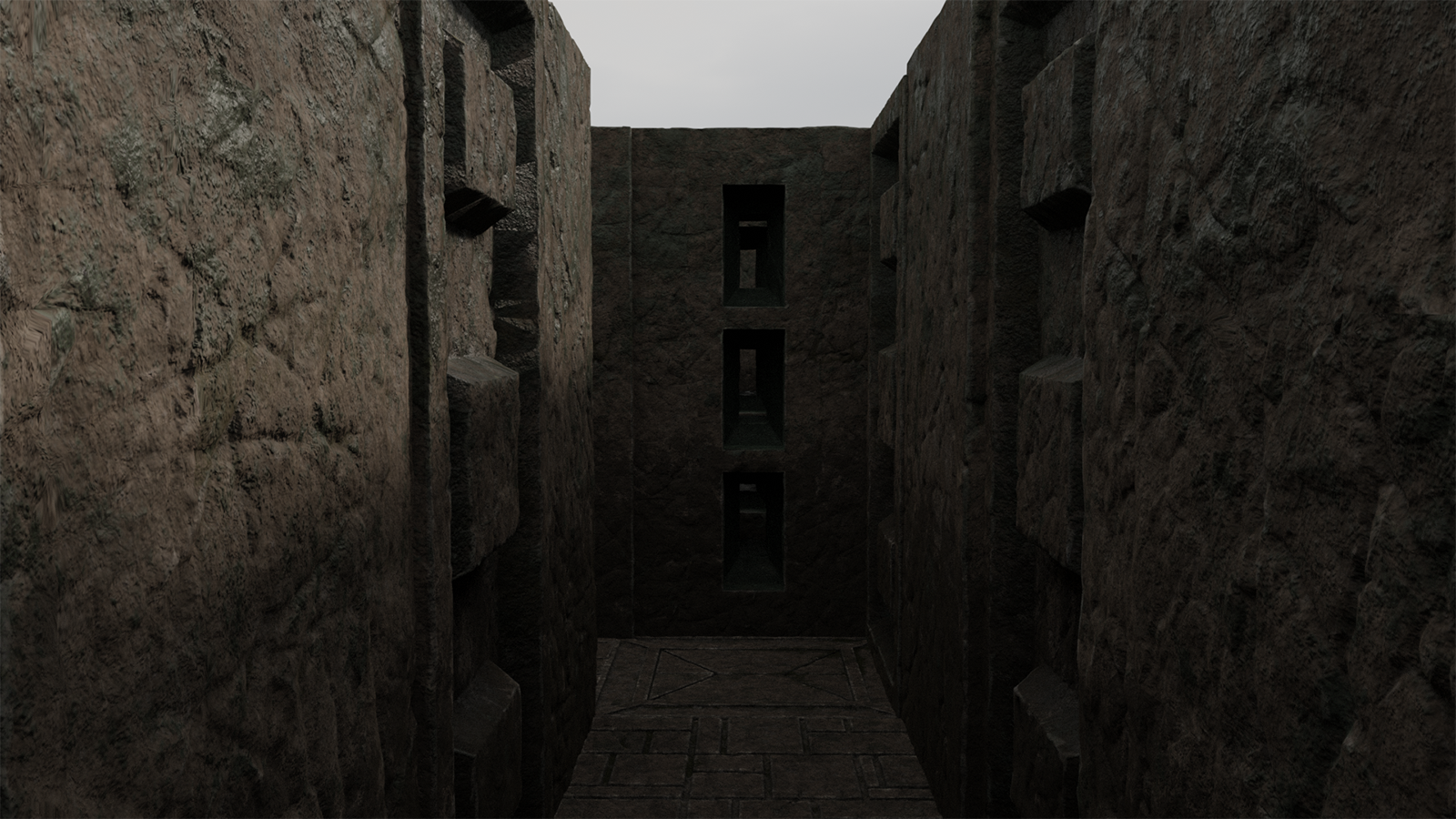
The add-on supports grid tiles, extruded geometry and high-resolution assets. It includes a pack of wall and path elements, which a high-resolution instancing system uses to populate the maze. A lighting option places lights at each corner.
Add animation or show a route
Animation presets include wave effects and transitions. Maze Gen can also generate a guide showing the quickest route through the maze, then animate that guide. These presets can be used in motion graphics and interactive projects.
Generation time and Blender versions
Generation time varies with maze size and computer hardware. The product listing estimates around 20 to 30 seconds for an average 31 × 31 cell maze and notes that Blender pauses while processing. Its compatibility list names Blender versions 3.0 through 4.0; check the current listing to confirm support for later releases.
Find a workflow walkthrough
The Maze Gen documentation page links to an instruction video covering the intended workflow and individual tools. David Edwards also provides tutorials through the Glow Shed Films channel.