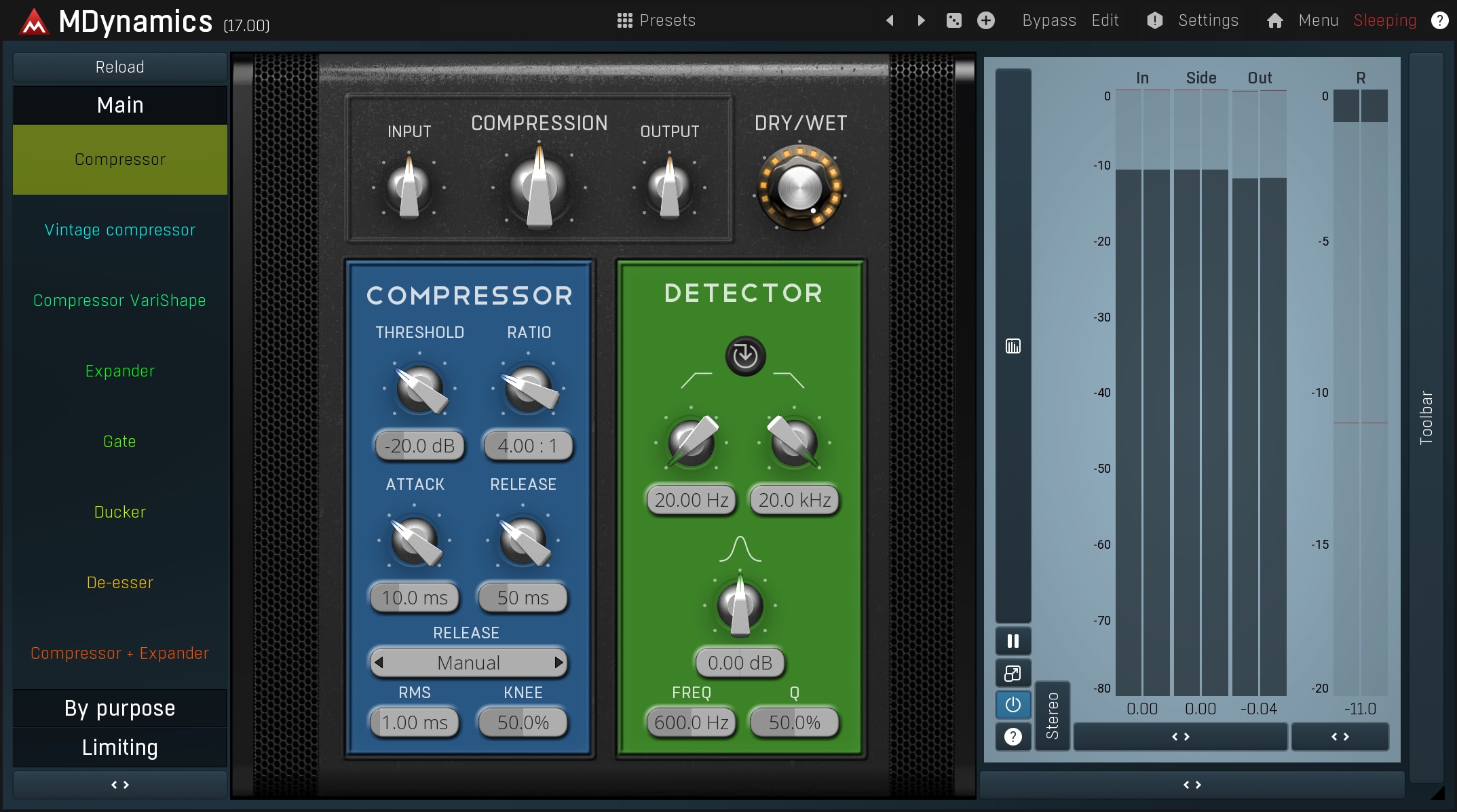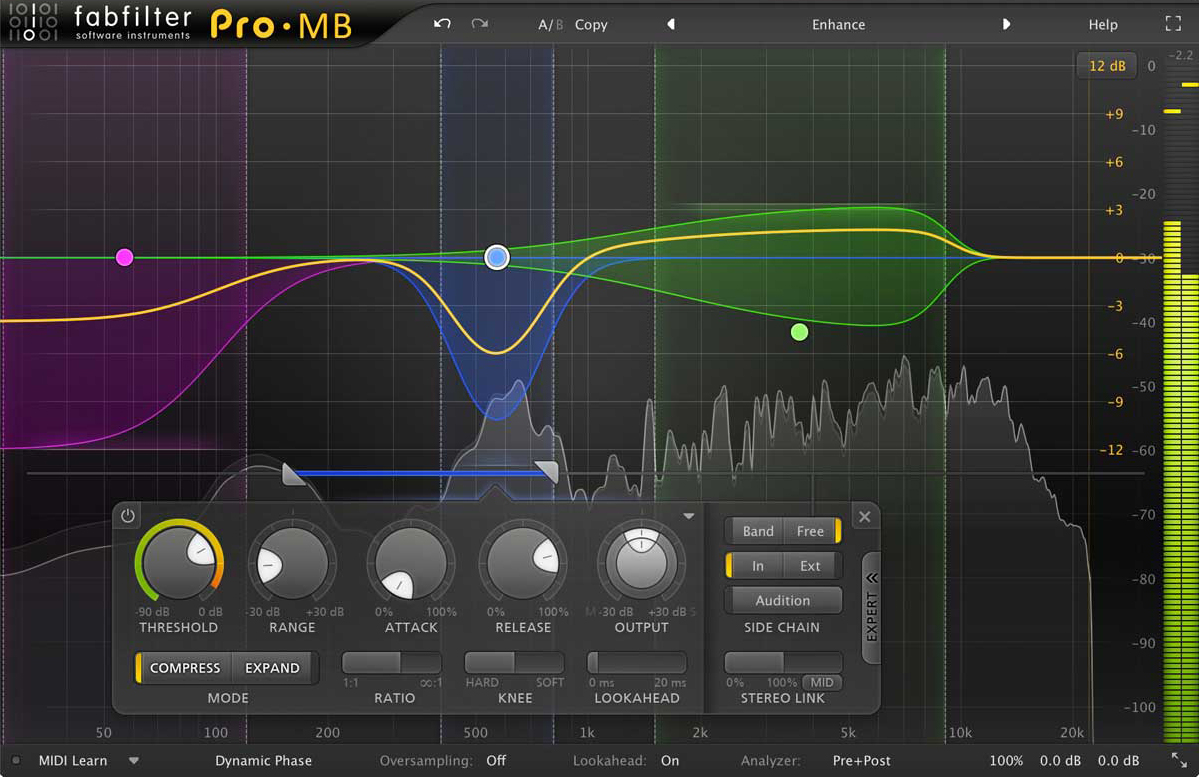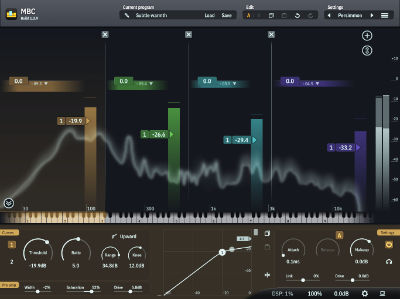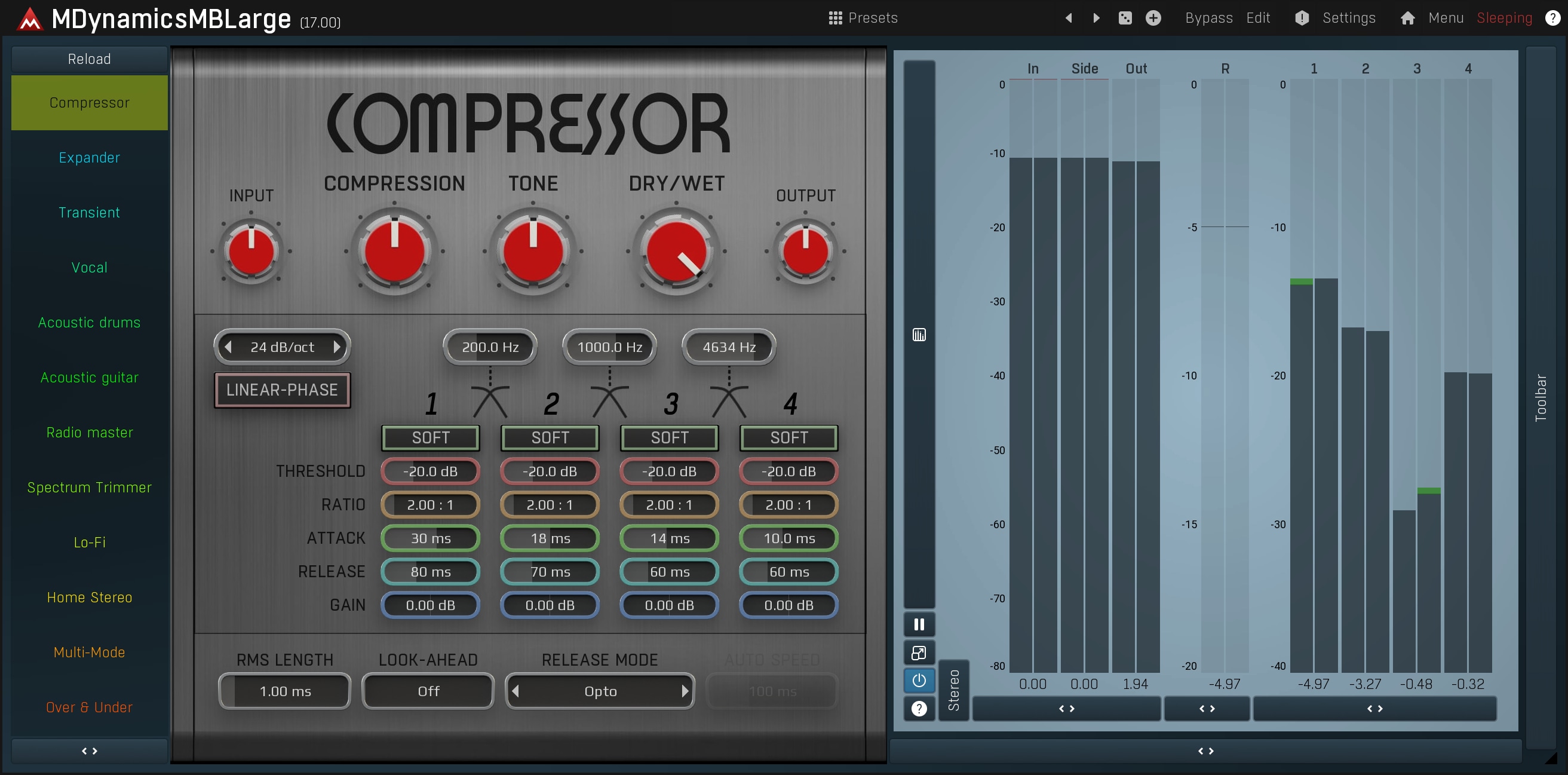
MDynamicsMB is a multiband dynamics processor for shaping different parts of an audio signal separately. It can split audio into as many as six configurable bands. Each band can compress, expand, gate or use a custom processing shape. This suits mixing and mastering work where one part of a signal needs different dynamic control from the rest.
Choose how the signal is divided
For conventional multiband work, frequency crossovers separate low, middle and high ranges. MDynamicsMB offers analog, linear-phase and hybrid crossover types. Most analog crossovers add no latency but shift phase; the 6 dB/octave crossover is the zero-phase exception. Linear-phase and hybrid crossovers avoid phase shift but add latency. Steeper analog slopes increase band separation and can produce more phase shift, which may affect bass-heavy or percussive material.
The MDynamicsMB manual also documents crossovers based on level, panorama, mid/side position, spectral content and transients, as well as parallel and serial modes. These let you process a signal according to its level or stereo position, or separate dominant frequencies and transient content from other material. In parallel mode, every band receives the full input, so the combined output level can rise. In serial mode, the signal passes through bands in sequence, and if individual bands add latency, those delays accumulate in sequence.
Shape the detector and processing
Each band has its own dynamics controls and can use an internal side-chain equalizer or a routed external side-chain signal. The internal equalizer changes what the detector responds to, not the processed output directly. For example, filtering the detector toward sibilant frequencies can target de-essing, while a filtered detector can make compression respond to a selected part of a drum recording. External side-chain use depends on the routing available in the host.
Detector options include peak and RMS behavior, adjustable attack and release, automatic release modes, peak hold and look-ahead. Look-ahead can help a processor respond before a transient reaches the output, but it adds latency. The plug-in also includes dry/wet control for parallel compression and automatic gain compensation to help compare settings at similar output levels. When each band's level touches its threshold and temporary gain is at 0 dB, changing temporary gain changes the amount of compression while approximately holding the output level steady; the manual notes that this match cannot be exact.
Choose a quick or detailed workflow
The Easy screen presents a smaller set of macro controls, while the Edit screen exposes the full parameter set. This gives preset-based adjustments a simpler starting point, with crossover, detector and processing-shape controls available for more detailed work. A-to-H switching provides up to eight settings to compare, and A-to-D morphing blends the first four using an X-Y pad.
Compatibility, licensing and price
MeldaProduction lists Windows 10 or 11, 64-bit, with VST, VST3 or AAX hosts and an Intel or AMD processor with SSE2 support. On macOS 10.14 or newer, it lists 64-bit VST, VST3, AU and AAX hosts, with Intel, AMD or Apple Silicon processors. Linux is not directly supported; Melda says the plug-ins may work through Wine if the .wine/drive_c/windows/Fonts/ directory contains Microsoft TrueType fonts before installation. Check the MDynamicsMB support page and system requirements for compatibility details, and use the available trial to check your setup.
MeldaProduction's product page lists a regular price of €149 and offers a trial. It says purchased software receives free updates, and that licenses are assigned to a person for use on that person's computers. The feature page says activation does not require a dongle or internet connection.