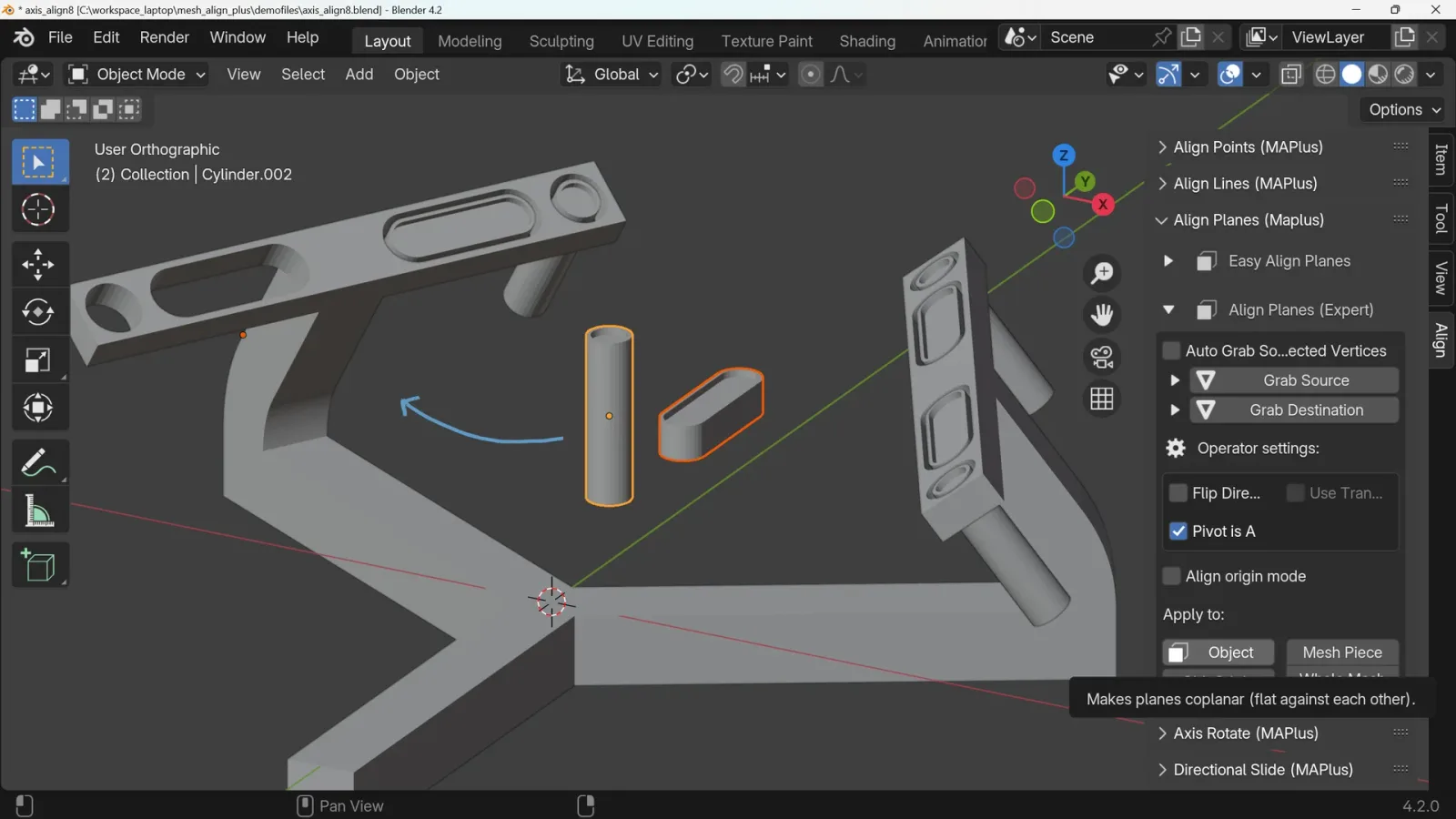
Mesh Align Plus is a Blender add-on for aligning objects and mesh fragments from geometric references in a scene. It uses alignment keys, defined as points, lines, or planes, to position a target against another feature or apply a measured move or rotation. Its tools work between objects and on selected geometry while modeling.
How geometry-based alignment works
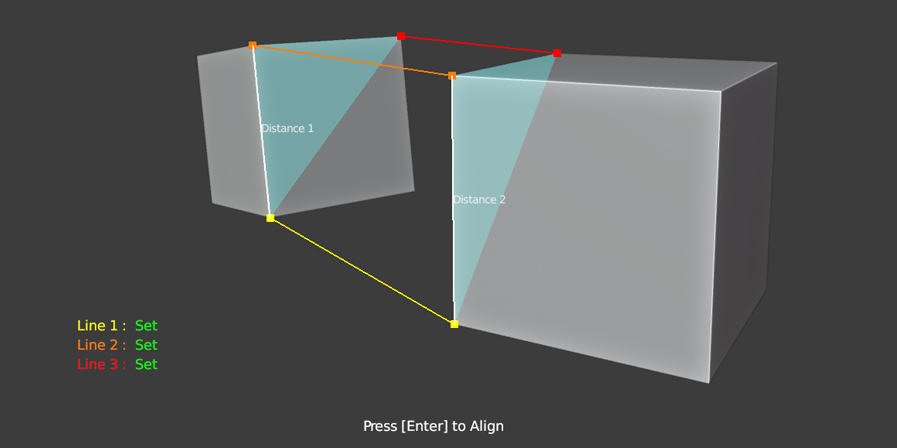
An operation starts with a source key that describes the feature to align. For alignment to another reference, a destination key describes where it should go. The target is the object, objects, or mesh piece that receives the transformation. A point key uses one point, a line uses two, and a plane uses three.
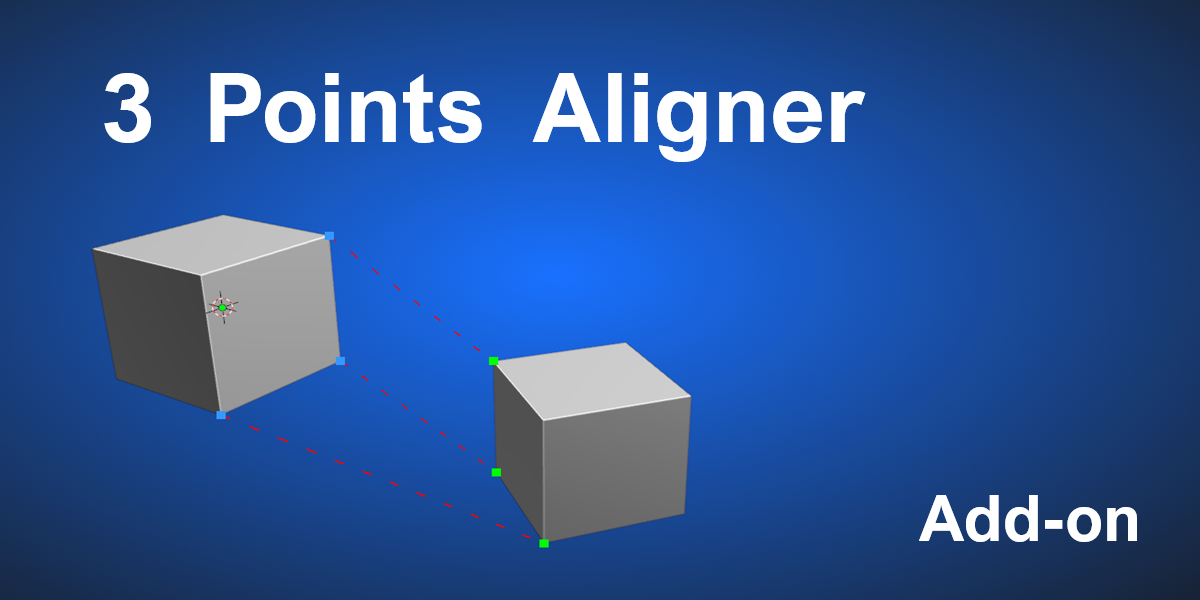
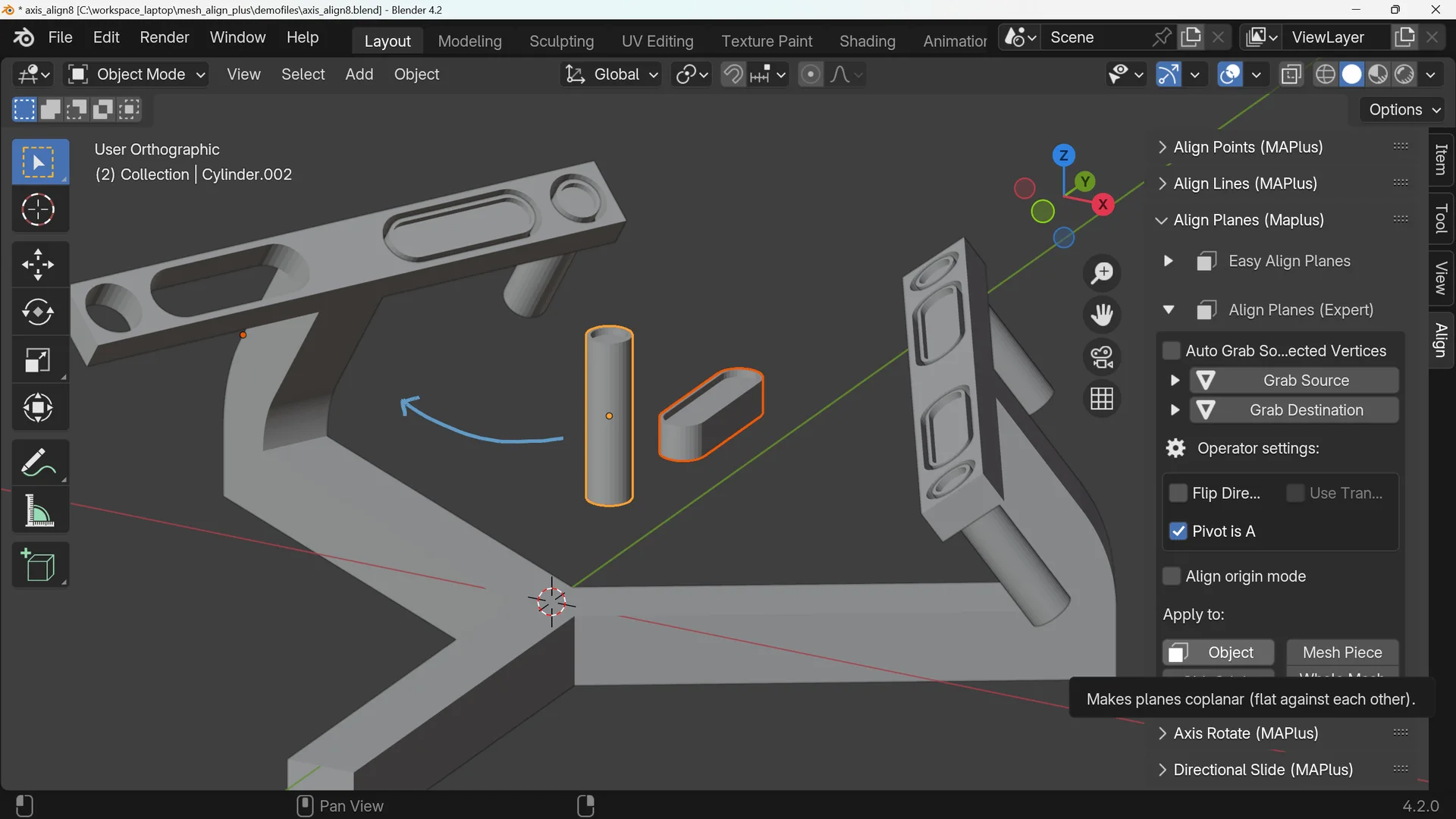
Easy Mode handles common alignments with fewer steps. To bring two flat features together, select three vertices on the surface to move and start an alignment, then select three vertices on the reference surface and apply it. Vertex selection order can affect the plane's orientation. After installation, the tools appear in the 3D View sidebar's Align tab.
Expert Mode lets you define the source, destination, and target independently, edit key points, and use alternate data such as averaged vertex positions or face normals. It gives more control when a key uses vertices from multiple objects. The developer wiki warns that multi-object edit's Grab All can behave unexpectedly when a key's vertices come from several meshes, so Expert Mode is a better fit for that setup.
Tools for alignment and measurement
- Align Points matches point positions; Align Lines makes source and destination lines collinear, aligning their starting points; Align Planes makes surfaces coplanar, with the first two points in each plane key aligning the leading edges and determining the target's location and rotation.
- Axis Rotate turns a target around a chosen line. Directional Slide moves a target along a defined line, and Match Edge Scale scales a target until its source and destination line lengths match, pinning the first point during scaling.
- Distribute Objects arranges objects between start and end references. Align Objects matches selected objects to the active object's location and orientation.
The Calculate and Compose panel measures line angles, lengths, distances, and face normals, and can find intersections between lines and planes. The Geometry Manager stores reusable alignment keys.
For object targets, Mesh Align Plus can change object placement while leaving the underlying mesh data unmodified. The developer describes it as a precision-modeling tool for hard-surface, mechanical, architectural, and CAD/CAM workflows.
Compatibility and documentation
The Blender Extensions listing records version 1.1.0-rc.1, a minimum Blender version of 4.2.0, maintainer BitByte, and the GPL-2.0-or-later license. Check the listing for the package details before installing. The developer wiki documents the workflows and individual tools.