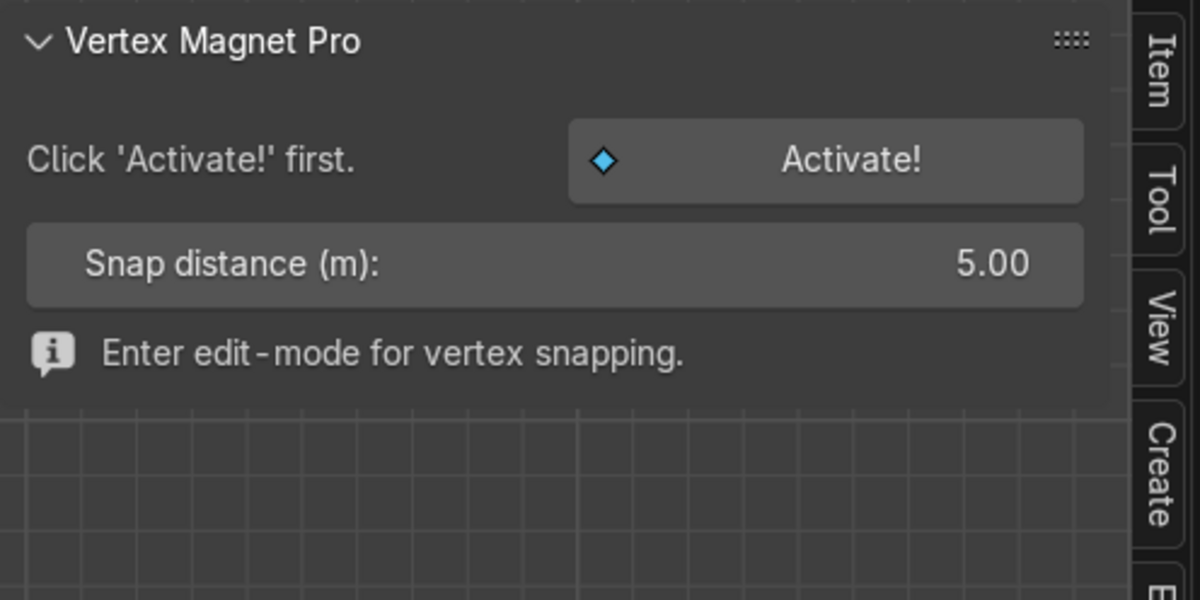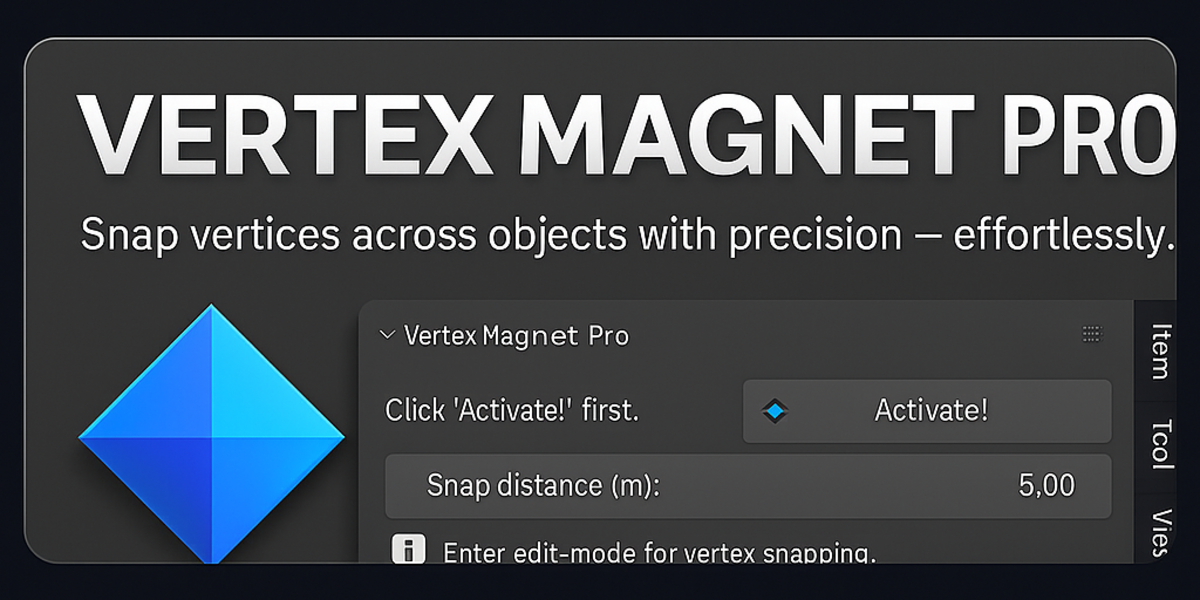
Vertex Magnet Pro is a Blender add-on by Shahzaib A. for snapping selected vertices between mesh objects by proximity. It works in Edit Mode, with controls in the 3D View sidebar under VertMag Pro.
Proximity snapping and distance control
The add-on matches each selected vertex to its closest match on another object. Set the snapping distance from 0.01 m to 100 m to suit the scale of the alignment task. An Activate button prepares the object, and helper messages in the panel provide feedback as you work.
The add-on is intended for modeling, cloth cleanup, retopology, and technical mesh alignment.
Install and use the add-on
- In Blender, go to Edit > Preferences > Add-ons > Install, select
VertMag_Pro.zip, and enable Vertex Magnet Pro. - In the 3D View, open the sidebar with N and choose the VertMag Pro panel. Press Activate to prepare the object.
- Use the selected object as the reference target, then select the source vertices in Edit Mode.
- Adjust Snap Distance if needed, then click Snap Vertices.
The product documentation describes the installation and snapping steps. Check the seller's listing for the current product details.
Compatibility and license
The seller lists Blender 4.0 to 5.1 compatibility, marks the add-on as Blender Extension Compatible, and identifies its license as GPL. These details may change, so check the listing for the version you use.