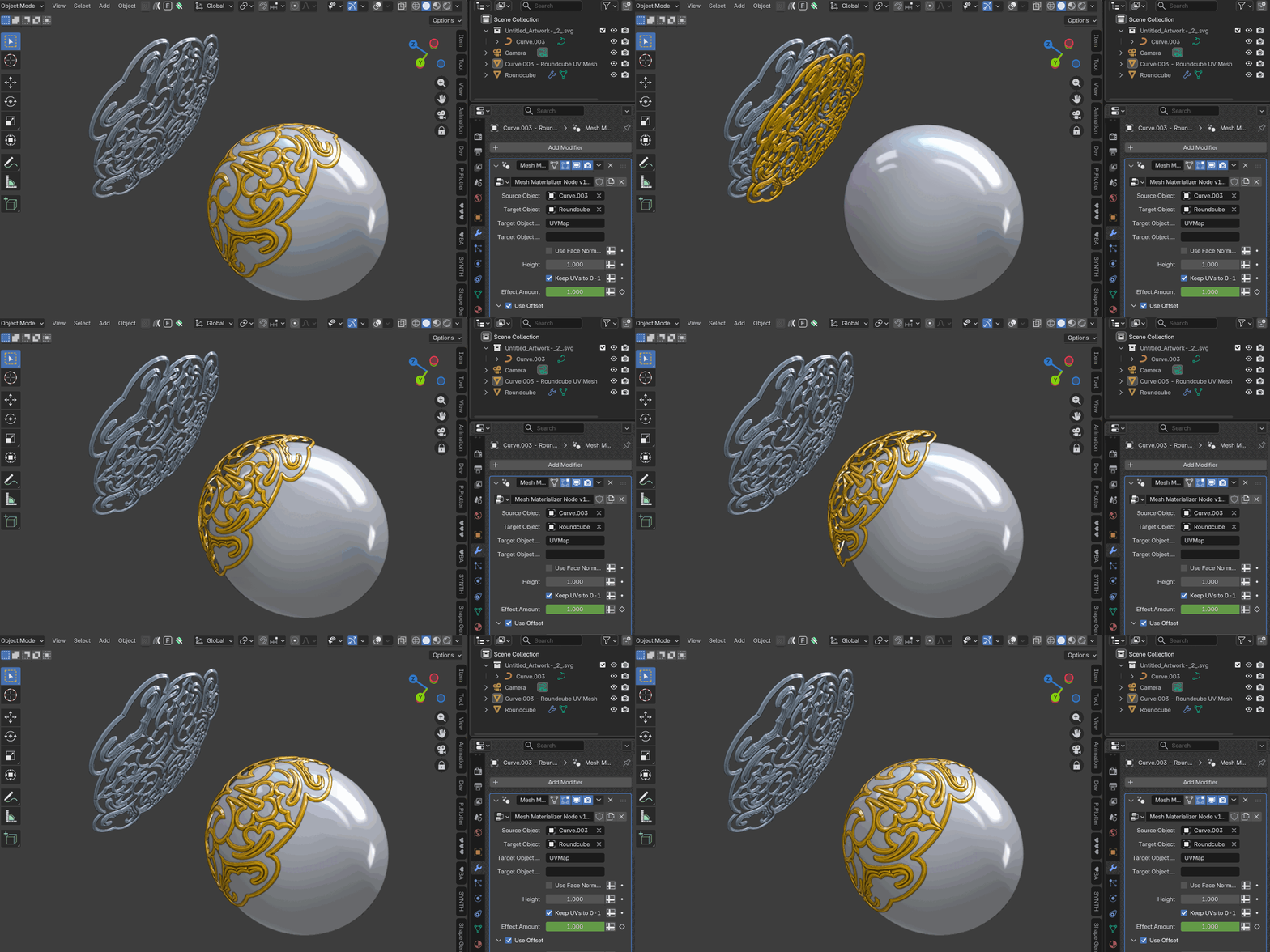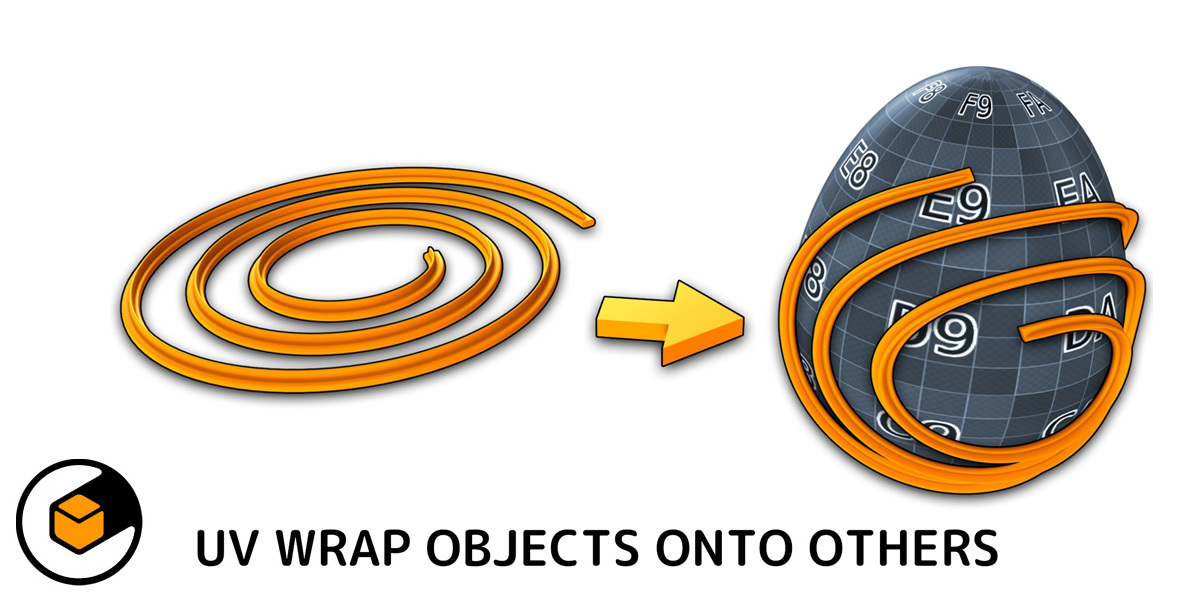
Mesh Materializer is a Blender add-on by Mark Kingsnorth for wrapping one object across another object's surface, guided by the target object's UV map. It adds a dedicated modifier so you can place source geometry on a target while keeping the original objects available for further edits.
How the UV-based wrap works
A right-click menu starts the operation. The add-on maps the source object's X direction to the target UV map's U direction and its Y direction to V. It transfers the source object's UVs and materials to the new object. You can adjust the object's height above the target, then position, scale, and rotate it on the surface.
Preview Mode unwraps the target's UVs to help with placement. Changes to the original objects update the result in real time, and the modifier can be combined with other Blender modifiers. Since the source object's directions map to U and V, plan its orientation along with the target's UV layout.
Examples and UV limits
Examples include a tyre pattern wrapped around a cylinder, a badge placed on clothing, brick geometry controlled by a vertex group on a wall, greebles on a tube, and a plating effect on a pipe. These examples use the target surface's UVs to guide where the source geometry appears.
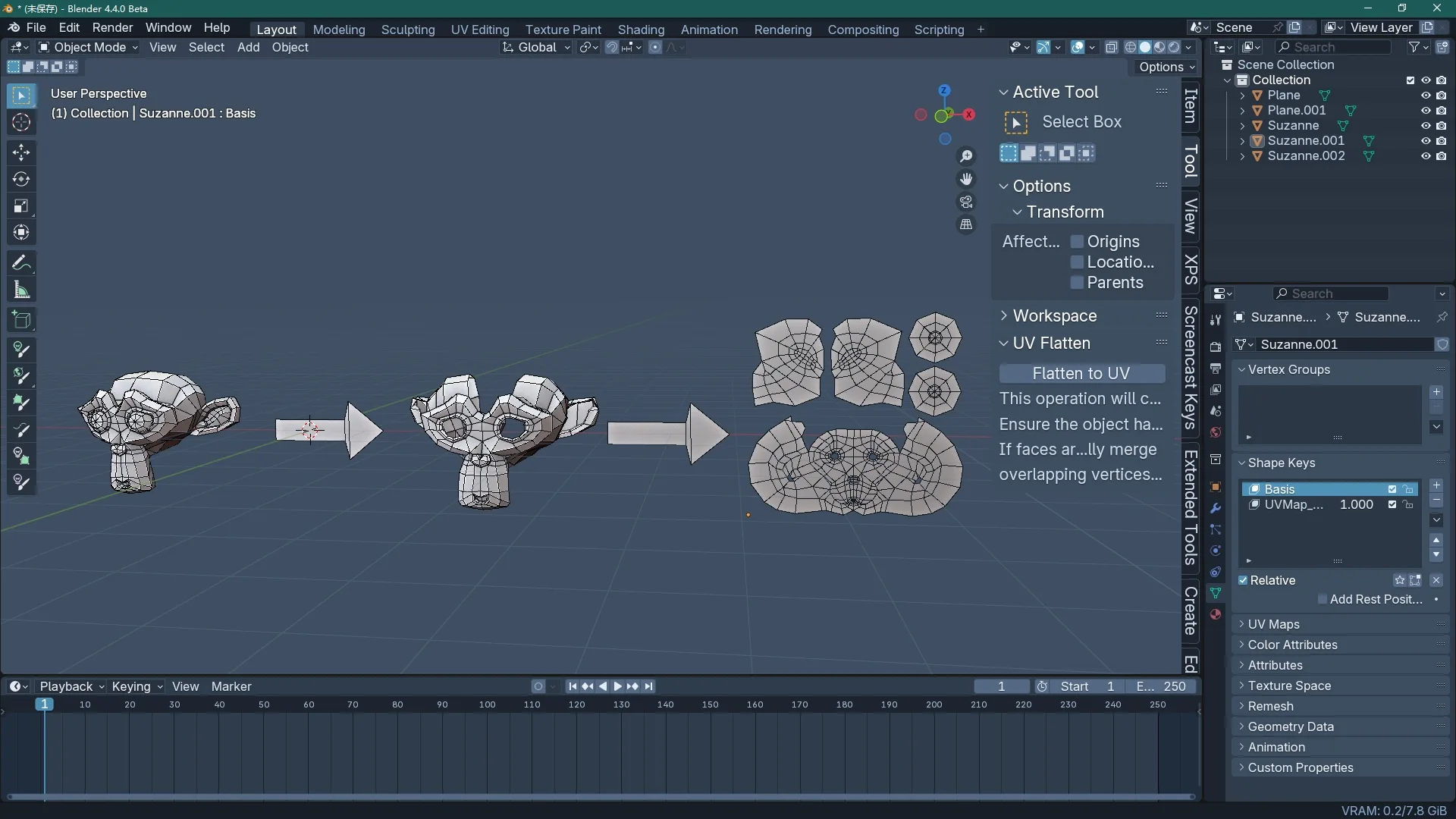
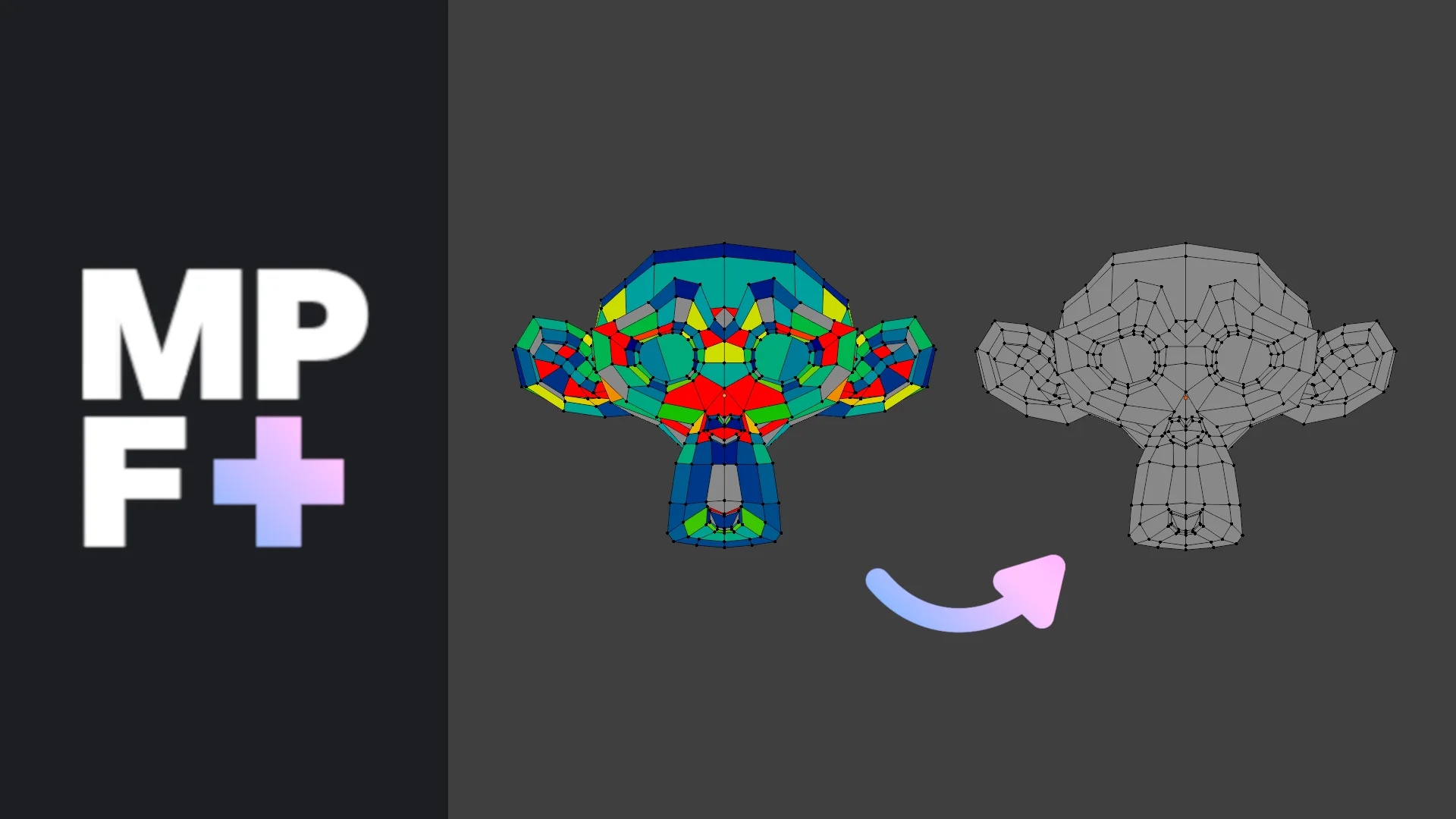
The add-on assumes some familiarity with UV maps and currently does not work with overlapping UVs. Check the target's UV layout before using it. The developer links to the separate UV Squares add-on as a tool that can help create square UV maps.
Editing, export, and compatibility
The underlying source and target objects are not affected. After applying the modifiers, the result is a regular Blender object that you can edit or export. The Superhive listing reports Blender 3.4 through 5.3 compatibility, marks the add-on as Blender Extension compatible, and lists a GPL license. The supplied AnyPlugins listing gives a different upper Blender version, 5.2. Check the current Superhive listing and the product documentation for the version that matches your installation.