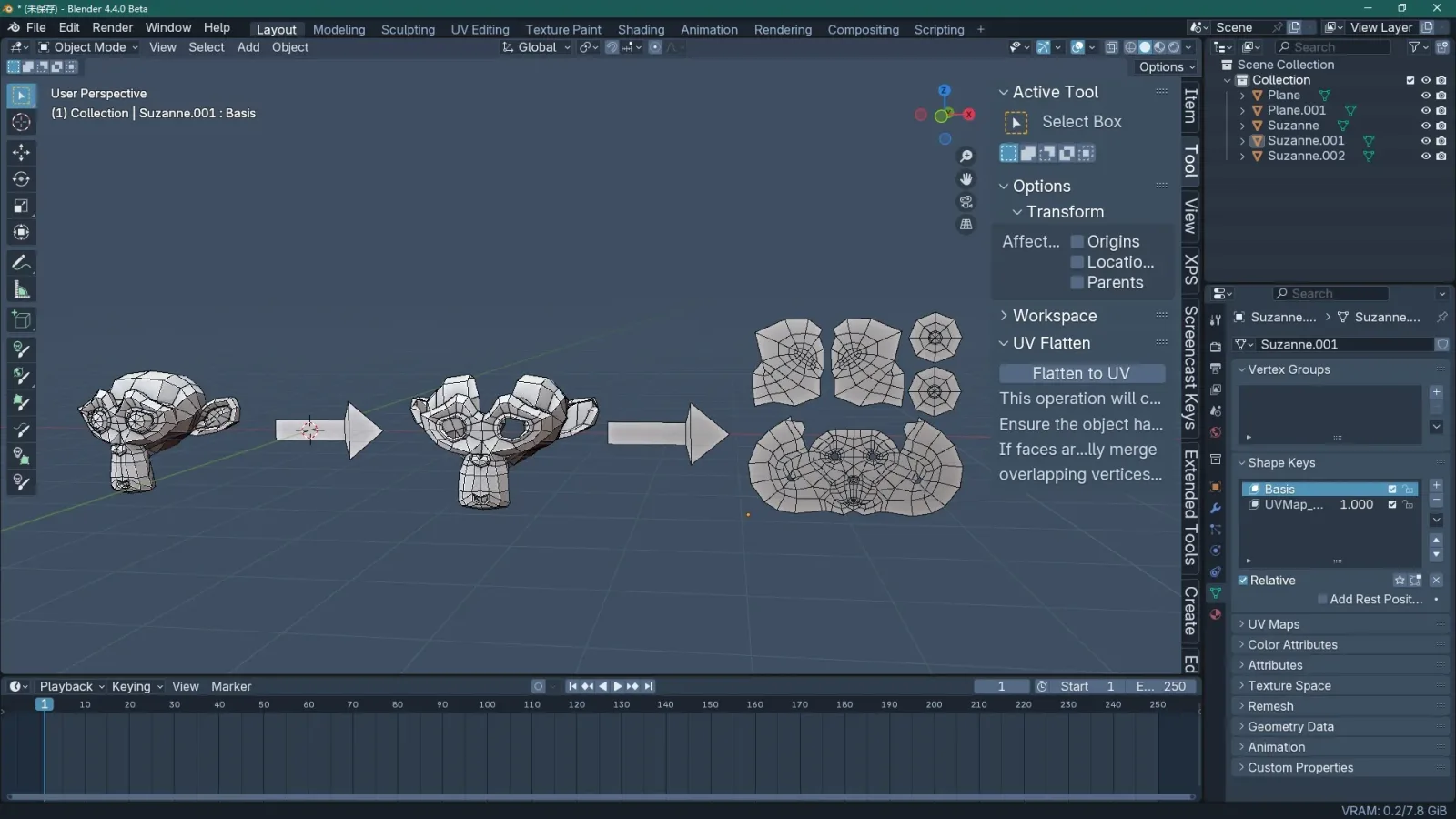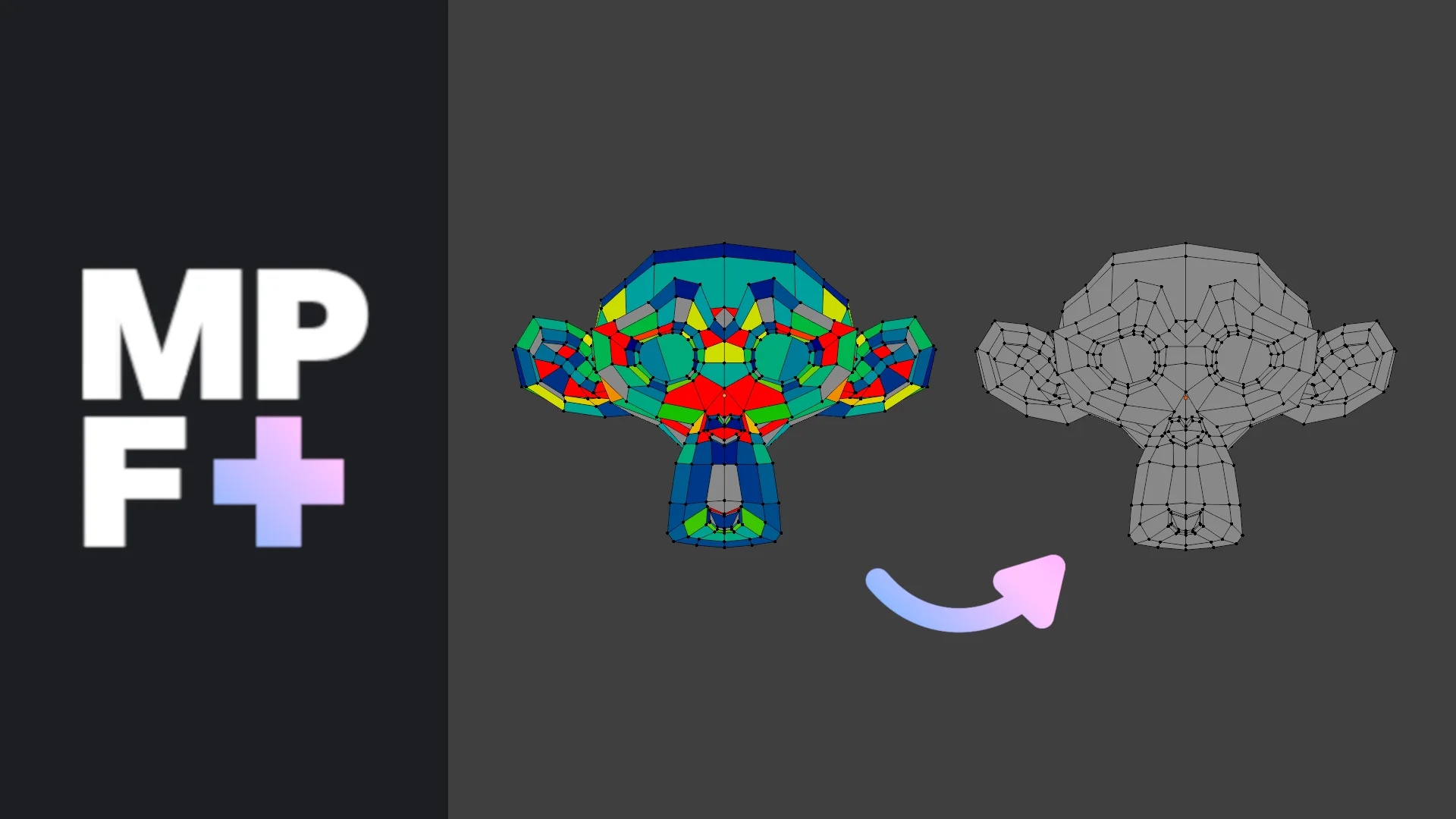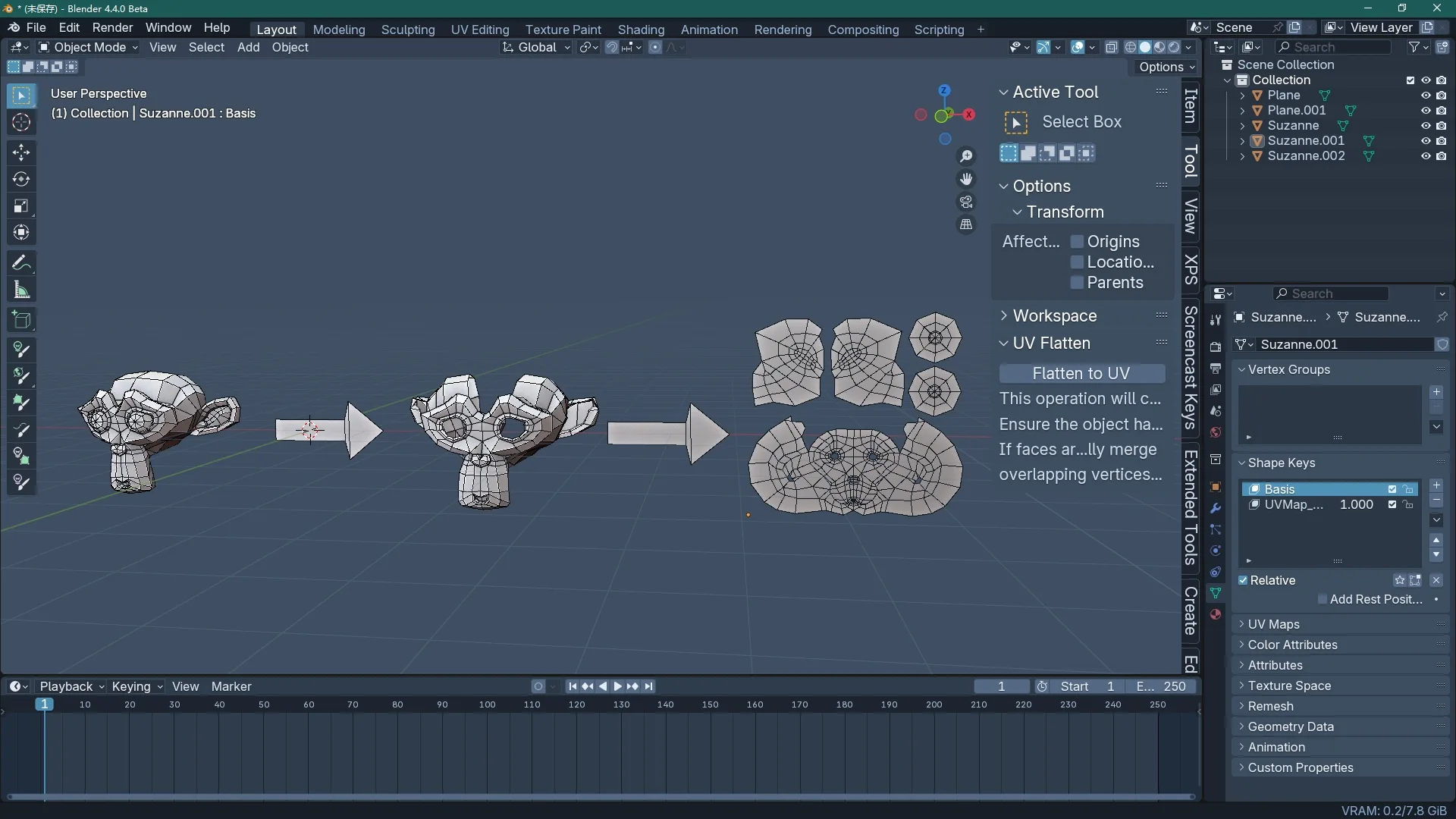
UV_Flatten_Tool takes a mesh’s active UV coordinates and stores the flattened result as a shape key. You can adjust the shape key to preview the flattened form, then use it for further tweaking or animation.
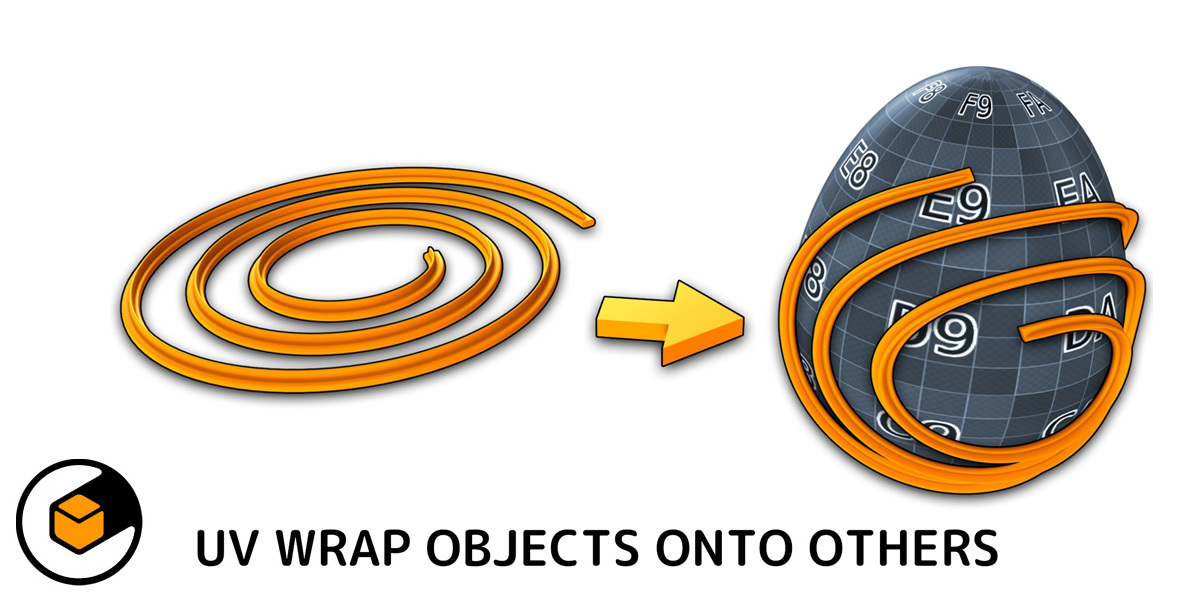
The developer notes that Blender Geometry Nodes can produce a similar result.
Flatten a mesh from its UVs
- Select a mesh object that has a UV map.
- Run the add-on’s flattening action from Blender’s Object menu.
- Choose Use Existing Seams to rely on seams already marked on the mesh, or Generate Seams to have the add-on create seams.
- Confirm the operation, then adjust the resulting shape key in the Shape Keys panel to preview the effect.
The operation modifies the original model, so make a copy of your file before running it. The developer’s README also notes that older files may need to be copied into a new scene when using Generate Seams.
Compatibility and project details
The Blender Extensions catalog lists version 1.1.0 with Blender 4.4.0 as the minimum version. It identifies the maintainer as maylog and the license as GPL-3.0-or-later. Check the Blender Extensions listing for release details and the developer’s repository for the workflow notes.