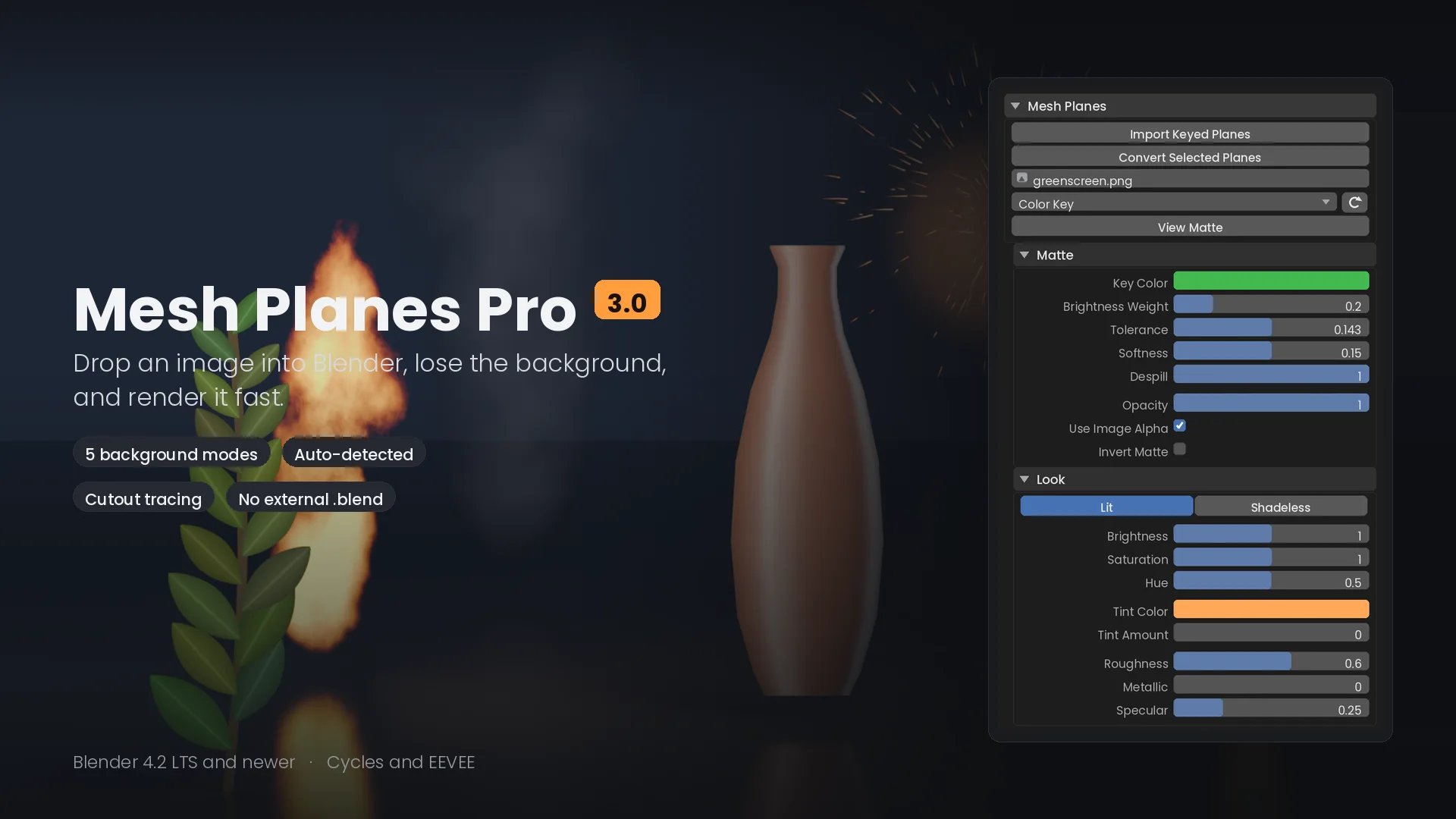
Mesh Planes Pro 3.0 is a Blender add-on for keying backgrounds on image planes and adjusting their materials. It supports dark and light backgrounds, color keying, images with alpha, and additive glow. You can import or convert planes, then use its controls in the 3D Viewport or Shader Editor.
Choose a background mode
The add-on has five modes: Dark Background for images such as fire or sparks on black; Light Background for ink, sketches, or product shots on white; Color Key for green, blue, or other flat-color backdrops; Image Alpha for files that already have transparency; and Additive Glow for images that should add light.
Auto Detect samples the image border and sets a mode, key color, and cutoff. It runs during import or conversion, and you can run it again later. For color keying, the release notes describe a luma-weighted chroma key with despill to reduce color from the backdrop around the subject. View Matte displays the matte in black and white to help you inspect its edge.
Import and prepare keyed planes
Import Keyed Planes accepts images, movies, and image sequences. You can select several files and set their alignment, height, origin, and spacing. Dragging an image into the 3D Viewport also creates a keyed plane. Convert Selected Planes adds keying to existing image planes while keeping their images.
Save Keyed PNG bakes the matte into a PNG with transparency, with an option to replace the image in the material. Copy Settings to Selected applies the active plane's look to other planes. Face Camera adds a tracking constraint that you can remove by pressing the control again.
Adjust shading and material settings
Mesh Planes controls appear in a tab in both the 3D Viewport and Shader Editor. The visible controls depend on the selected background mode, and settings can be keyframed from the sidebar. They include color grading, roughness and metallic controls, existing or image-generated fake normals, bump strength, and emission controls. Relief adds bump from image brightness; it does not change the mesh silhouette. Glow adds overall or highlight-only emission.
A separate render settings panel groups blend mode, transparent shadows, backface culling, shadow casting, and Cycles' transparent bounce limit. Shadeless shading is available for plates that should ignore scene lighting while still casting and receiving shadows.
Trace cutouts for still images
Trace Cutout replaces a rectangular plane with a mesh around the visible part of the image. This can reduce how many transparent pixels the renderer shades, which is useful when transparent planes overlap. The original plane stays on the object, so you can trace it again or use Restore Plane.
Tracing requires a flat plane with a straight UV map, such as one made by Mesh Planes Pro or Blender's Images as Planes. The add-on can key movies and image sequences, but it cannot trace them because their silhouettes change from frame to frame.
Version and upgrade notes
Version 3.0 supports Blender 4.2 LTS and newer, with Cycles and EEVEE. The Blender Extensions listing declares file access for importing images and videos and saving keyed PNGs. It also lists the add-on under the GPL-3.0-or-later license. Check the Blender Extensions listing for current compatibility and downloads.
Version 3.0 generates shaders in Python instead of loading a shipped .blend library. To upgrade a material from 2.x, open the old file and use Upgrade from 2.x; the panel also shows an upgrade option when it detects an older material. The upgrade carries over the image and supported material settings. Nothing changes until you choose to upgrade. The release notes say the 2.x HDR ramp was wired to a slider rather than the image, so it did not vary with image brightness; version 3.0 maps those settings to highlight-threshold glow.