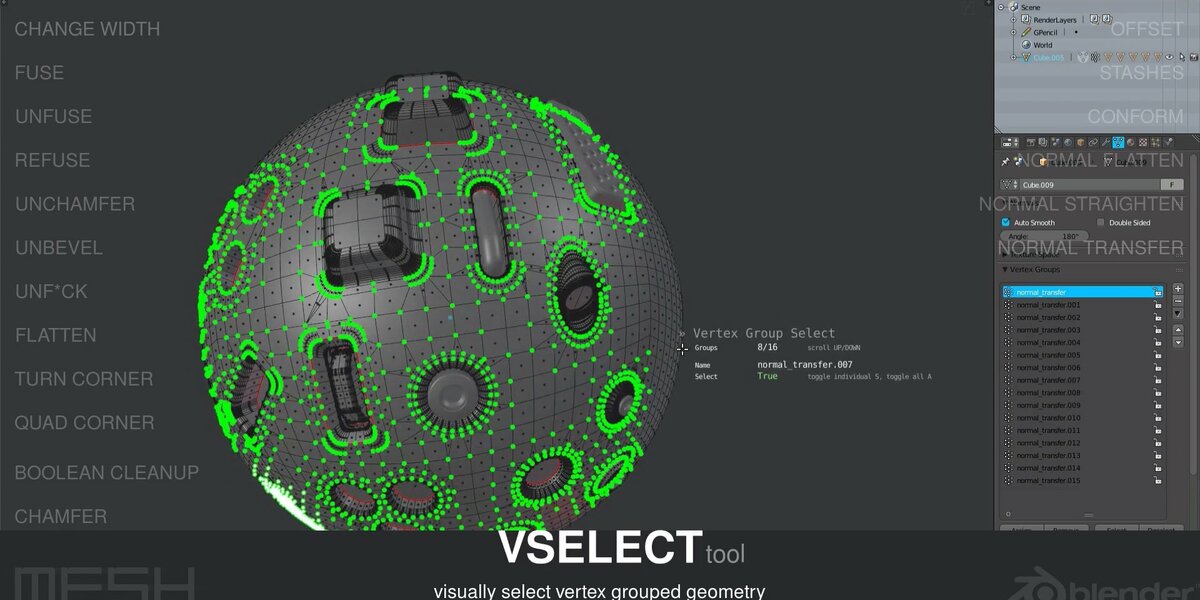
MESHmachine is a Blender mesh modeling add-on by MACHIN3 for hard-surface work without subdivision surfaces. Its tools focus on reshaping bevels and chamfers, adding surface details, and editing custom normals. The Superhive listing identifies the license as GPL and currently lists Blender 4.2 to 5.3. The catalog lists version 0.20.1; check the MACHIN3 documentation and listing for current installation details.
Reshape chamfers and bevels
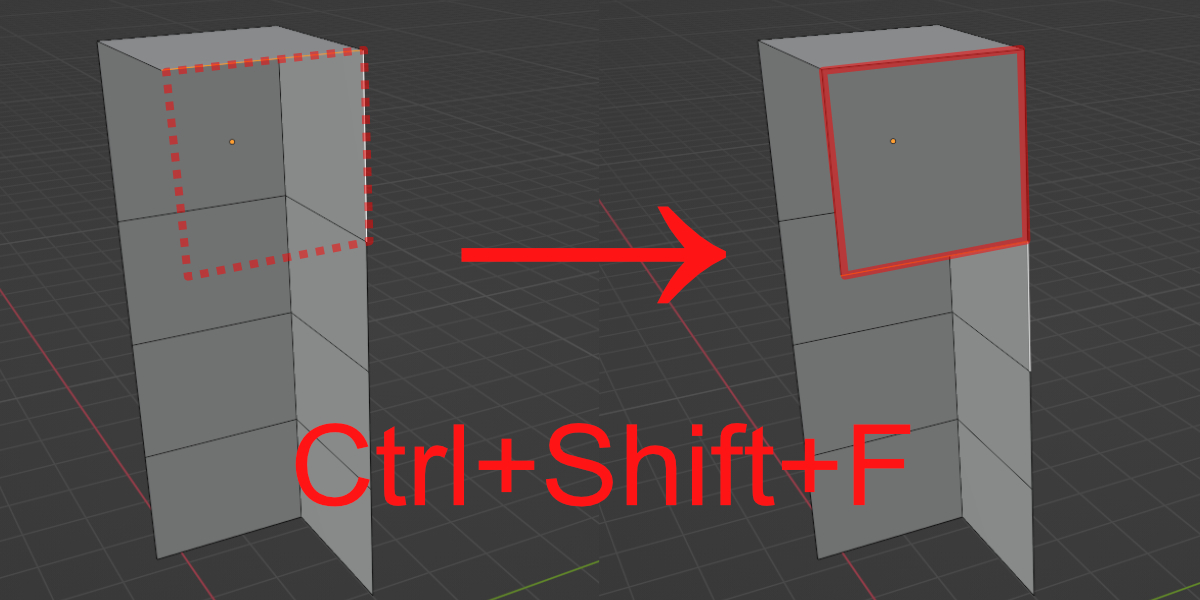
MESHmachine's Fuse tool turns a chamfer or flat bevel into a rounded surface. It can create fillets with changing radii and washouts, where a rounded surface tapers away. Unfuse turns a curved surface made with Fuse, Bevel, or Bridge back into a chamfer. Refuse combines Unfuse and Fuse so you can adjust an existing surface. Fuse uses a polygon strip along the chamfer; Unfuse and Refuse use a strip across a surface made with Fuse, Bevel, or Bridge.
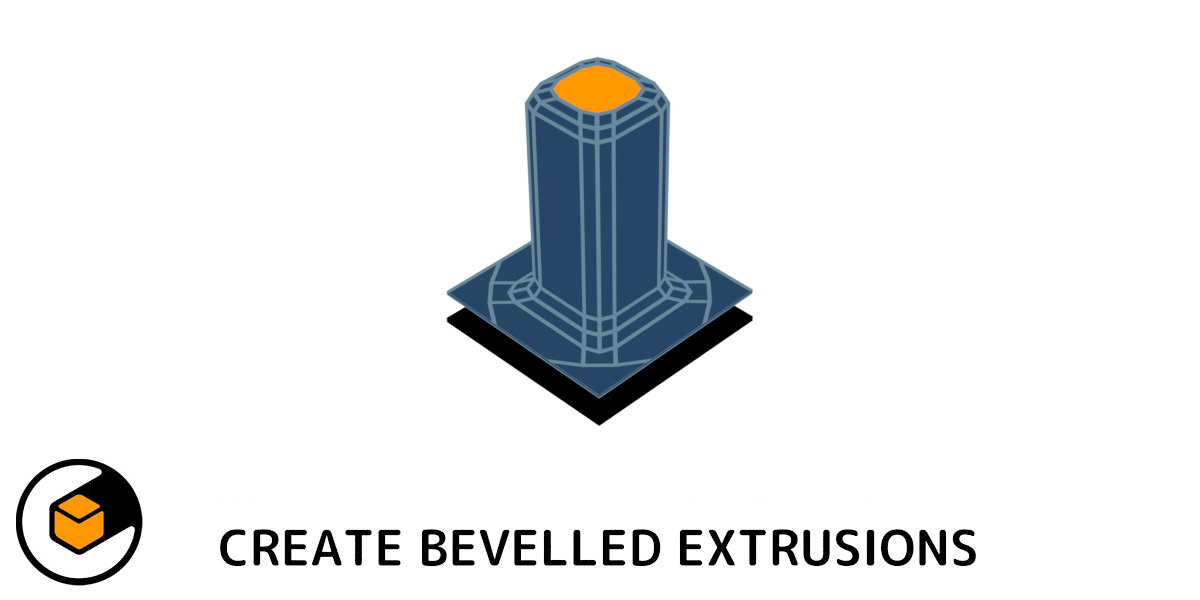
Other tools change the width of a chamfer or bevel, edit existing bevels, and return beveled edges to a hard state. These operations are useful when a model's edge treatment needs adjustment after the initial geometry has been created.
Add details with plugs and stashes
Plugs let you place mesh details on a surface. You can make your own plugs and organize them into libraries. Stashes preserve earlier mesh states or face selections for later reference by other tools, including normal transfers. Custom plug assets stored inside the add-on folder can be lost when that folder is replaced during an update.
Edit normals and clean up geometry
MESHmachine includes tools for flattening or straightening custom normals and for symmetrizing a mesh with its custom normals. It can also clean up applied booleans by adding perimeter loops around intersections. These tools address shading and topology tasks that often come up alongside hard-surface edge work.
Who may find it useful
MESHmachine is suited to Blender artists who work directly with mesh geometry and need more control over chamfers, bevels, fillets, and surface detailing. Its Fuse and Unfuse workflows depend on selecting polygon strips, so familiarity with mesh selection and Edit Mode will help. If your work does not involve hard-surface edges or custom surface details, much of the toolset may be unnecessary.